
Gothic 1 Remake: How much RAM do I need?
Last but not least, let's take a look at the RAM requirements for Gothic 1 Remake and wrap things up.
In this Article
Is 16 GB of RAM enough?
Finally, let's put the main memory through a test. We'll focus on the Radeon RX 6700 XT, since the graphics card itself is relatively insignificant. However, a copy of the graphics memory must also be stored in the main memory, and if the latter overflows, the main memory must serve as an additional reservoir. So the higher the graphics memory usage, the higher the load on main memory tends to be. This is a major difference compared to consoles, which use shared RAM.
On a PC, some data is stored in duplicate across different memory locations. Furthermore, this data must be streamed from main memory to video memory. If main memory is in short supply, the graphics card sits idle while waiting to receive the data needed for the current rendering tasks. We're also focusing on the RX 6700 XT because it offers higher performance, making small variations more clearly visible. Additionally, we're including the P.02 percentile and 0.1% Low Average metrics in our benchmarks. These two metrics allow us to detect even the smallest outliers in the measurement data.
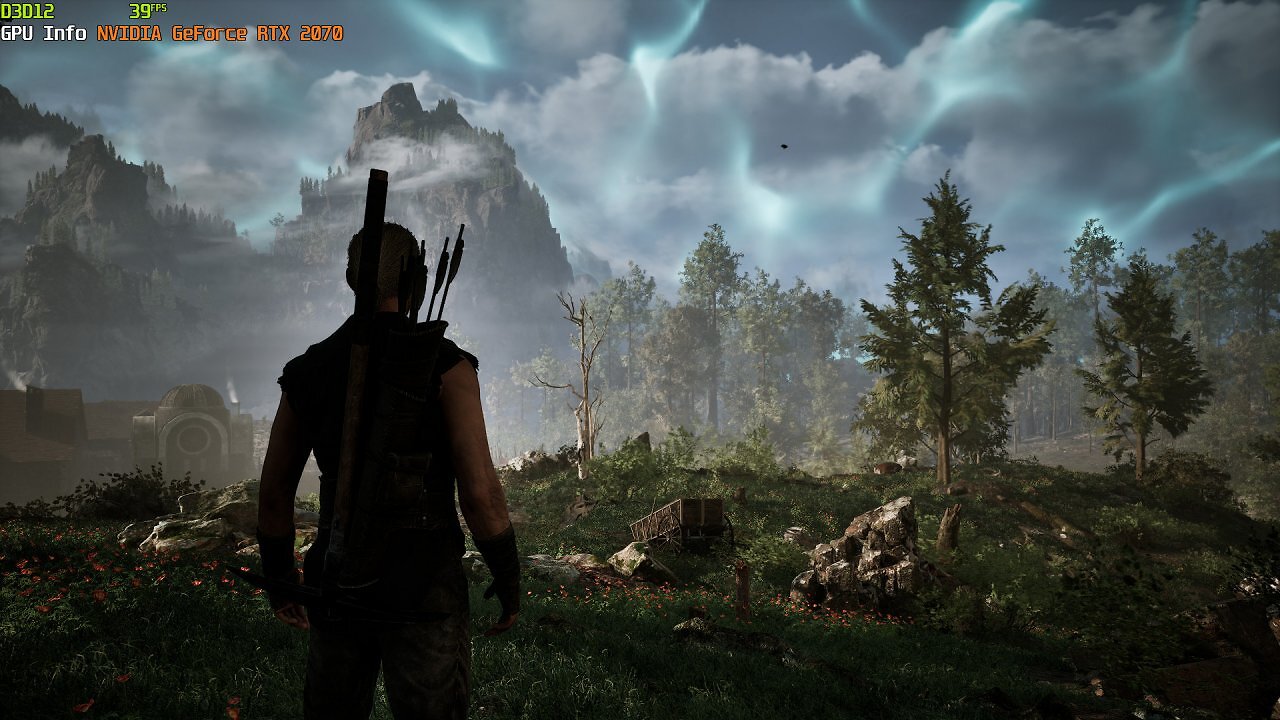
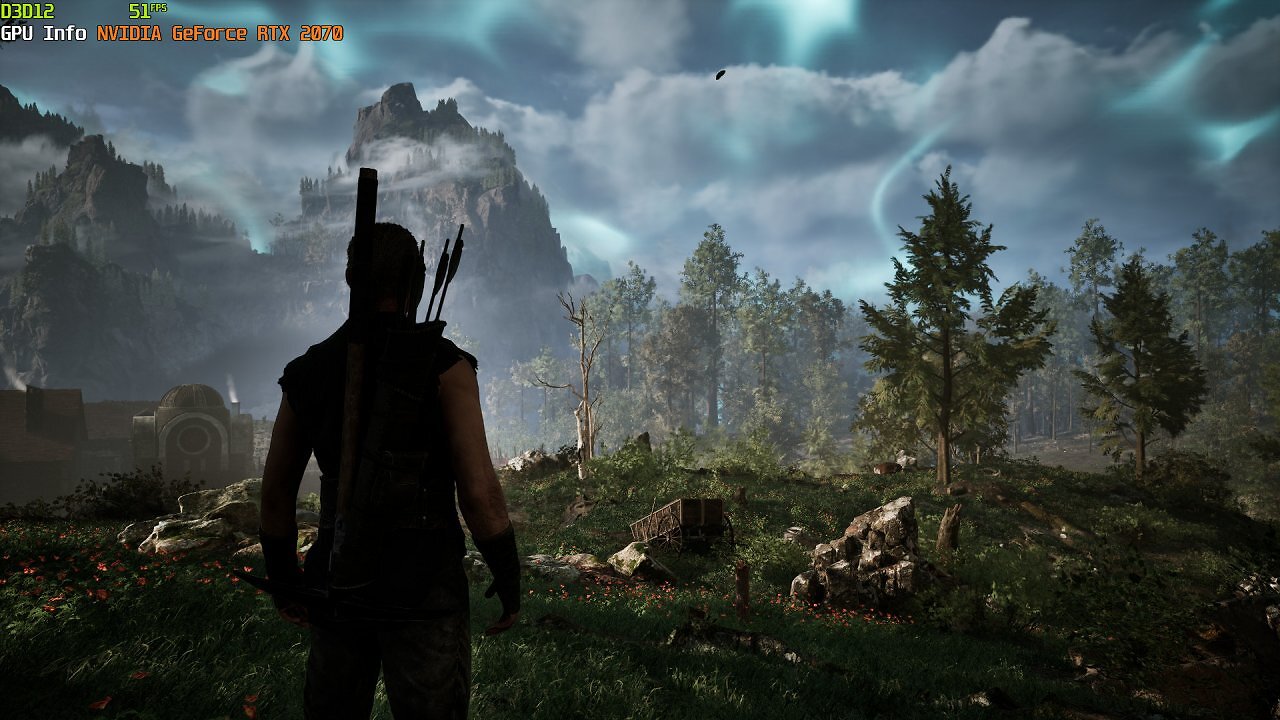
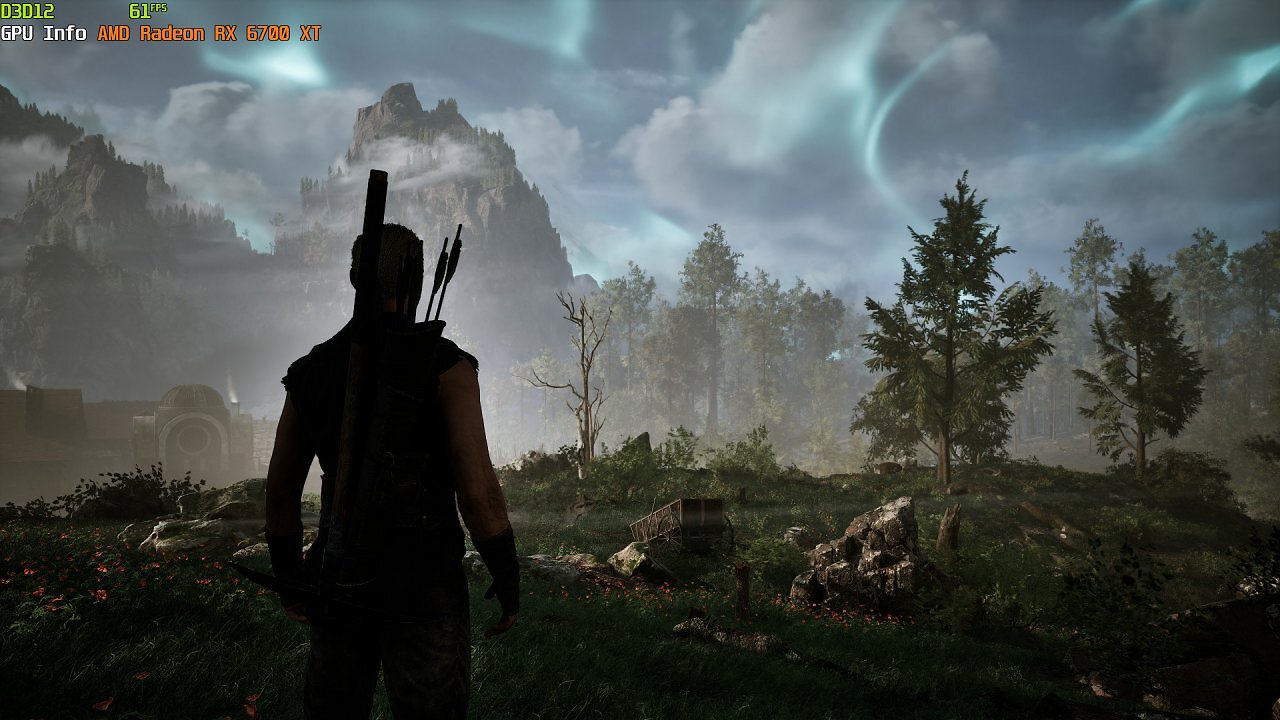
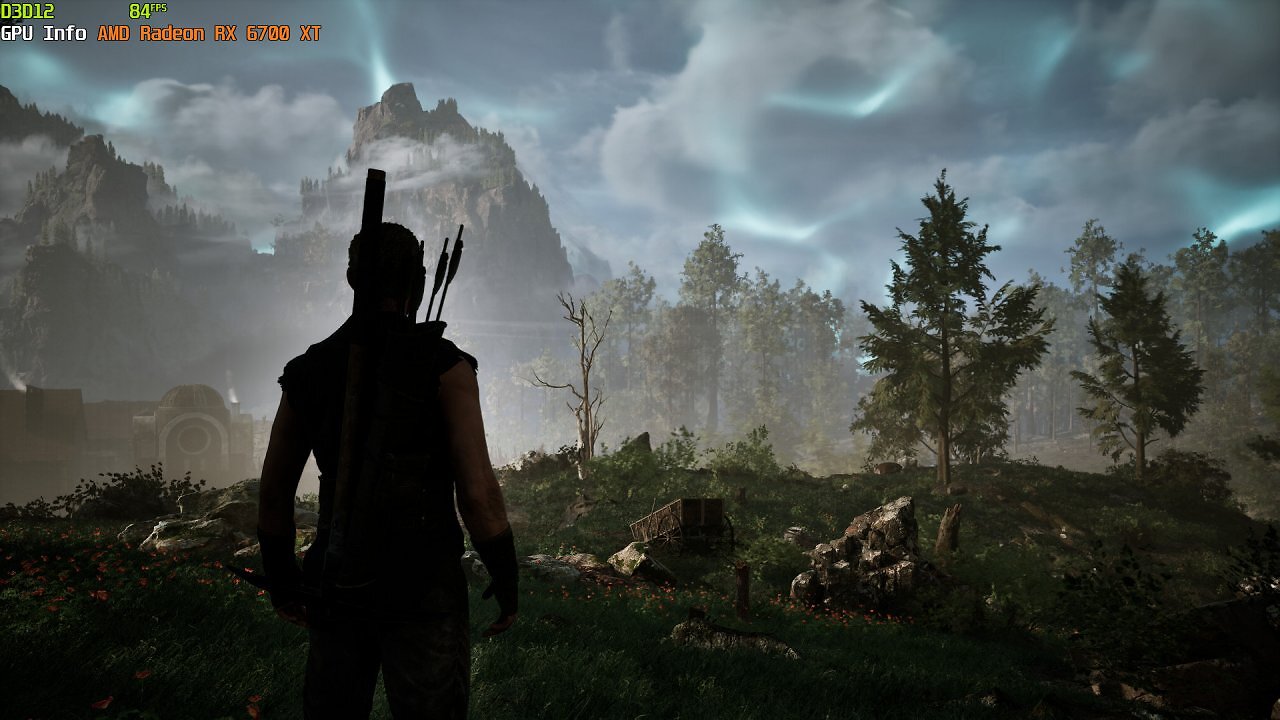
The short answer: If you want to play the latest games and graphics-intensive titles in 2026, you should definitely have 32 GB of RAM in your system—even with reduced settings and at Full HD resolution. The longer answer: This isn't absolutely necessary, especially given current global conditions and the resulting steep prices for DRAM—upgrading is currently less appealing than ever; lucky are those who invested in extra memory early on.
In addition, RAM bottlenecks can be mitigated somewhat. And once again, our build serves as a useful example. With the Alkimia preset and native Full HD resolution, the Radeon RX 6700 XT averages 17.86 gigabytes of RAM usage during a 20-second benchmark run. By comparison: With the RTX 2070, it's a whopping 21.32 GiB—here, the VRAM bottleneck, which causes graphics memory to overflow with "Alkimia Overdose," is evident. By reducing detail settings, the RTX 2070's VRAM limit is alleviated, the main memory is relieved, and the Radeon also sees a decrease in main memory requirements.
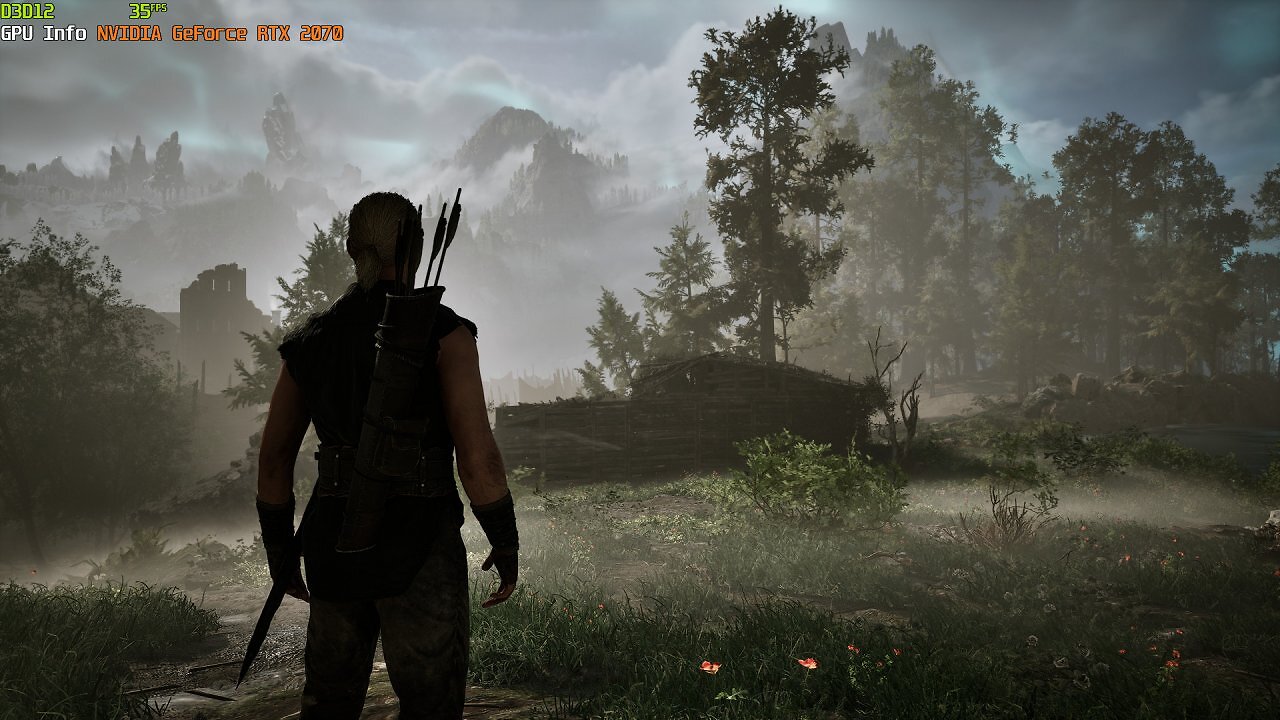
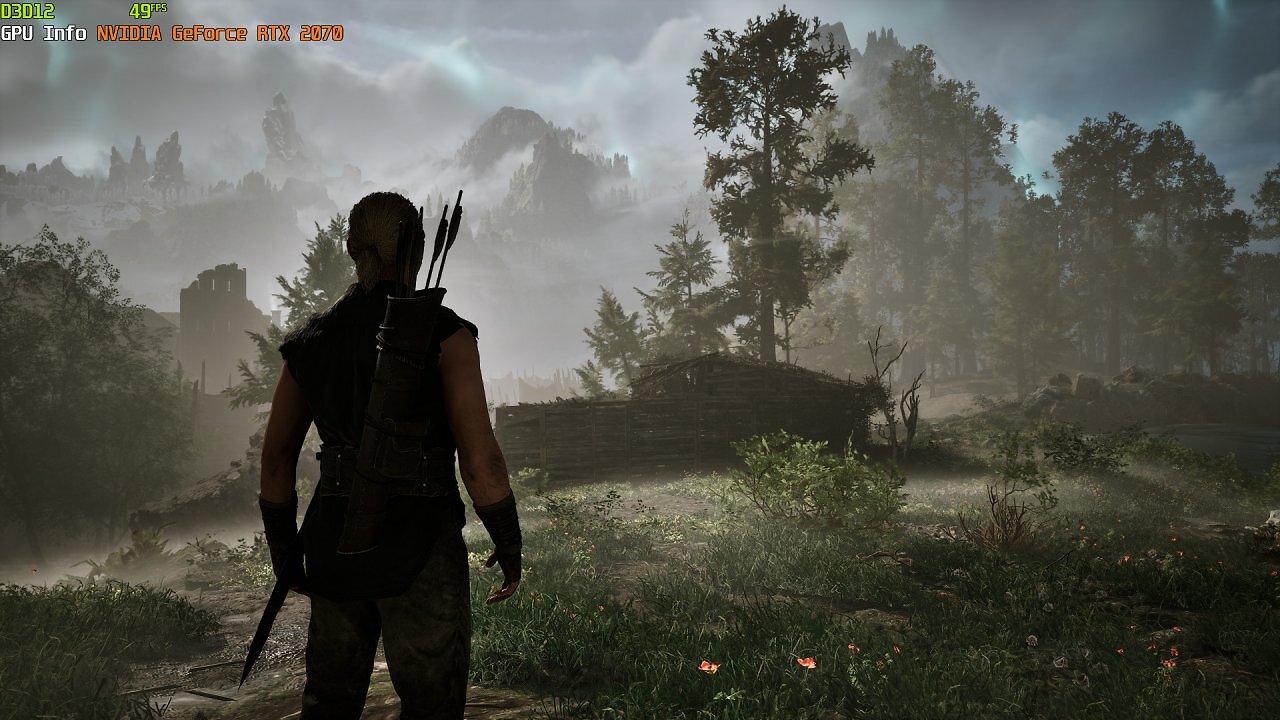
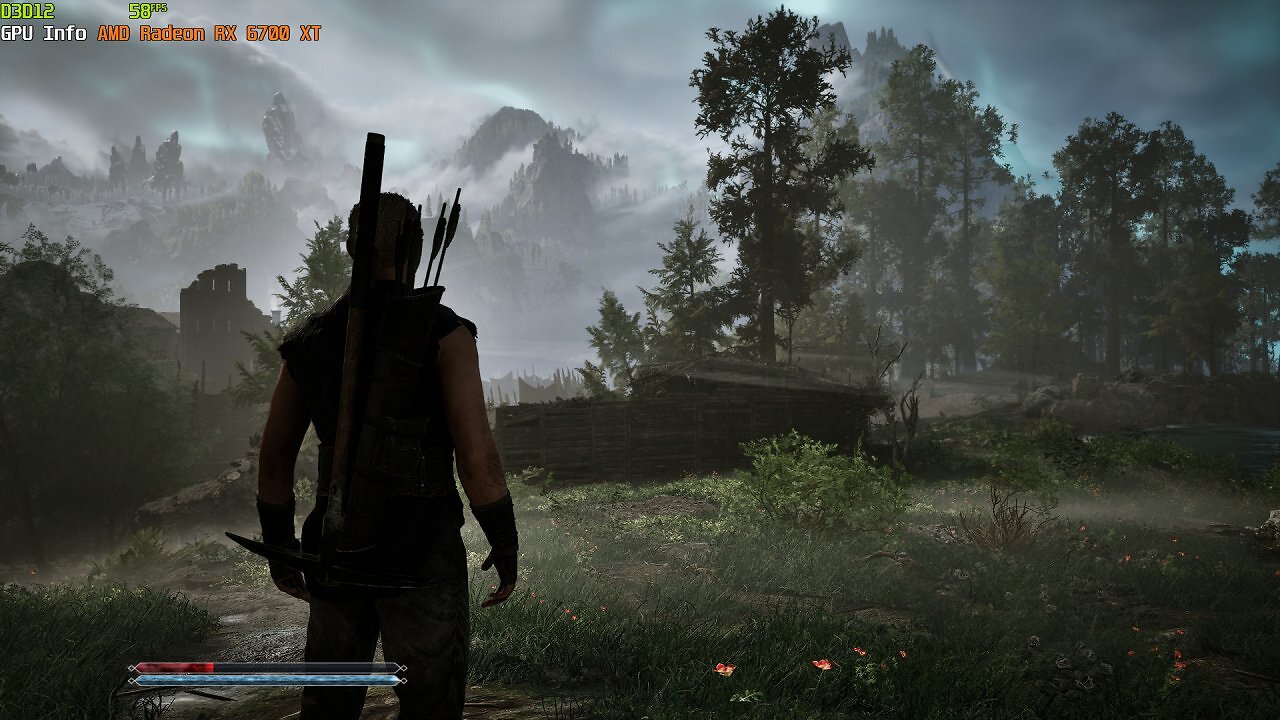
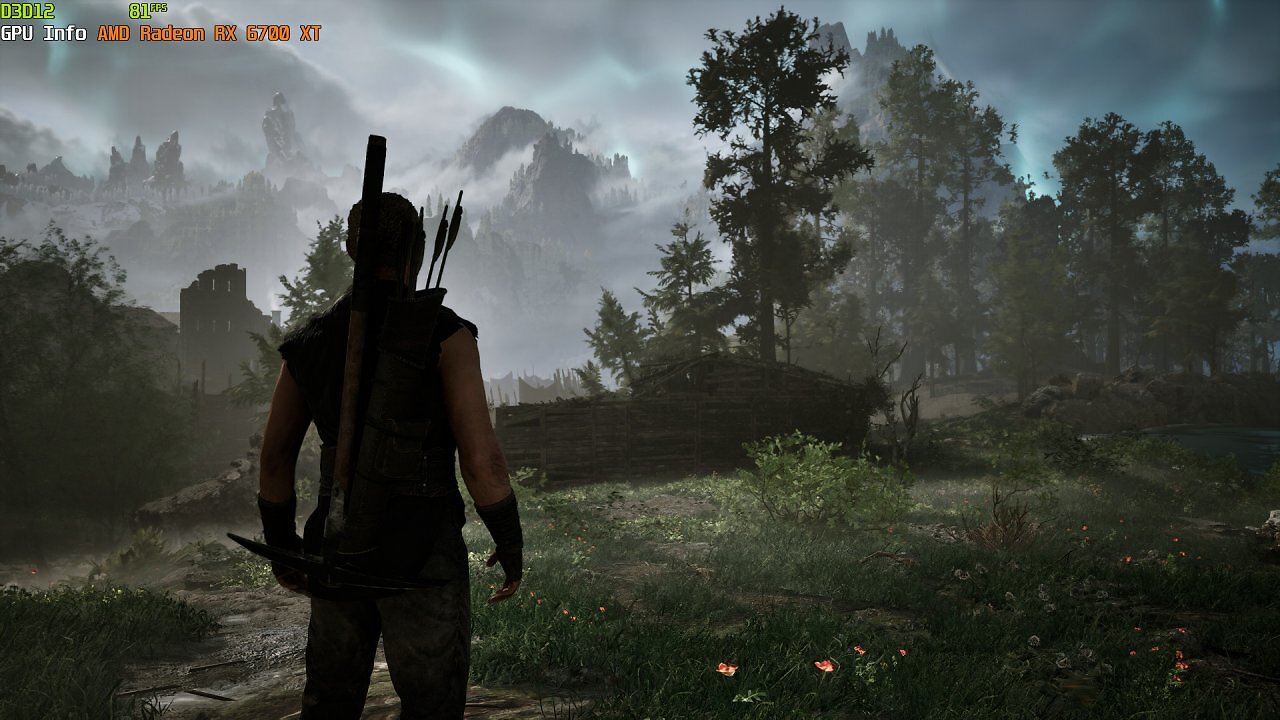
However, the potential for savings is quite limited. By far the best options for saving RAM are the texture quality settings in the graphics menu, followed by shadows, draw distance, and vegetation details. The latter two, however, only provide a slight reduction in load. You can clearly see the impact of texture quality by comparing the values in our tuning settings with those of the "High" preset. Since we set the textures to the "Gothic" level in our tuning profile—which significantly increases memory requirements—we observed quite noticeable performance drops and several major stutters in our measurements with only 16 GB of RAM. You can best identify these by looking at the P.02 and 0.1% Low metrics.
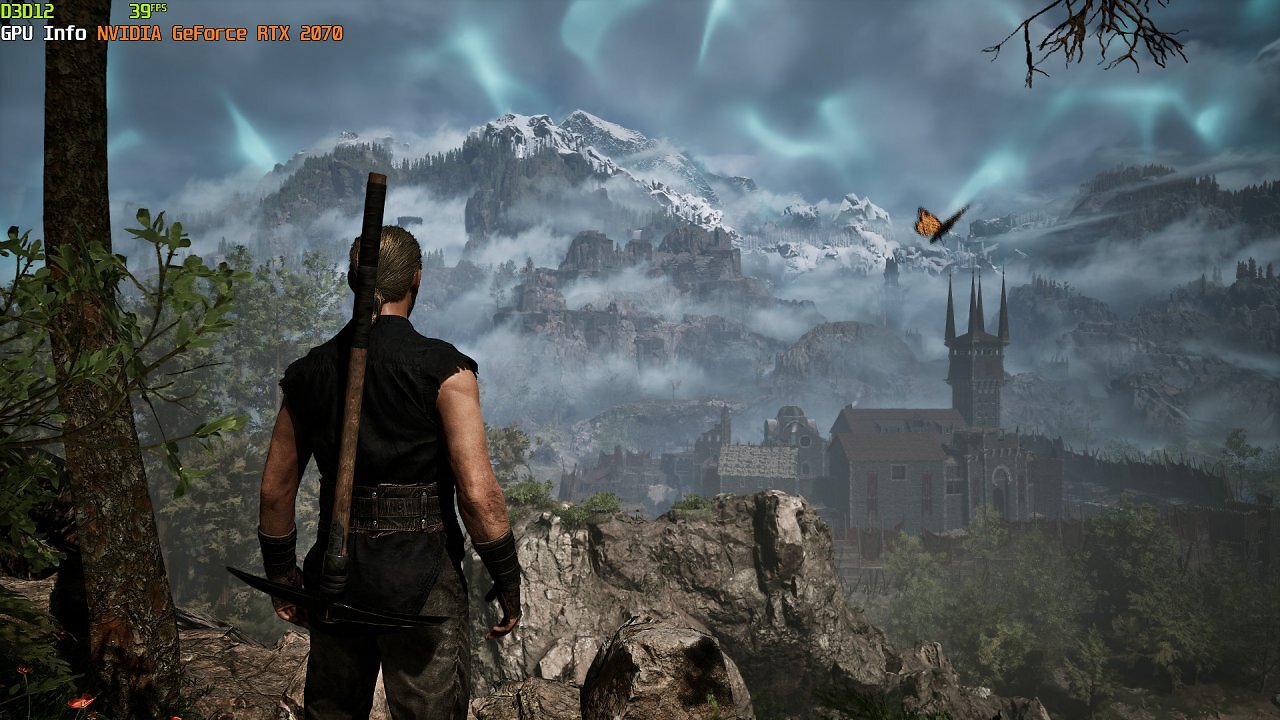
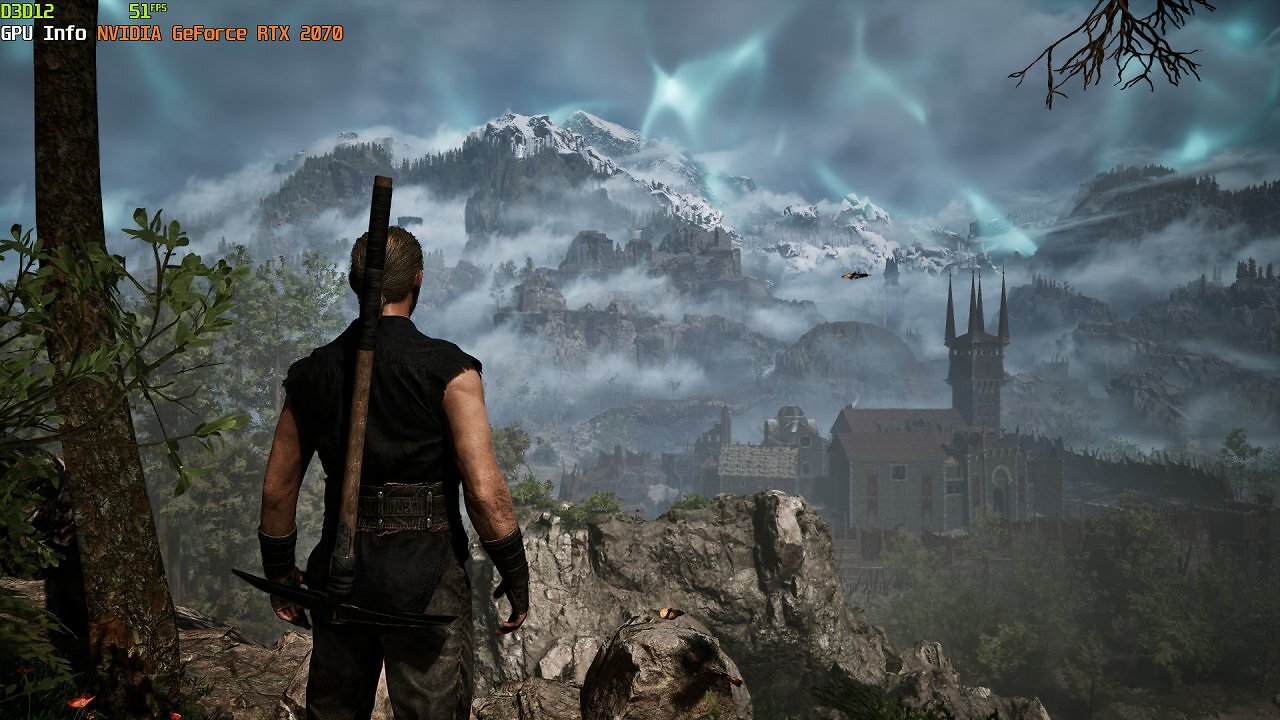
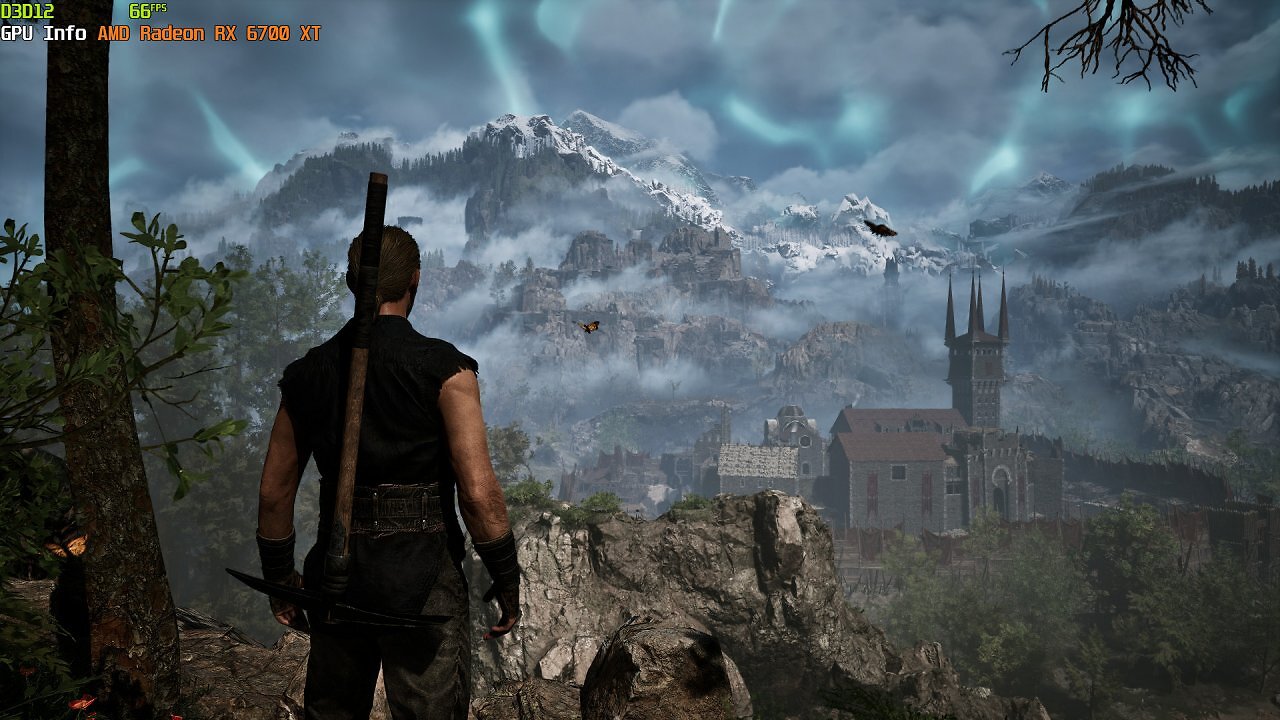
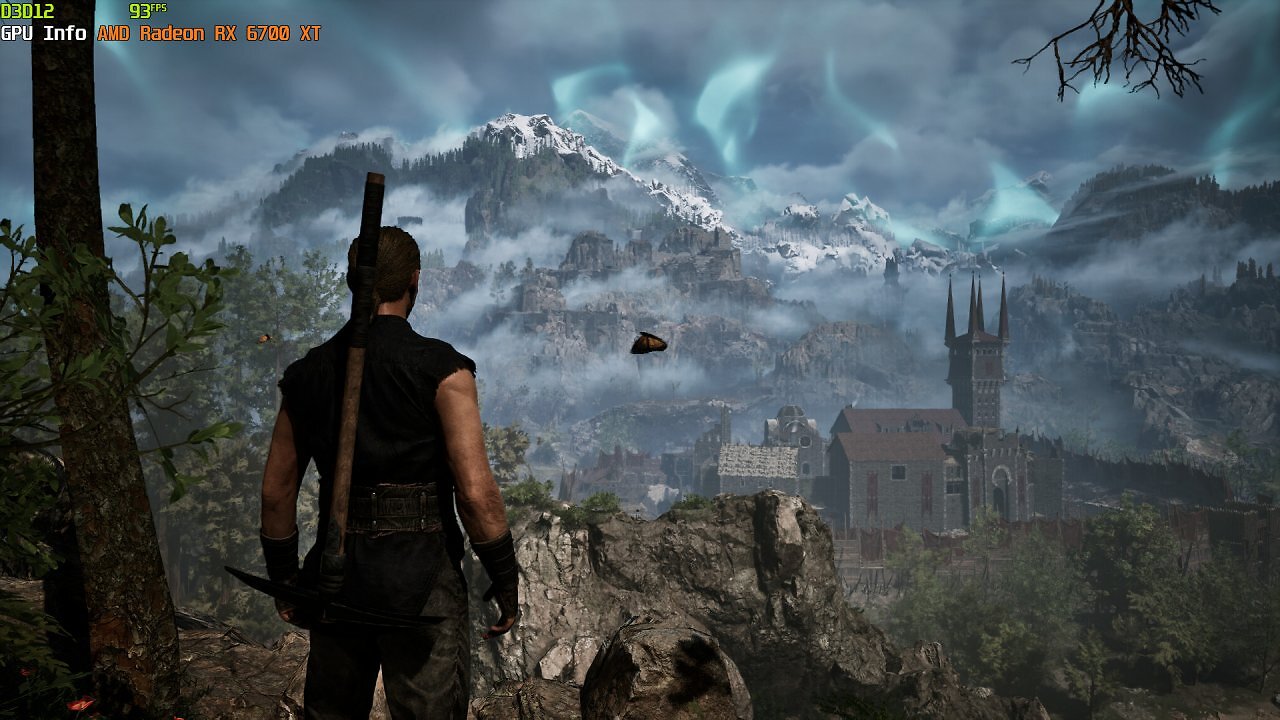
32 gigabytes of RAM is therefore recommended for Gothic and is an appropriate hardware requirement. If necessary—and provided you're willing to put up with some stuttering, especially during longer excursions through the Minental—you can still enjoy the Gothic 1 Remake with 16 GB of RAM. However, you should keep in mind that not only increased detail settings but also higher resolutions, background tasks such as open browser windows, and a multi-monitor setup (which, in the worst case, might be running YouTube videos, vlogs, or Twitch streams) can drastically increase the demand for RAM. If you have limited memory: Before playing, close all background tasks, disable secondary and tertiary monitors, and close browser windows and video streams. This can lead to noticeable improvements and significantly increased stability when main memory is scarce.
In short
Our test revealed some interesting details. We can now understand why one of our colleagues at PC Games complained about having trouble getting the Gothic 1 remake to run smoothly on his mobile test machine: reducing the detail settings further or increasing the upscaling level didn't help much. The GeForce RTX 2070 Mobile built into his notebook scales just as reluctantly with detail reduction as the RTX 2070 does in this article. Presumably, this is also one of the reasons why many players complain about an unbalanced graphics-to-performance ratio. And we, too, were a bit surprised at how little the Gothic 1 remake gained in performance when reducing the options beyond the "Alkimia Overdose" and "Gothic" presets with an RTX 4090 in our original test.
More screenshots from the Gothic 1 remake with graphics settings maxed out
However, scaling at high detail settings isn't optimal even with Radeon GPUs. That said, these GPUs can at least be coaxed into delivering significant performance gains. On top of that, upscaling on AMD GPUs yields greater performance gains. This isn't just due to DLSS 4.5, the Transformer 2.0 model, which consumes a lot of power on older GeForce RTX graphics cards. Even with FSR 3.1.4 or TSR upscaling, the RTX 2070 doesn't gain as much as it should—though switching to these upscaling methods can yield a few extra FPS.
It seems there is still some untapped performance potential in Gothic that could be unlocked through developer updates and patches, as well as—especially for older GeForce models—optimized graphics card drivers. In general, however, Gothic's performance isn't bad; it simply doesn't scale well downward from high detail settings, which particularly disadvantages players with older graphics cards. The very resource-intensive Alkimia preset also tends to consume a lot of memory and should therefore be avoided if you have limited RAM and video memory.