
Gothic 1 Remake with Minimum Requirements: Hands-On with RTX 2070
First, we'll choose the RTX 2070. This card, which is listed in the minimum requirements, is less powerful than the RX 6700 XT; moreover, it has only 8 GiB of VRAM.
In this Article
Fair enough—Alkimia Interactive based the system requirements for the Gothic 1 remake on the hardware recommendations for Unreal Engine 5 and the official developer guide. But how does the game actually run on the graphics cards listed in the minimum requirements? Is it really that demanding, and how much of a performance boost can we achieve by adjusting the settings? What settings are recommended for weaker graphics cards, what are the benefits of upscaling, and is 32 gigabytes of RAM really recommended, even with reduced detail? We want to test this and will be using both the Radeon RX 6700 XT and the GeForce RTX 2070 in turn. We'll select Full HD resolution and first test performance and scalability using the presets available in the graphics menu, ranging from the experimental "Alkimia Overdose" to "Gothic (Very High)" and down to "Low." This will give us an idea of how much detail needs to be sacrificed and how well the Gothic 1 remake scales down. First, we'll put the GeForce to the test.
It stands to reason that "Alkimia Overdose"—the detail setting officially labeled "experimental" due to its exceptionally high demands—is a bit too much of a good thing. On top of that, this detail preset already causes the RTX 2070's 8 GB of graphics memory to overflow in Full HD. Even with the Gothic preset, graphics memory is tight, but it no longer drastically limits performance. Starting with the "High" preset, there is sufficient space, and we have already sacrificed many details—the GeForce RTX 2070 should see a significant performance boost at this level, and the frame rate should skyrocket. But it does so only to a very limited extent—instead, the RTX 2070 becomes increasingly underutilized with lower graphics settings. The more details we reduce, the more pronounced this effect becomes: The graphics quality deteriorates, but instead of performance increasing as expected, the graphics card utilization of the RTX 2070 drops. Only at low detail settings do we get enough additional FPS to allow the GeForce graphics card's utilization to rise slightly again; however, it is still not optimal.
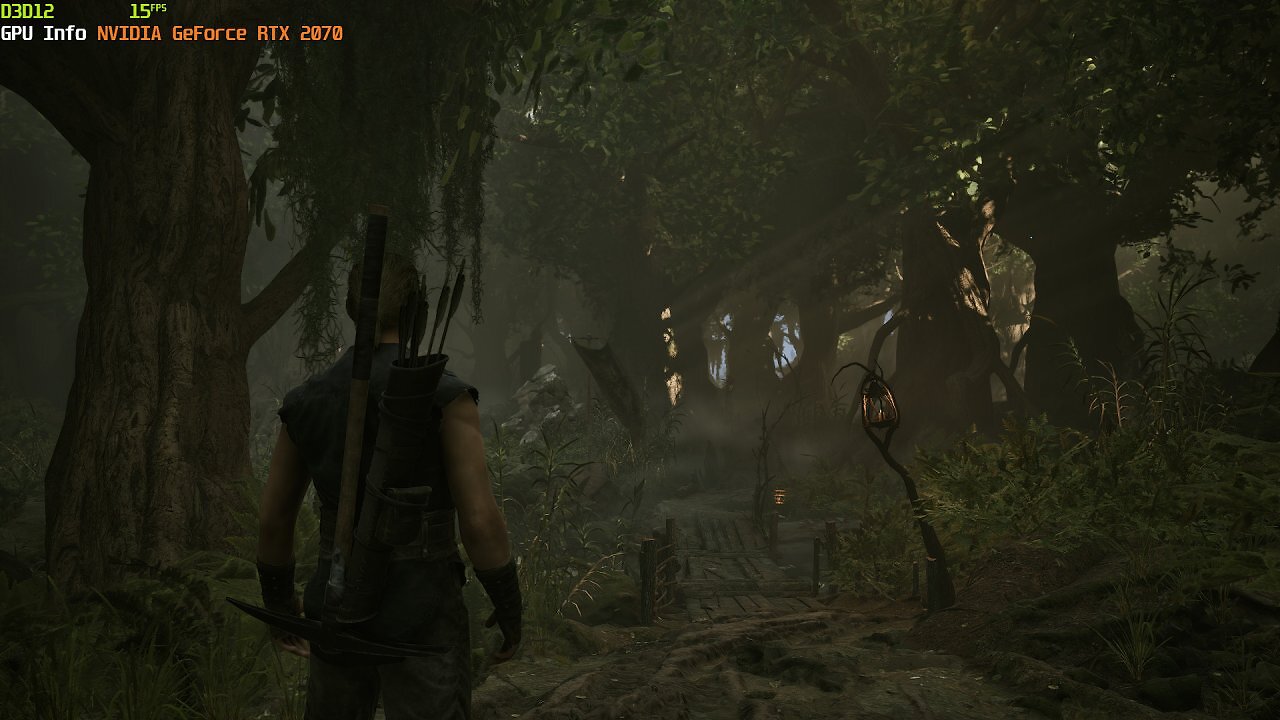
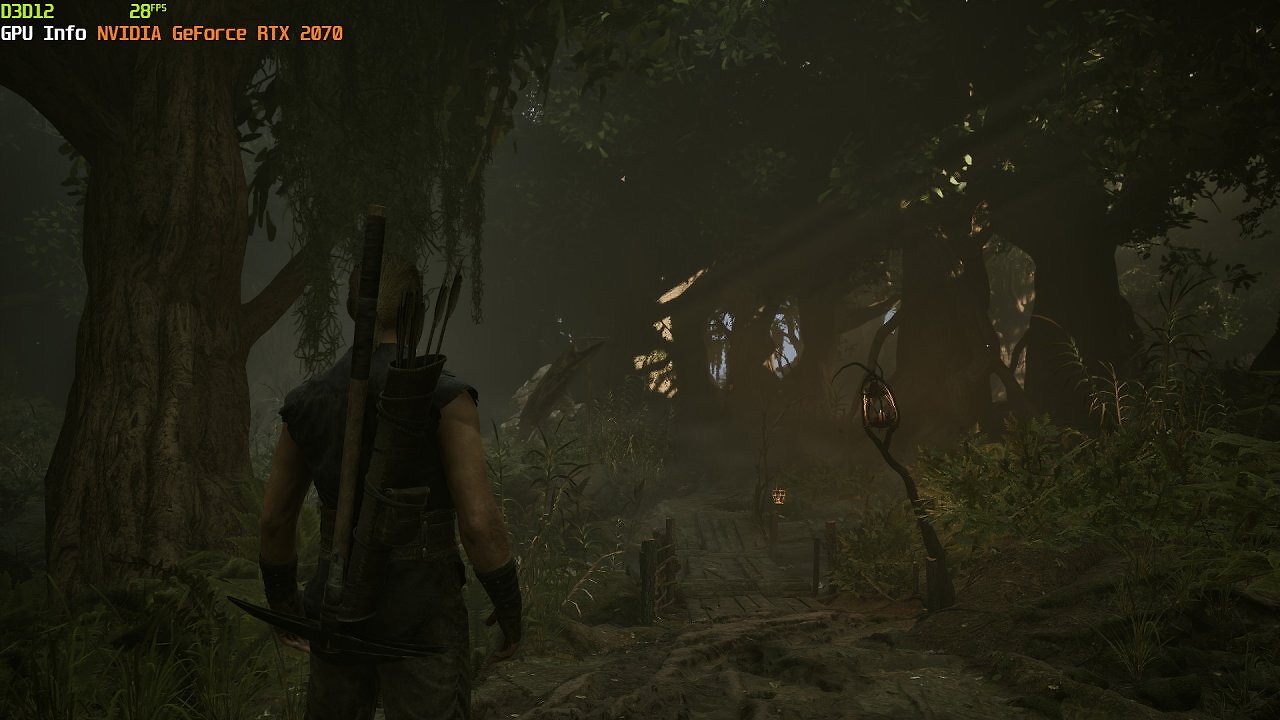
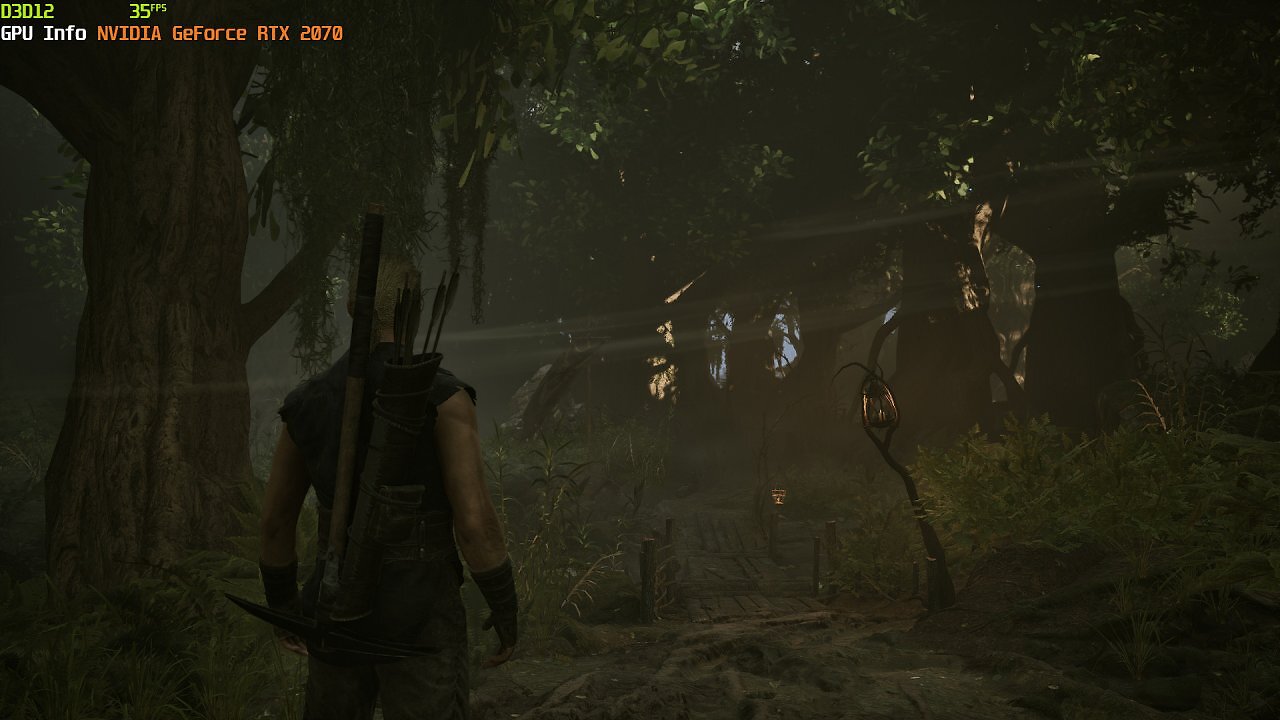
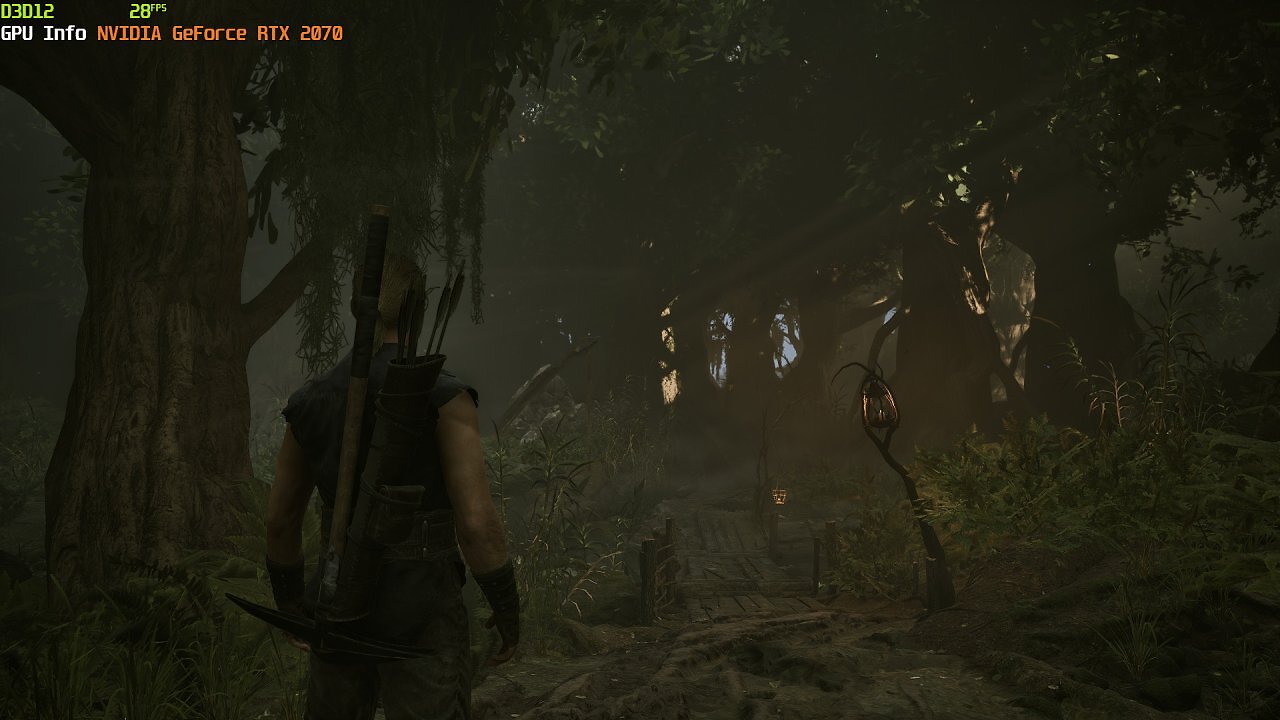
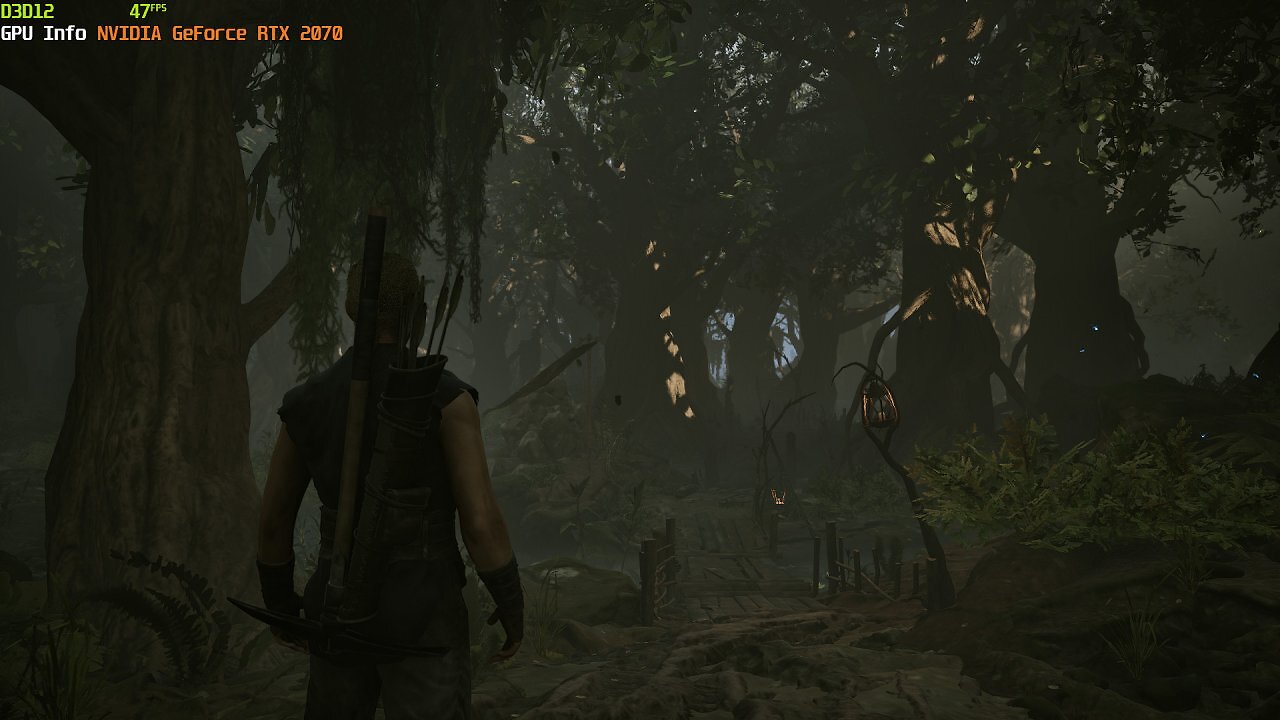
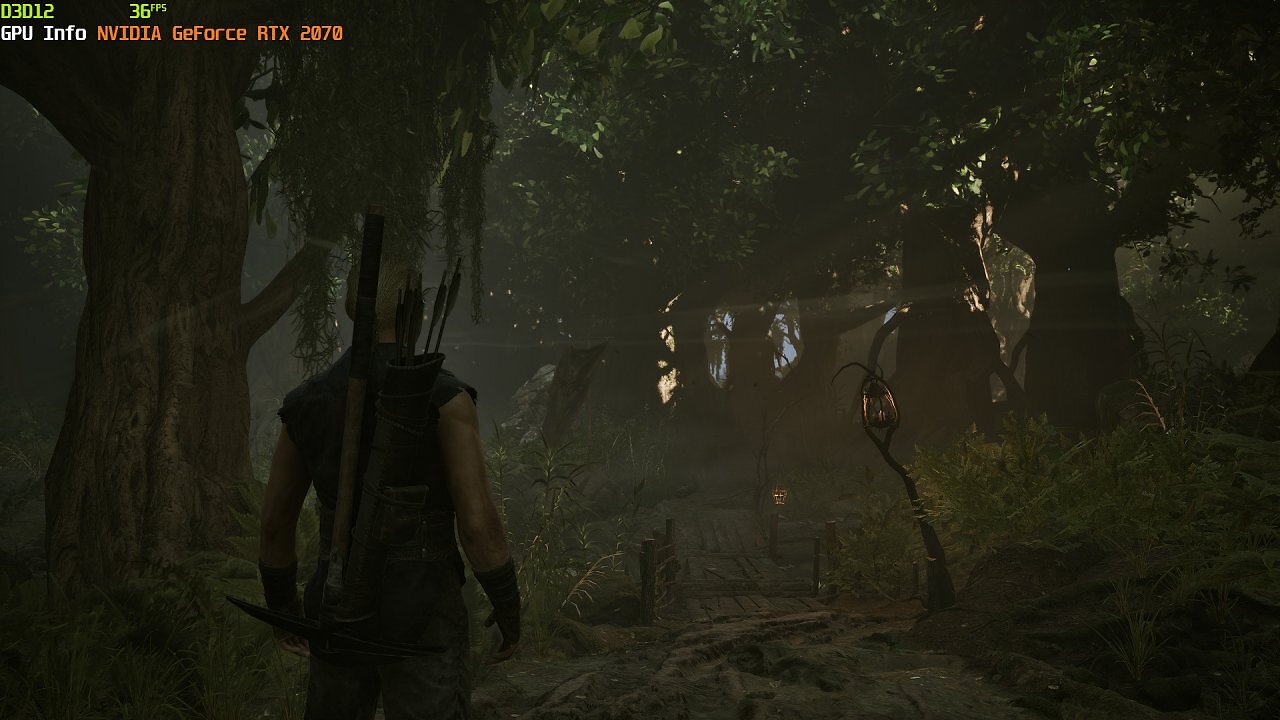
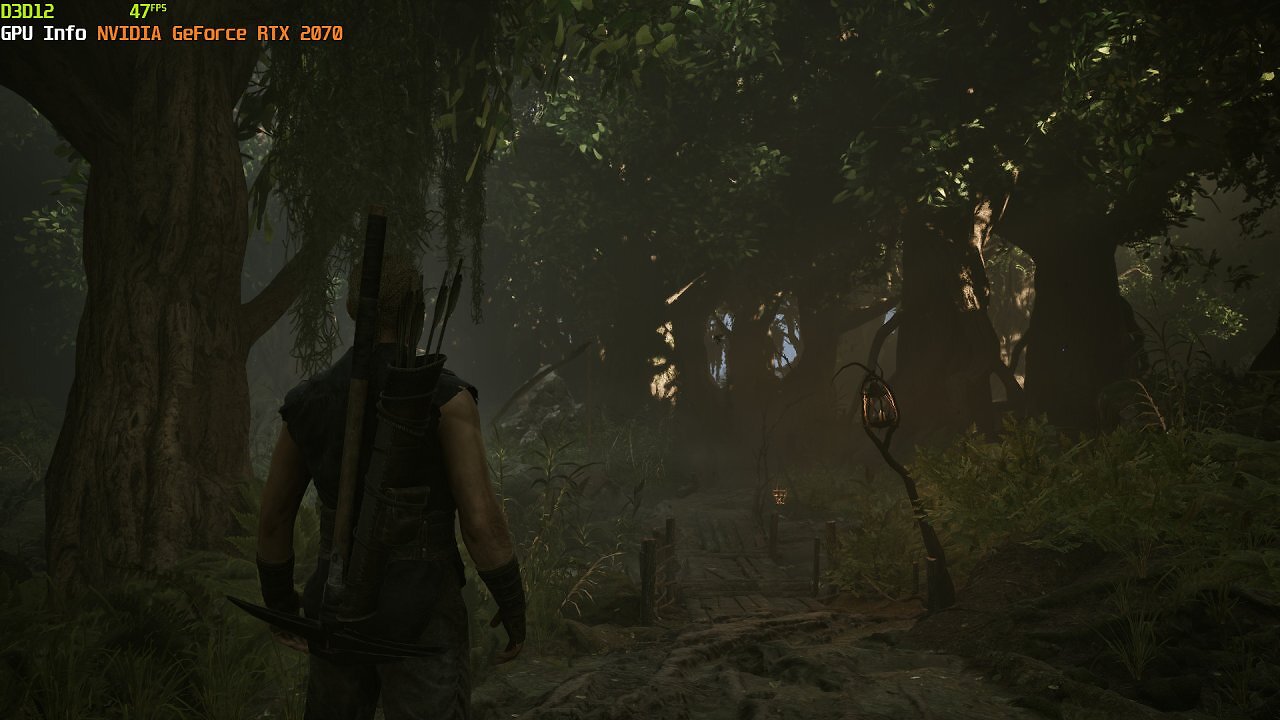
This is unusual and certainly not what Alkimia Interactive, the developers of the Gothic 1 remake, had in mind. However, this is likely one of the reasons why some users are complaining about the high hardware requirements. Among them are colleagues from our sister publication PC Games, who, even during the pre-release testing phase, struggled in vain to squeeze additional FPS out of their test machines by adjusting detail settings and using upscaling. We, too, have already observed this issue, albeit to a lesser extent: The Gothic 1 Remake scales rather poorly at high detail settings, and almost not at all when further detail is reduced. Only the two highest graphics presets, "Alkimia Overdose" and "Gothic," free up noticeable performance by being dialed down, even with graphics cards of the caliber of an RTX 4090 with more than ample graphics memory.
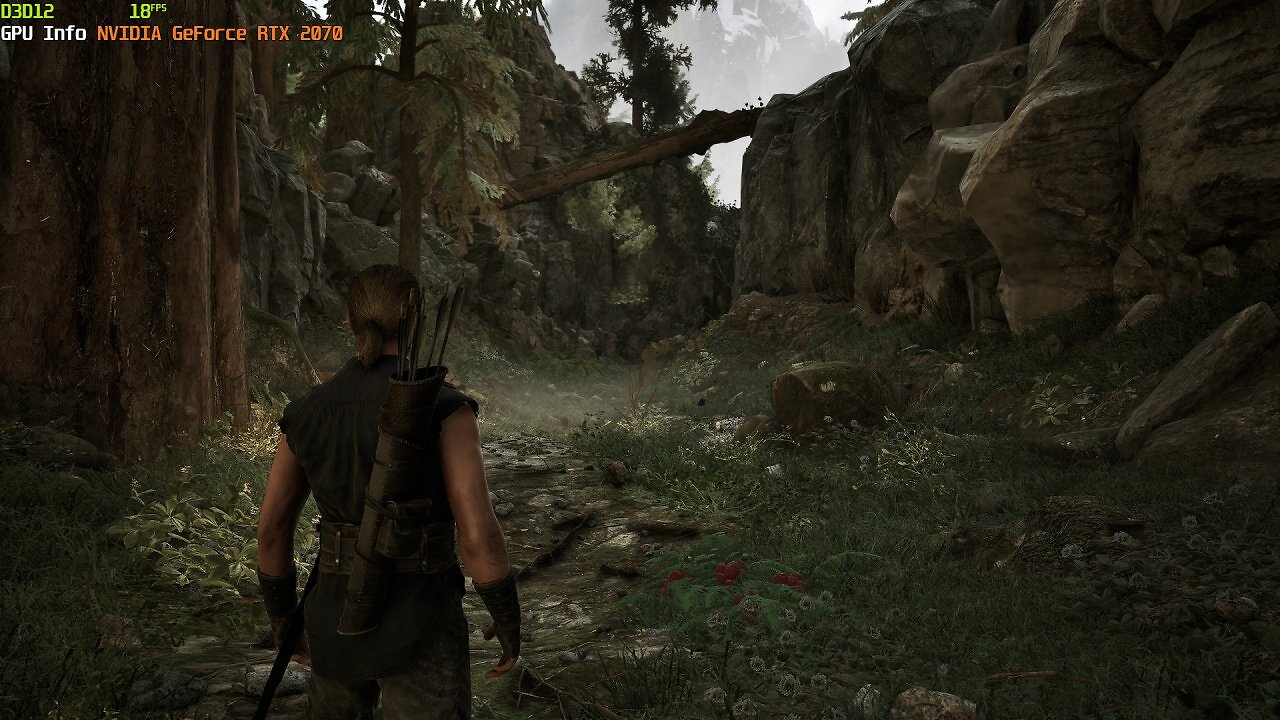
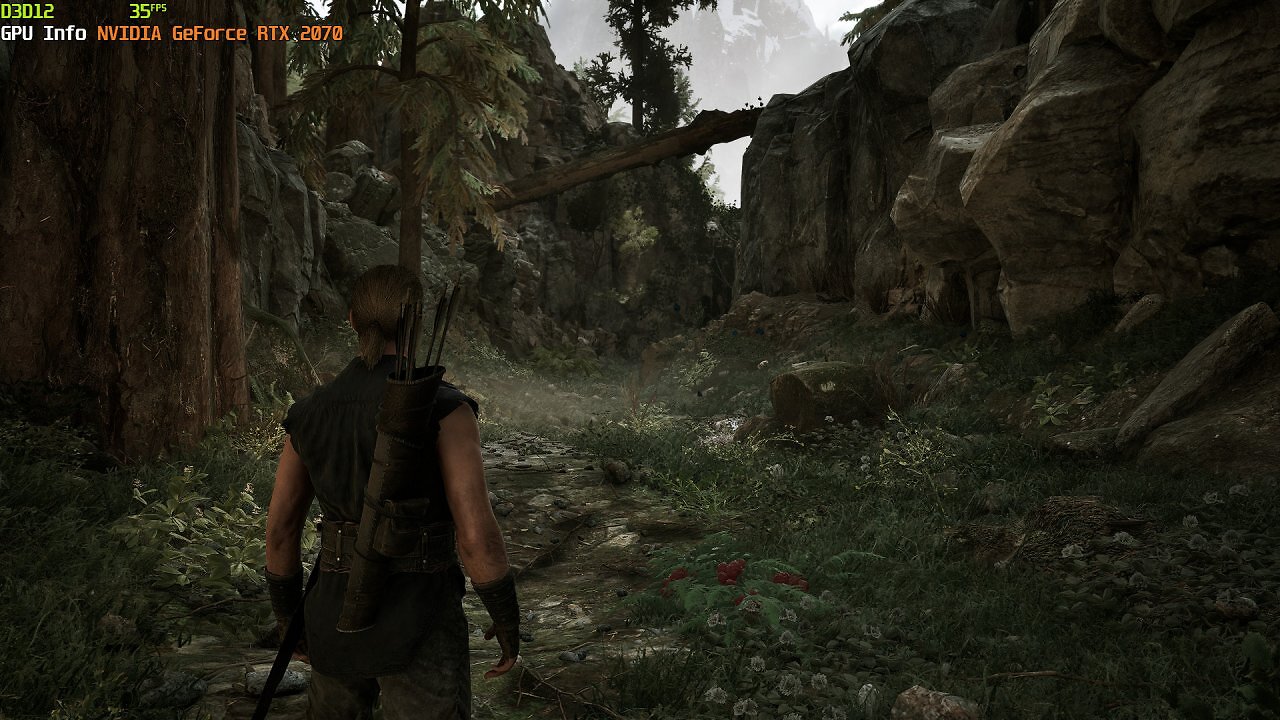
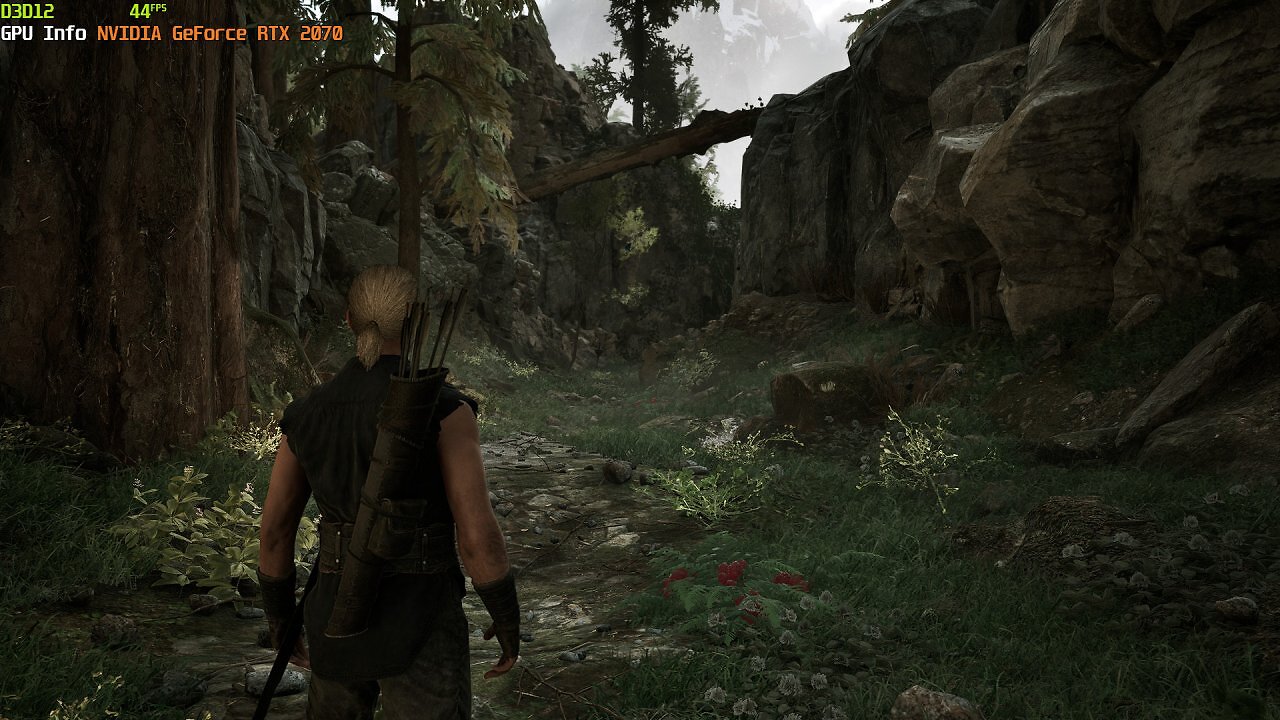
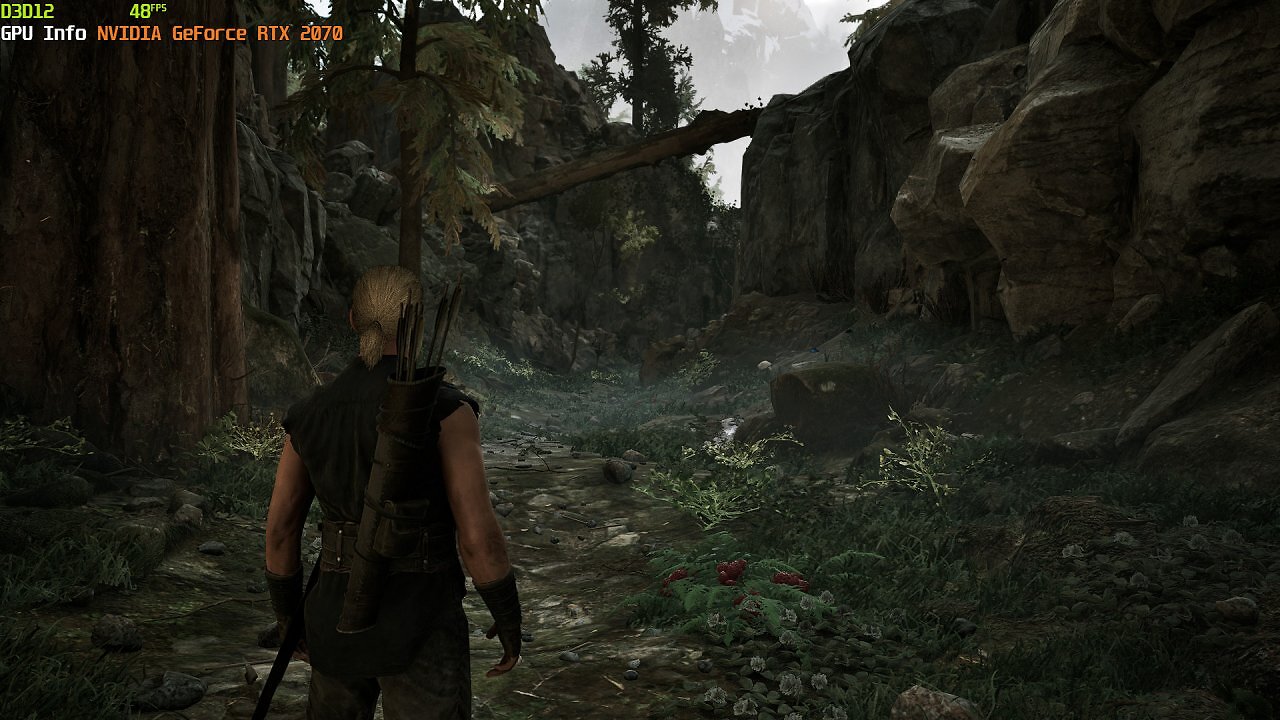
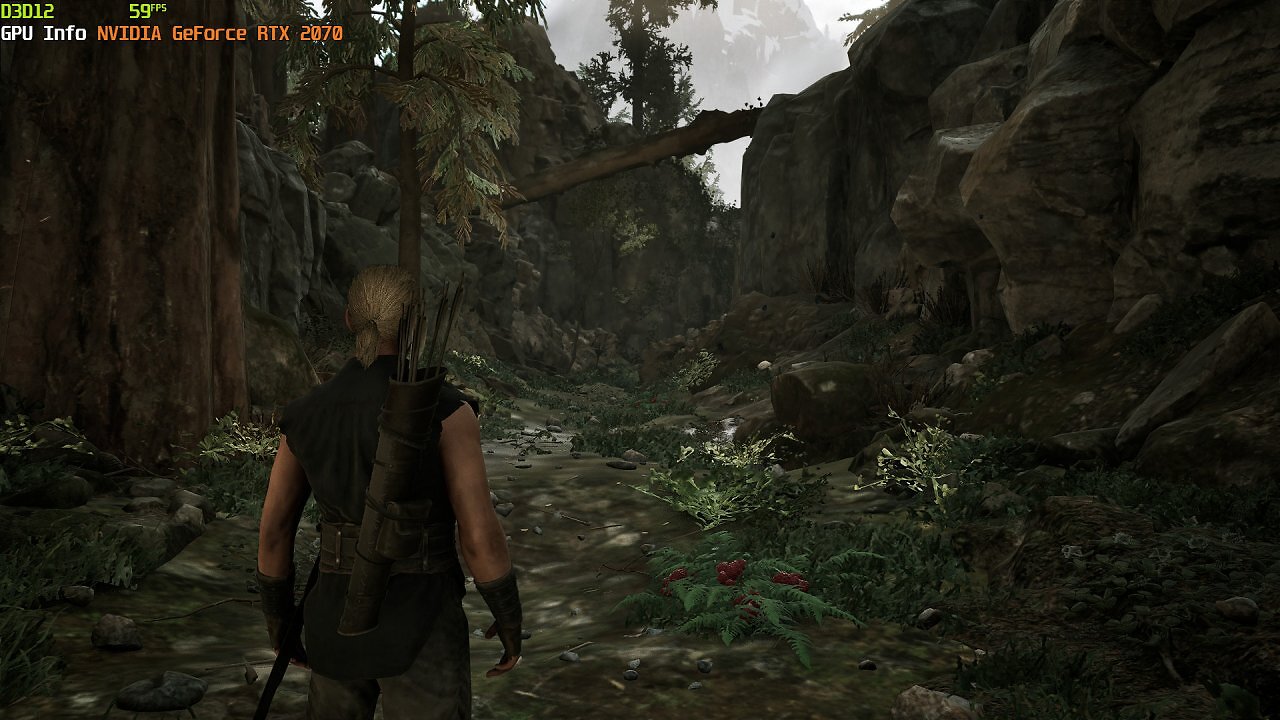
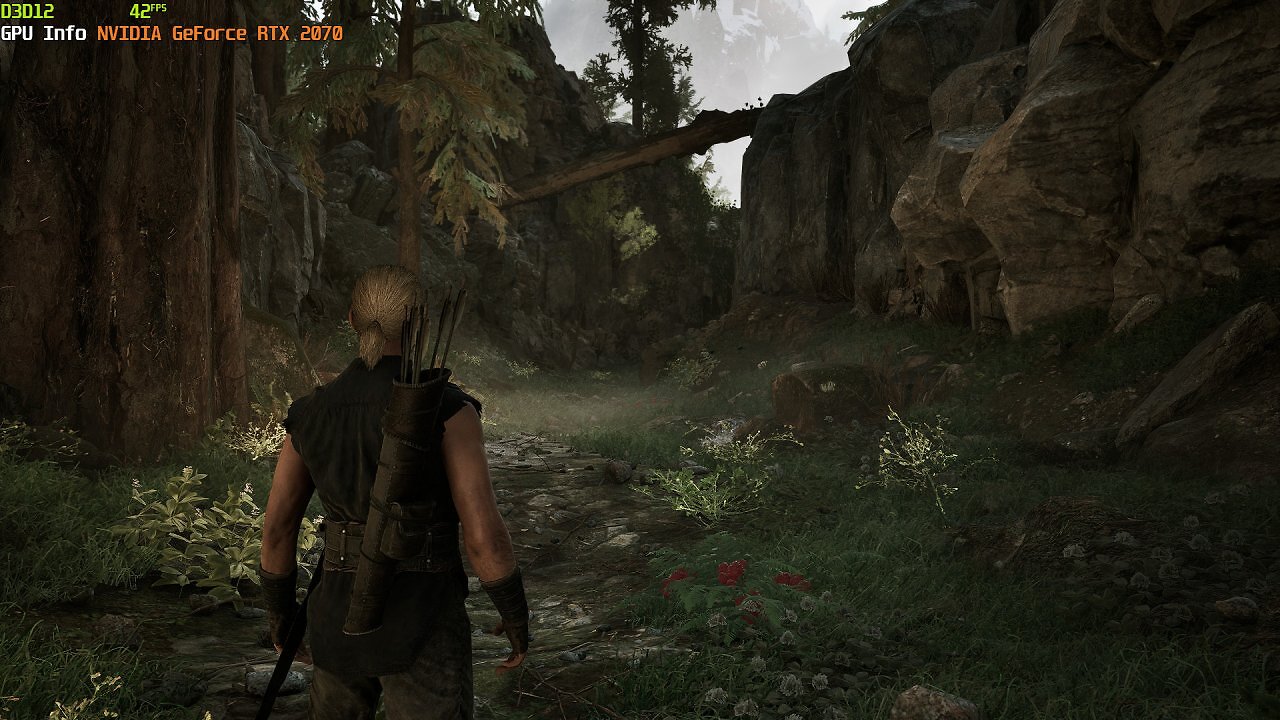
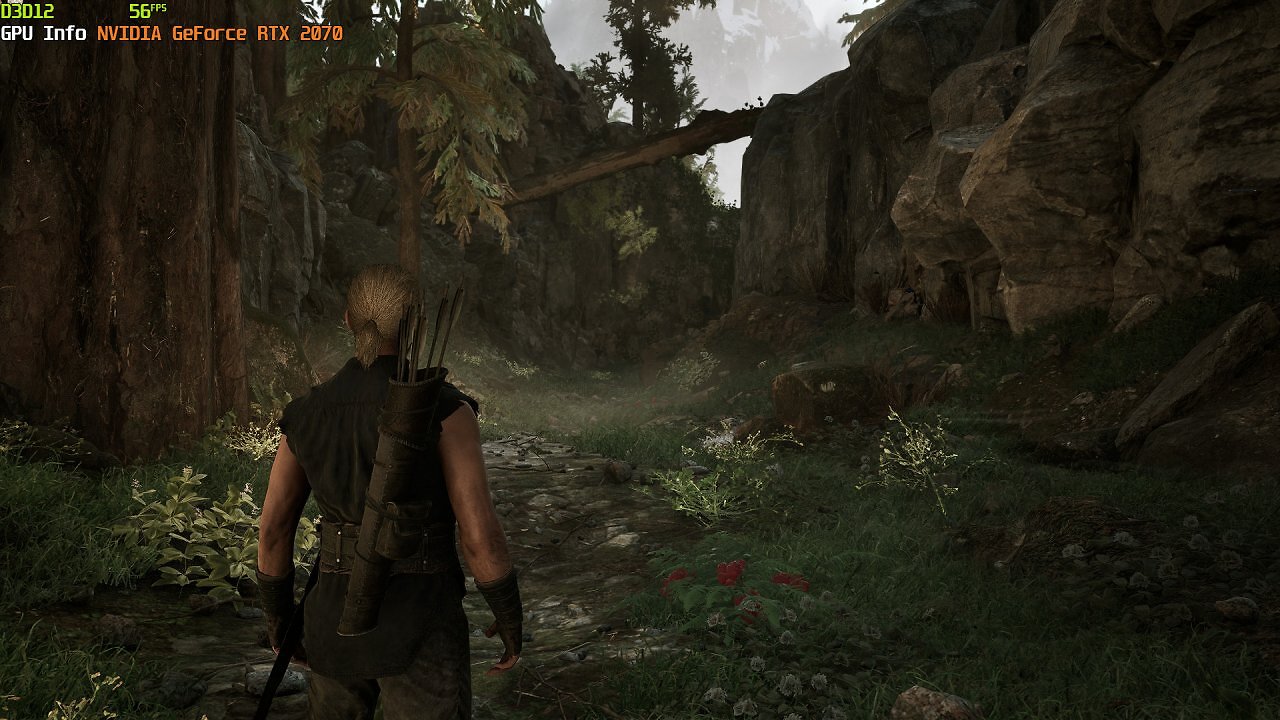
Nevertheless, with a few manual adjustments, we can get decent, smooth—albeit not top-tier—performance out of the RTX 2070. The "High" graphics preset is a good starting point. Since we already discussed in our review of the Gothic 1 Remake using an RTX 4090 which graphics options require particularly high performance—especially "Shadow Quality," "Global Illumination Quality," and "Effect Quality"—we know exactly where we can squeeze out a few extra FPS starting from the "High" preset.
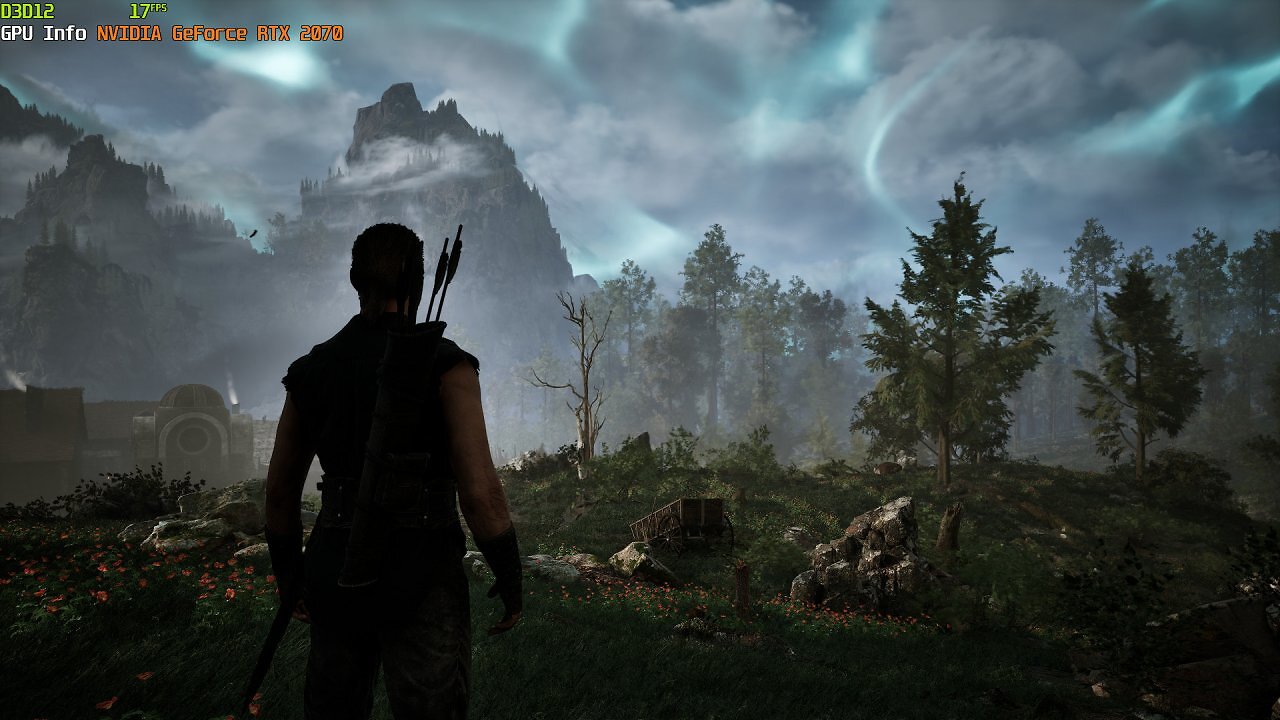
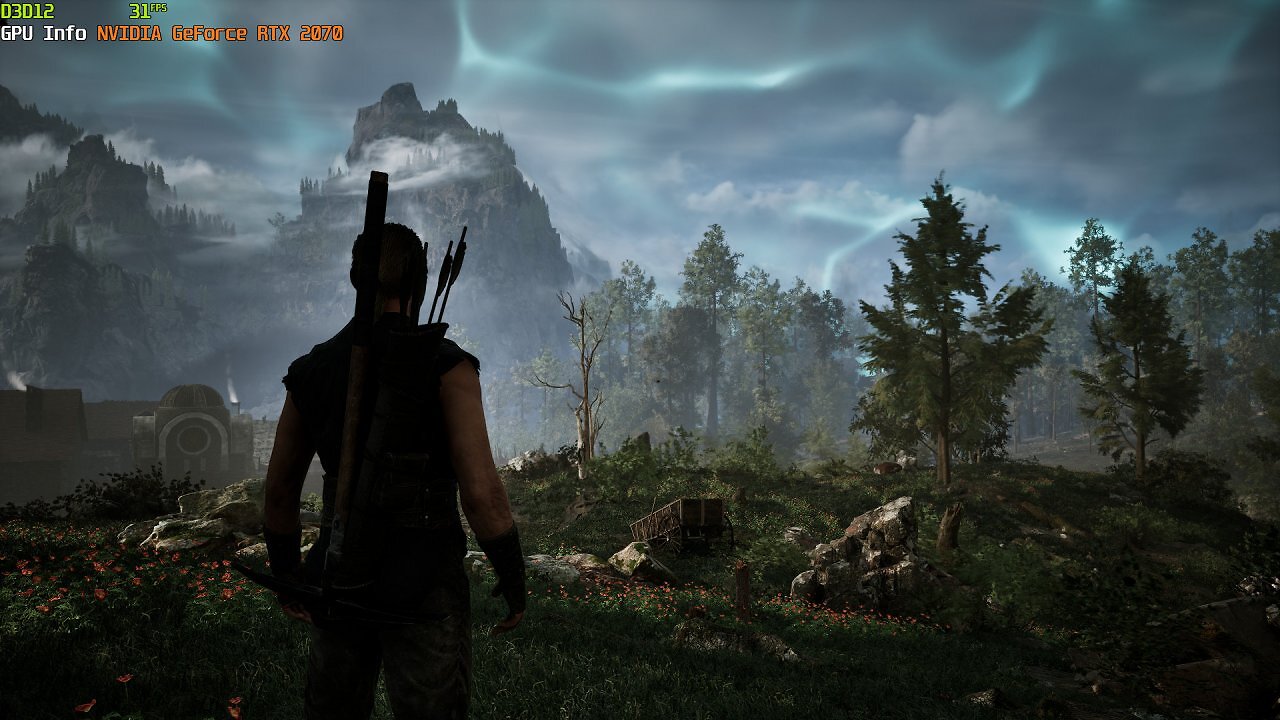
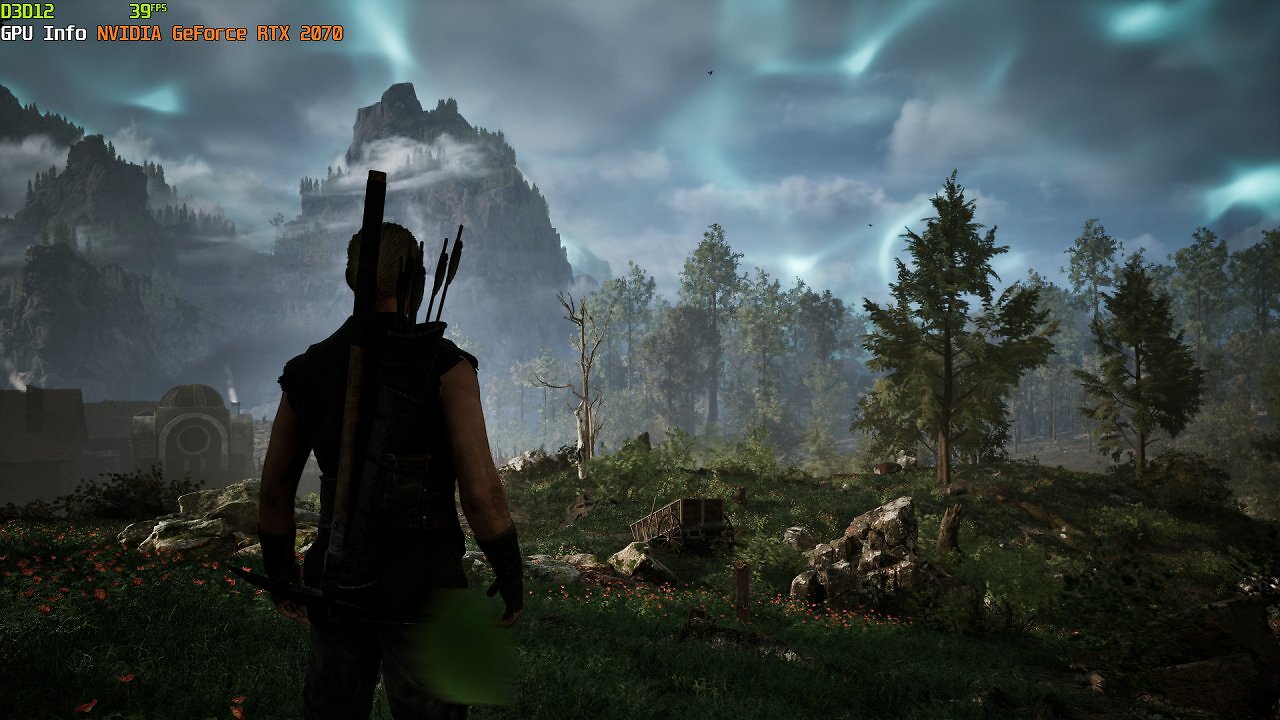
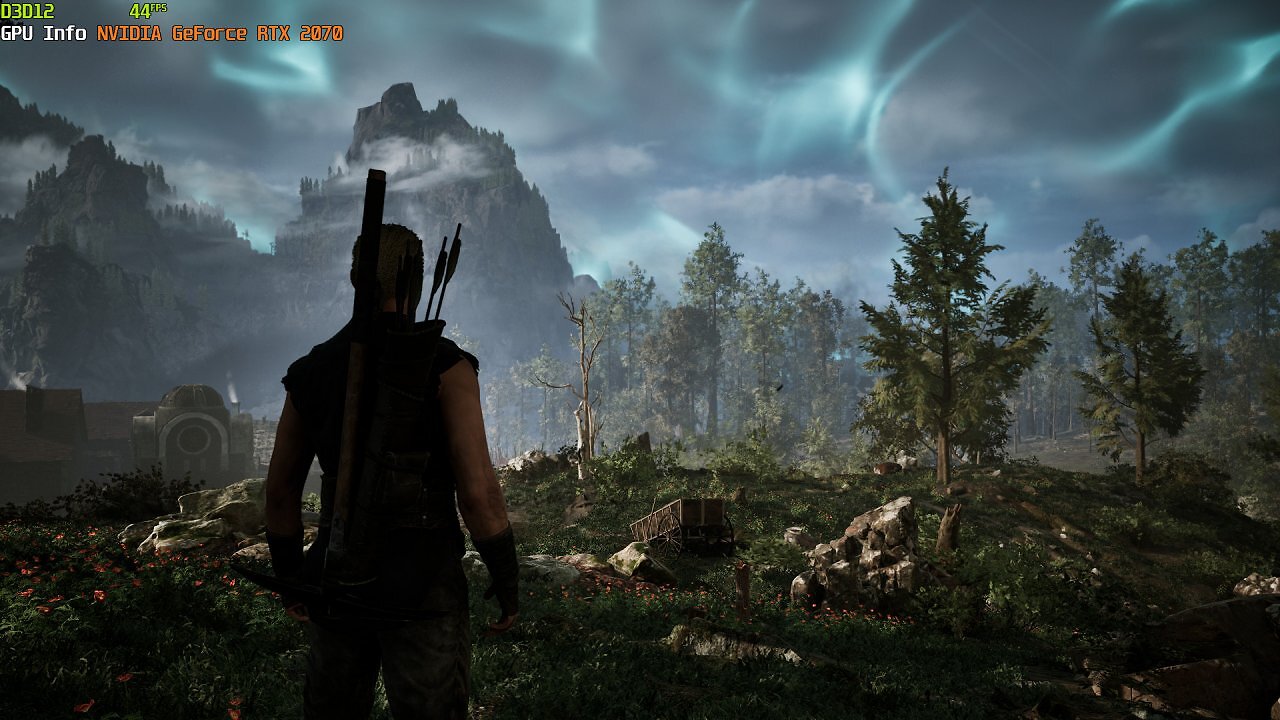
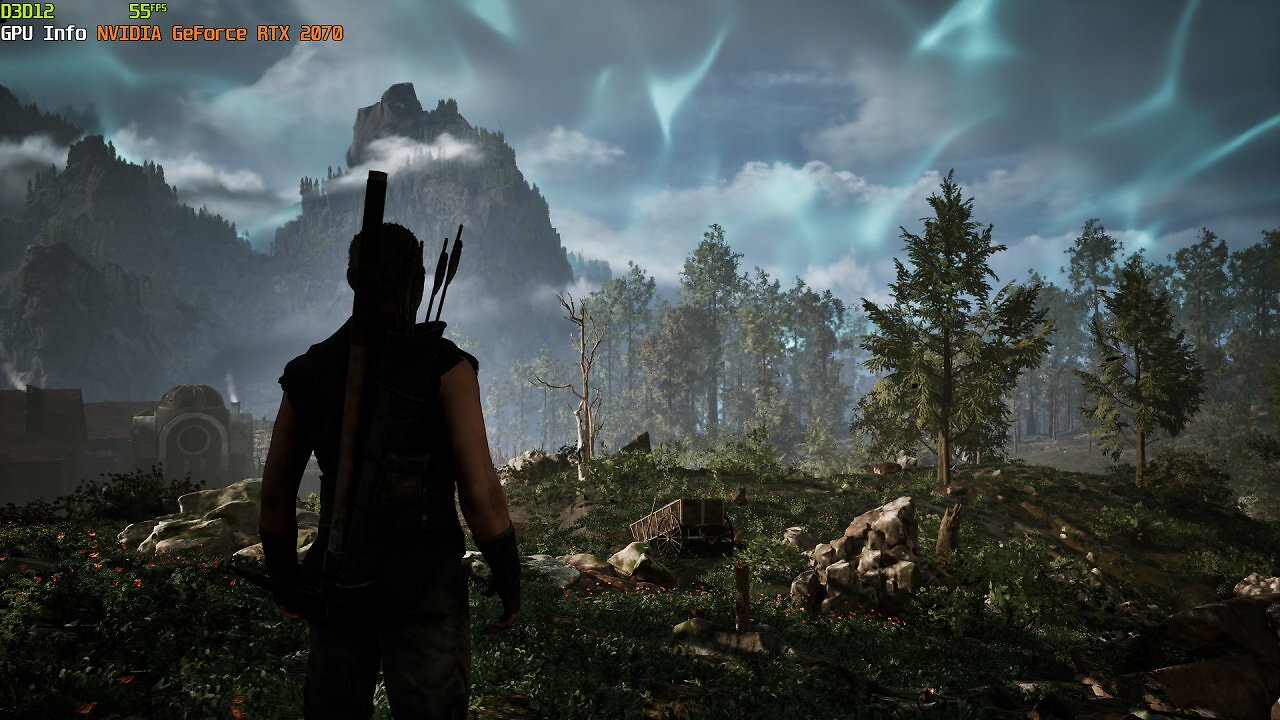
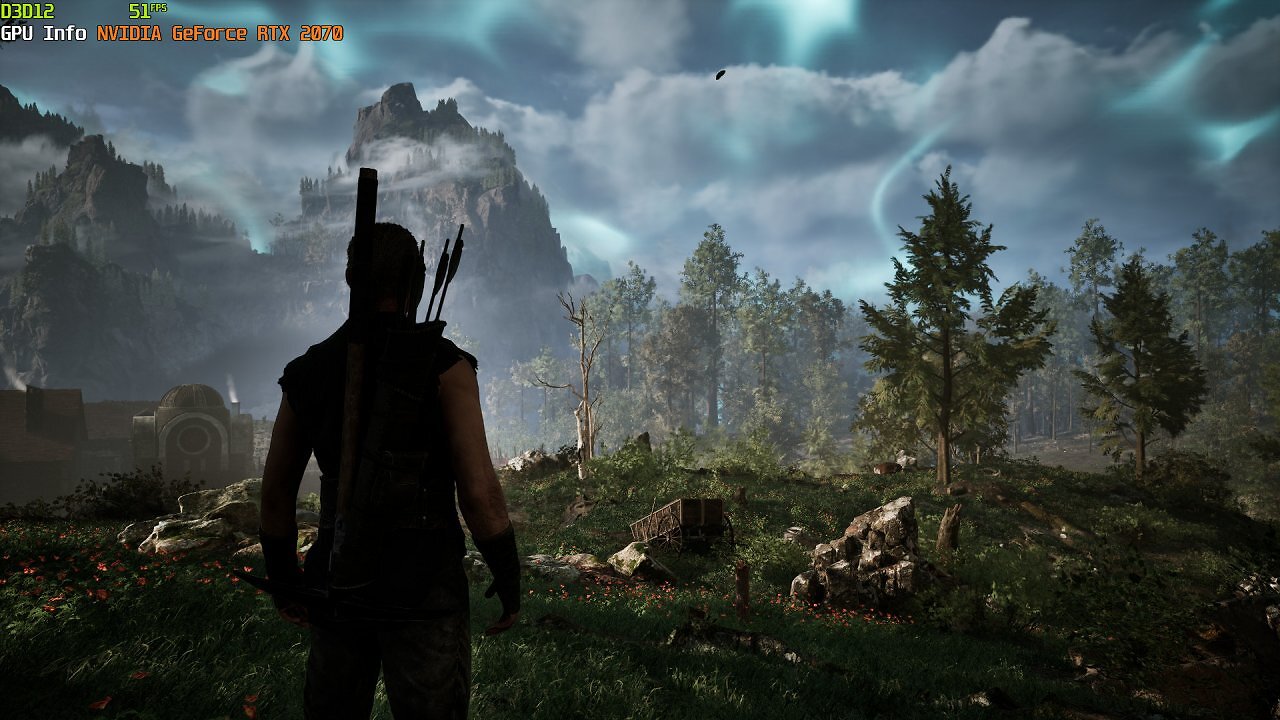
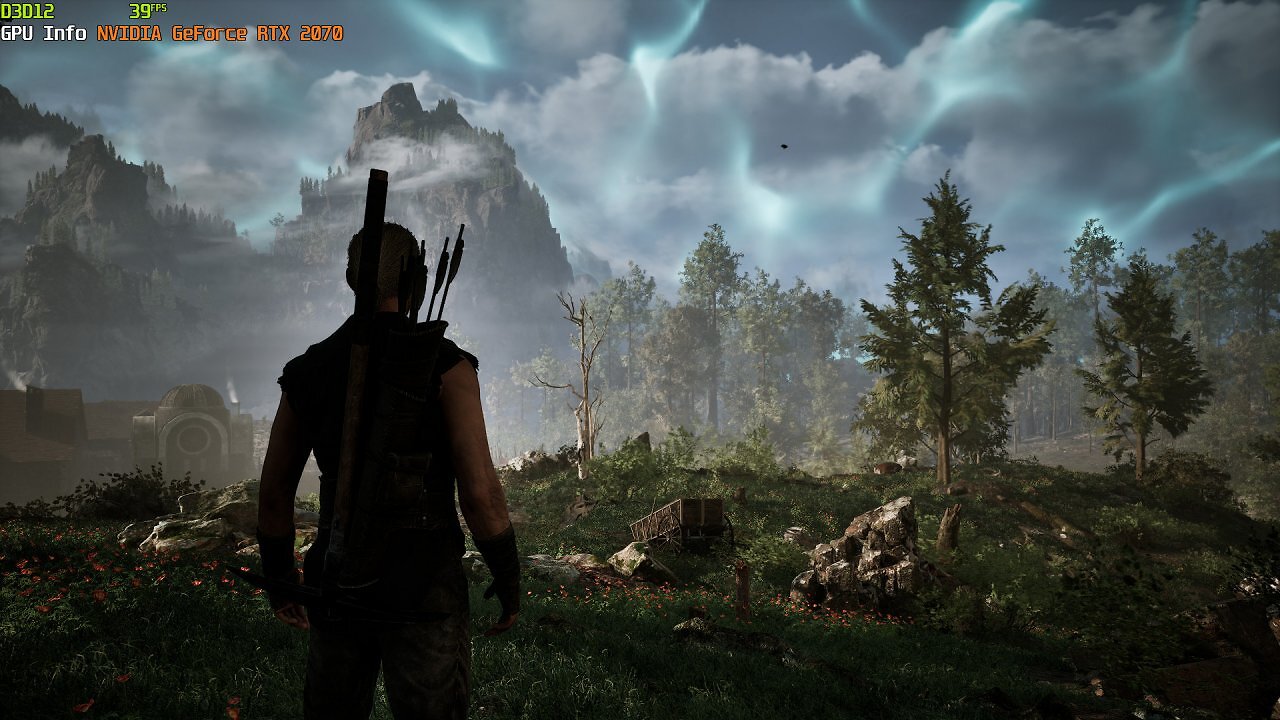
We therefore set the shadow quality to "Medium." For many of the options, however, the "High" setting has already allowed us to achieve nearly the optimal balance between performance and quality; further reductions would yield very little additional performance gain. If we were to reduce the lighting quality to "Medium," for example, we would only gain a few FPS. However, this would result in a clearly visible reduction in the quality and complexity of global illumination, as well as the interaction of light sources with the volumetrics and the ground fog swirling almost everywhere—the significant visual loss is hardly worth the minor performance gain.
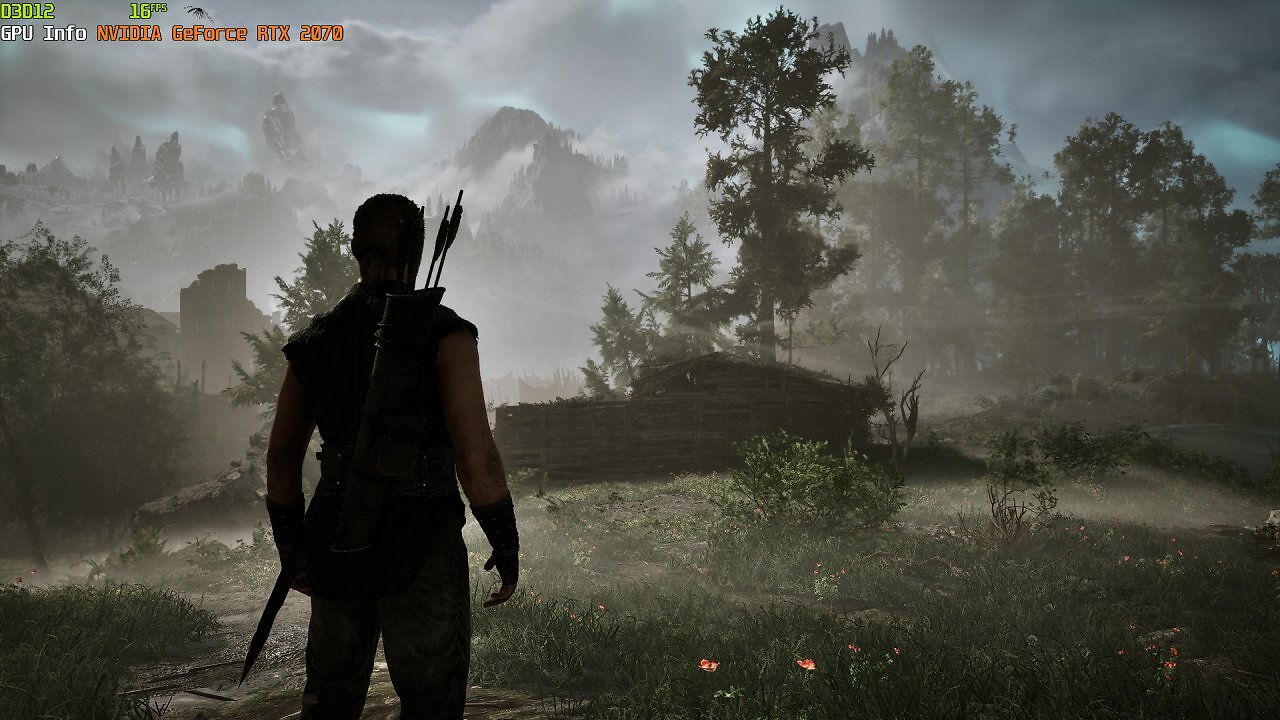
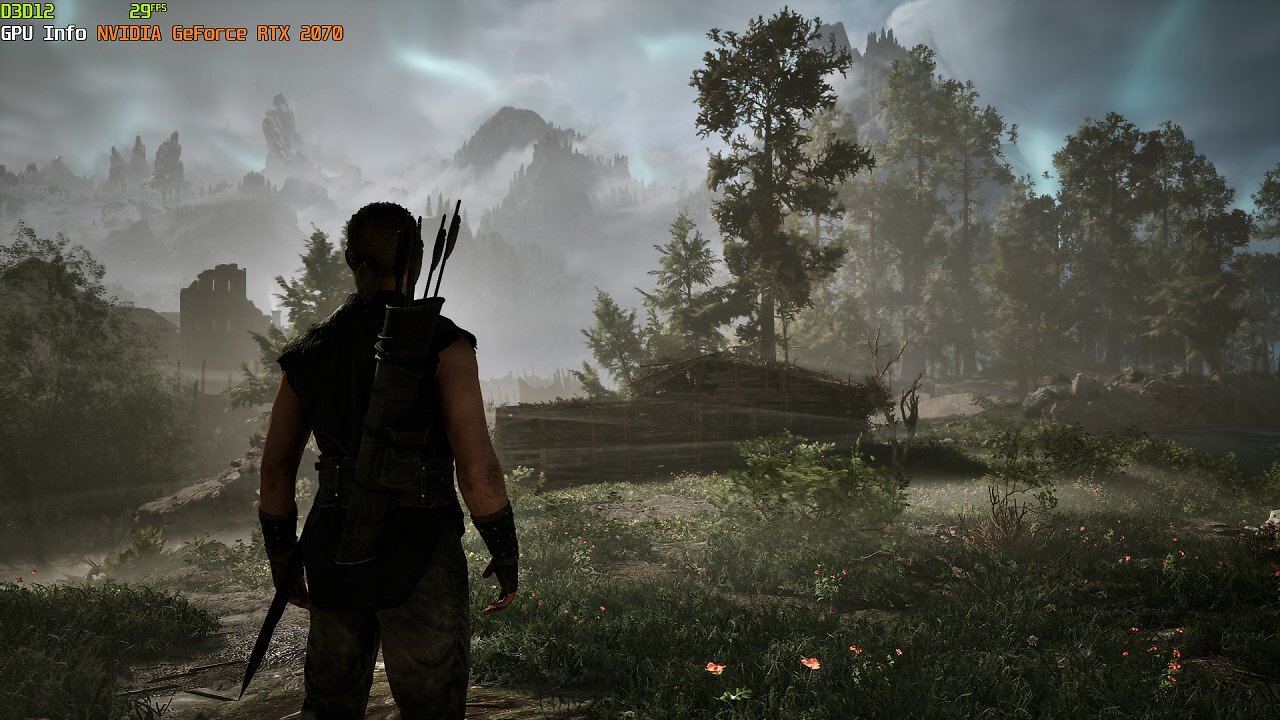
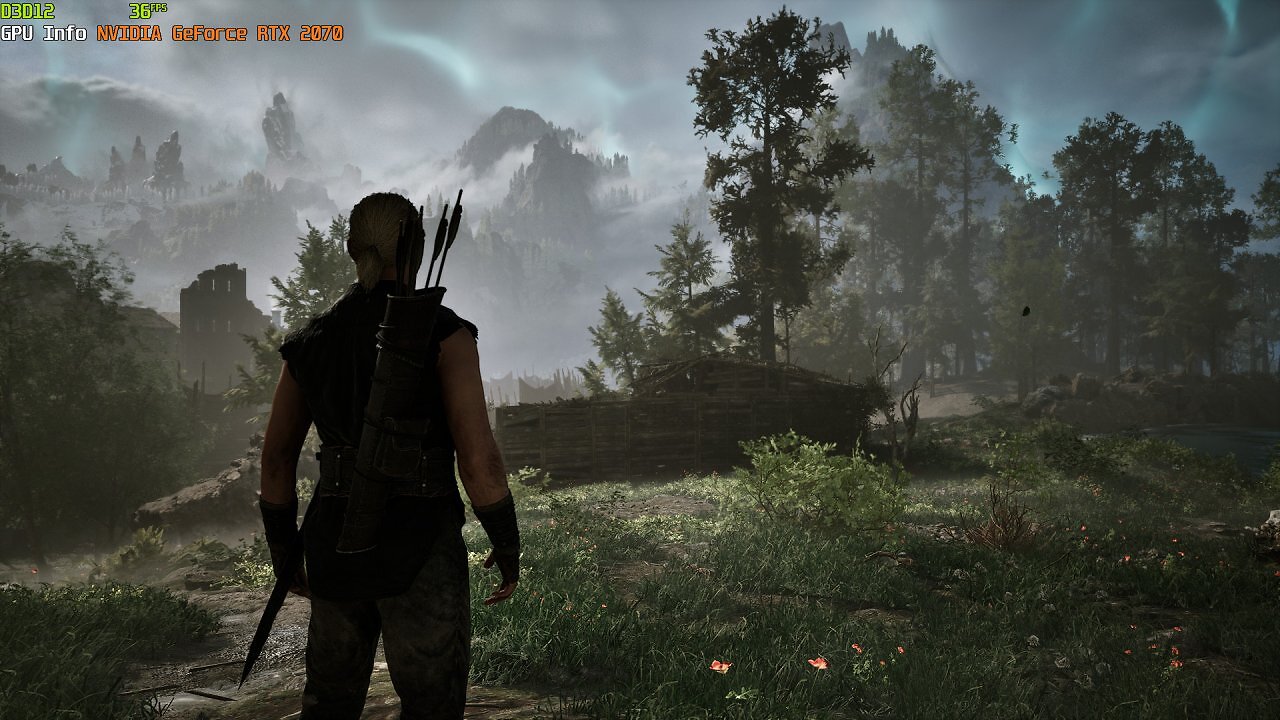
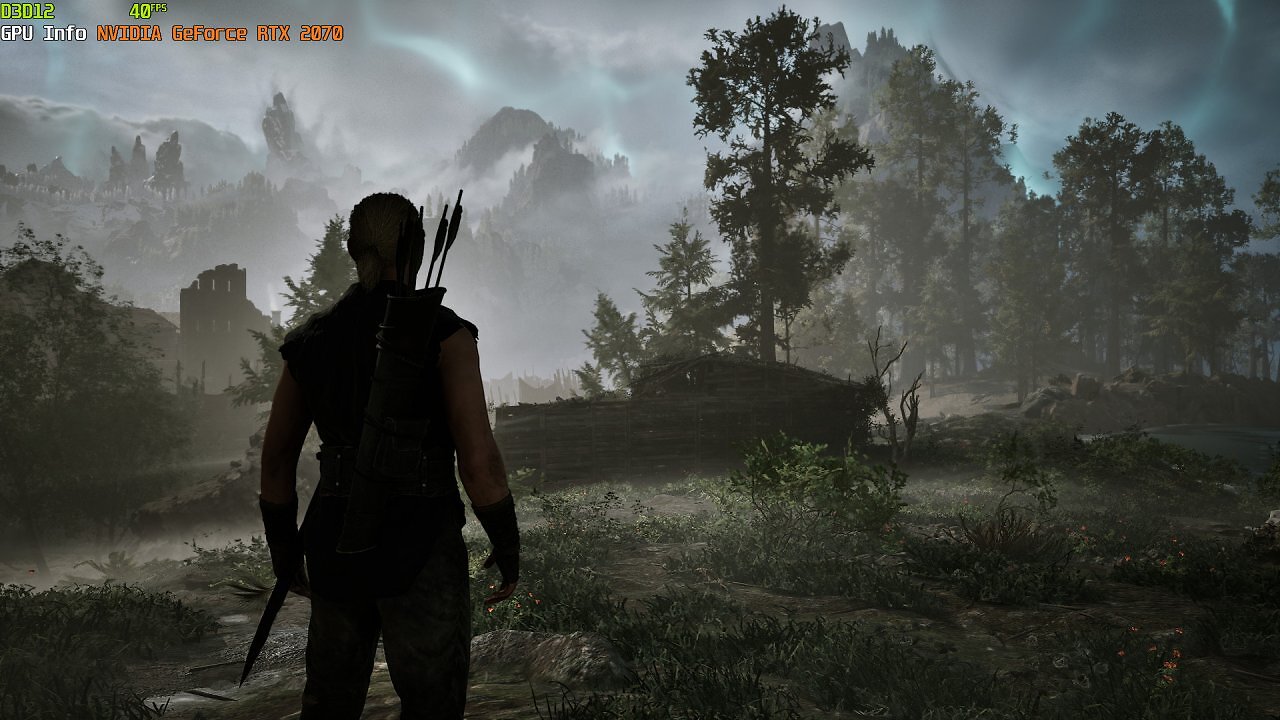
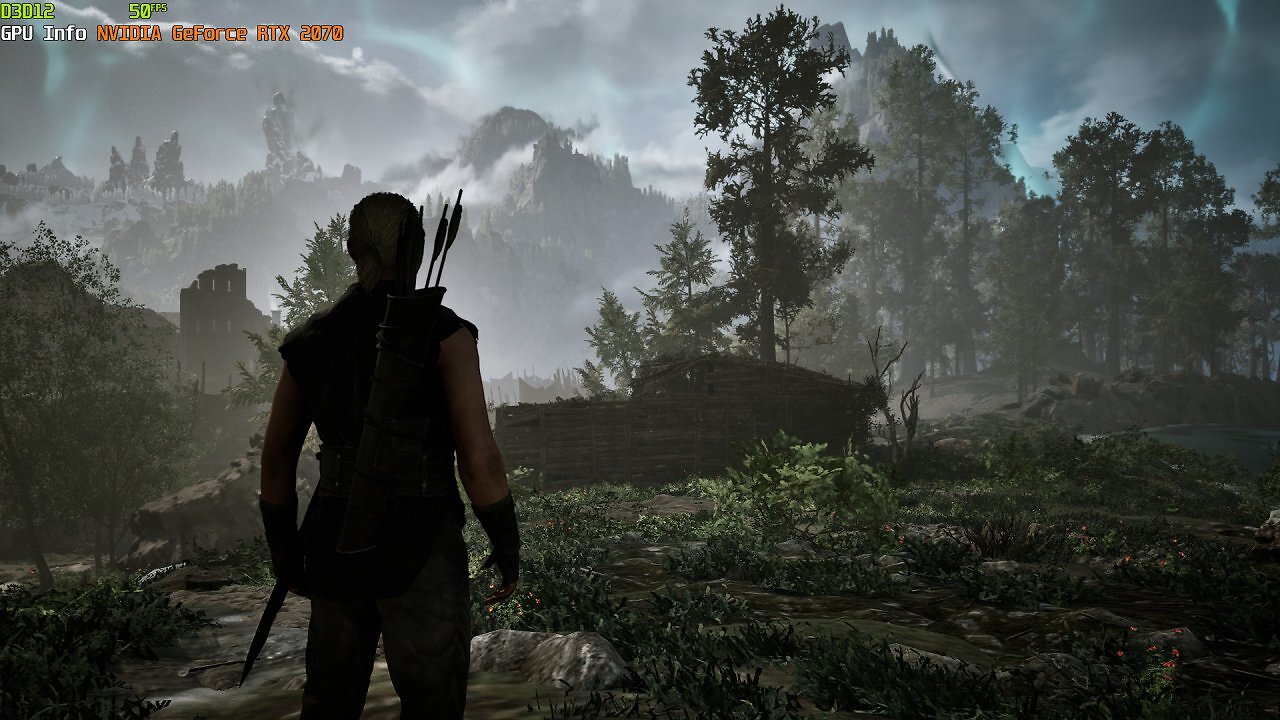
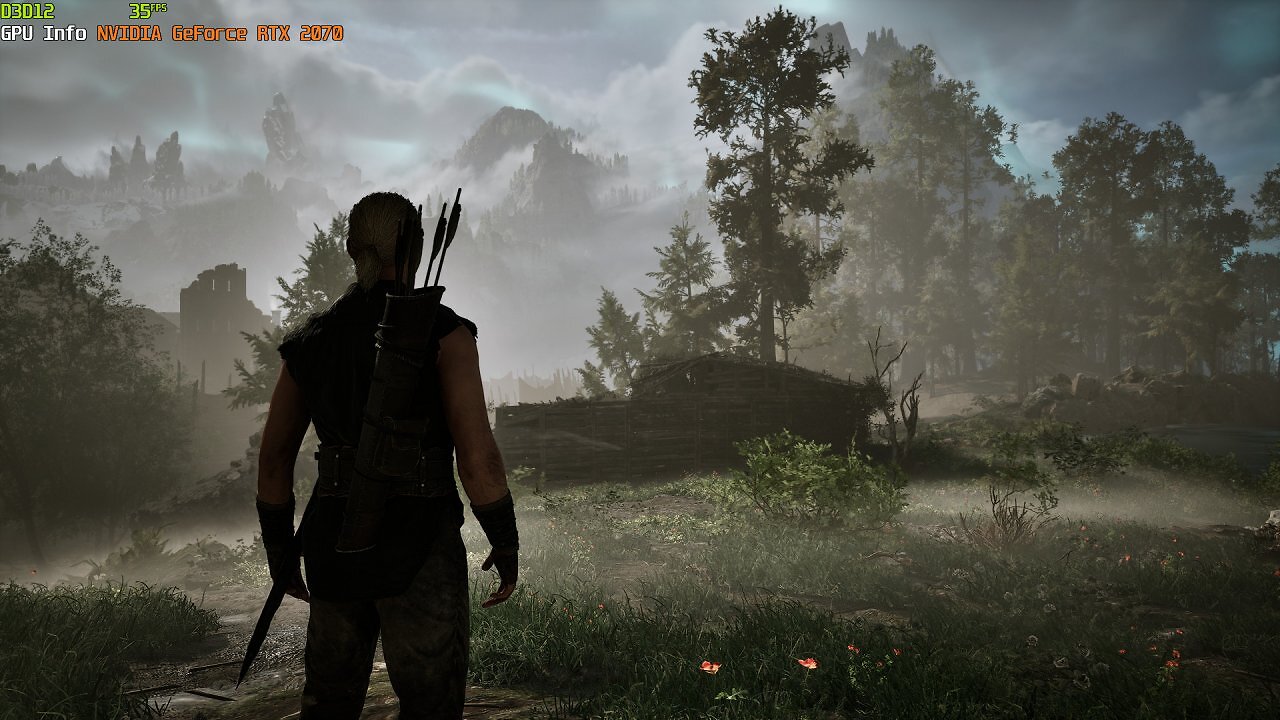
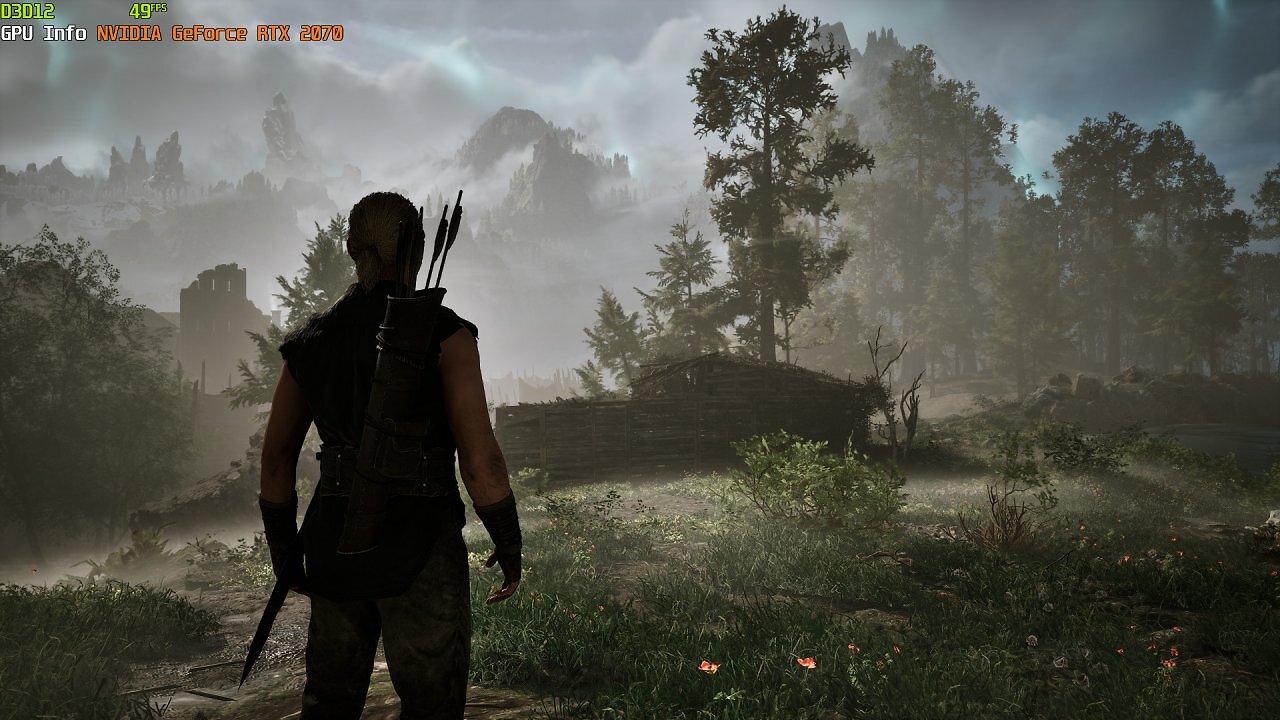
We'll therefore keep the lighting quality set to high. Since the "High" preset has freed up a significant amount of video memory, and we already know that the options mentioned have only a very minor impact on performance—at least with GeForce GPUs—we'll select the "Gothic (Very High)" detail level for textures, draw distance, and anti-aliasing quality. This way, we achieve at least playable performance with the RTX 2070 without any memory bottlenecks. Now we can also enable DLSS Quality and achieve a solid 45 FPS. Since we've also chosen a particularly demanding test scene with the entrance to the foggy swamp camp, performance is significantly higher in the vast majority of areas in Minental and at least within reach of 60 FPS.
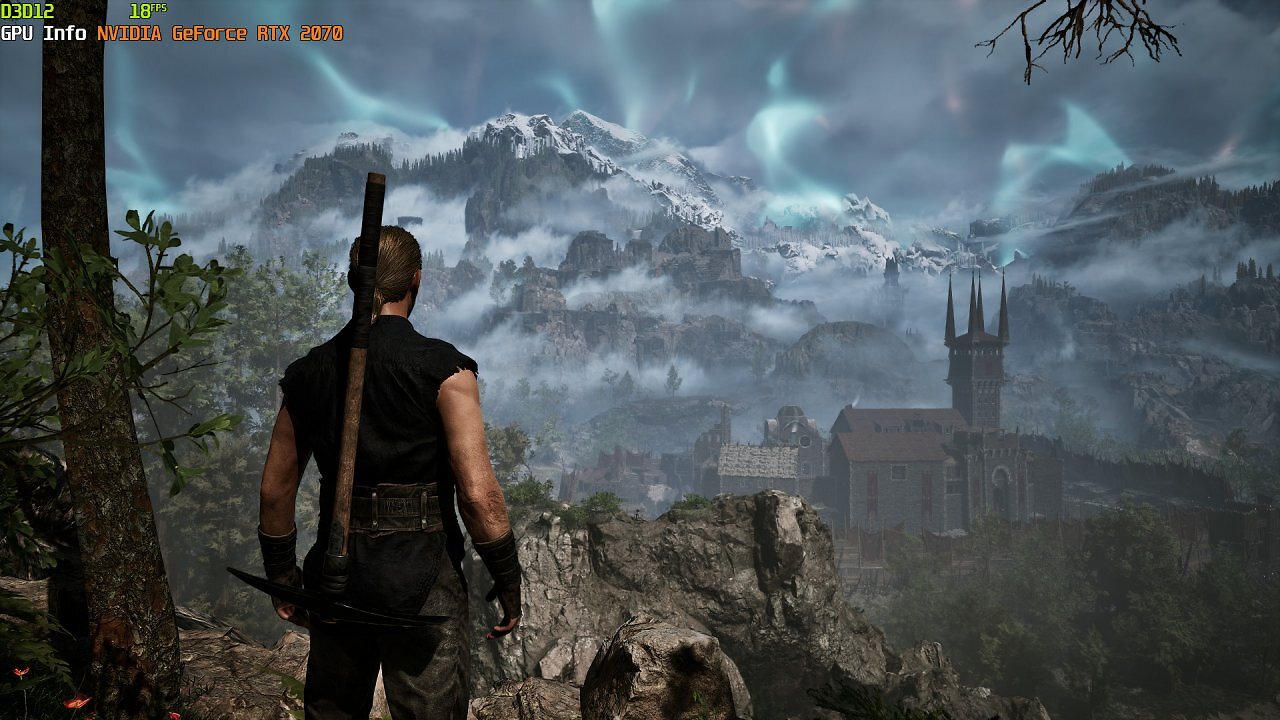
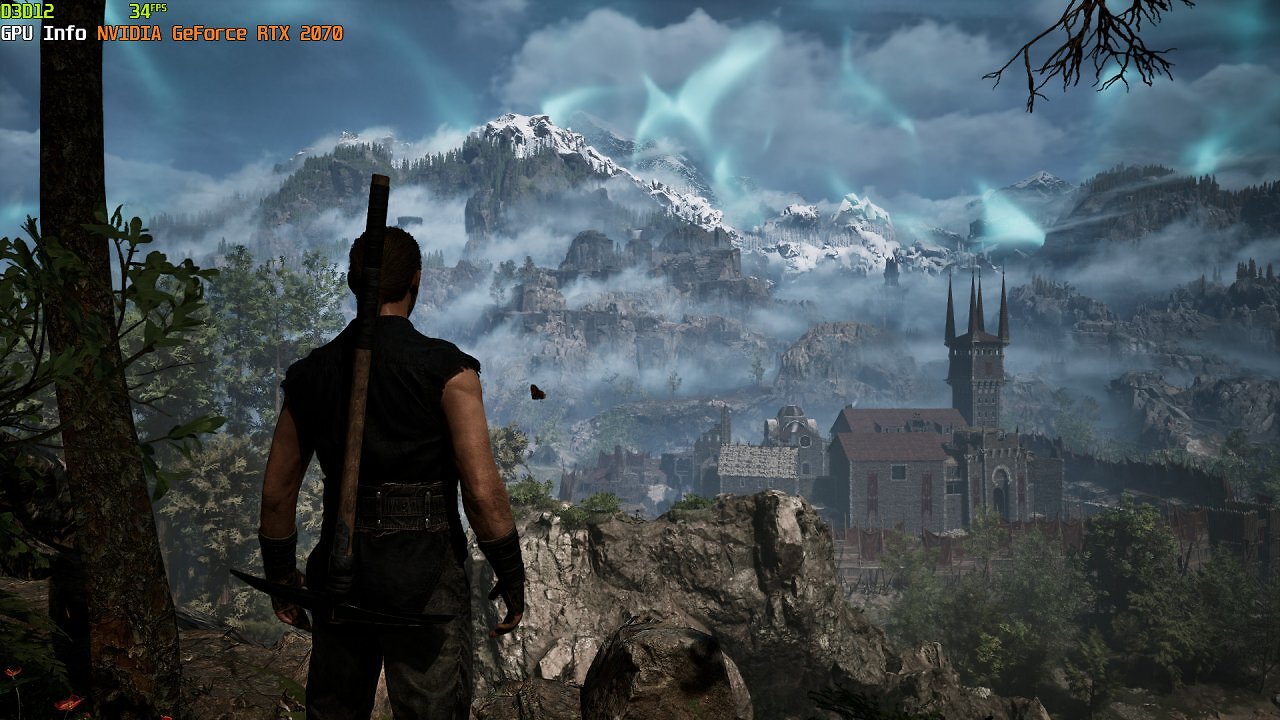
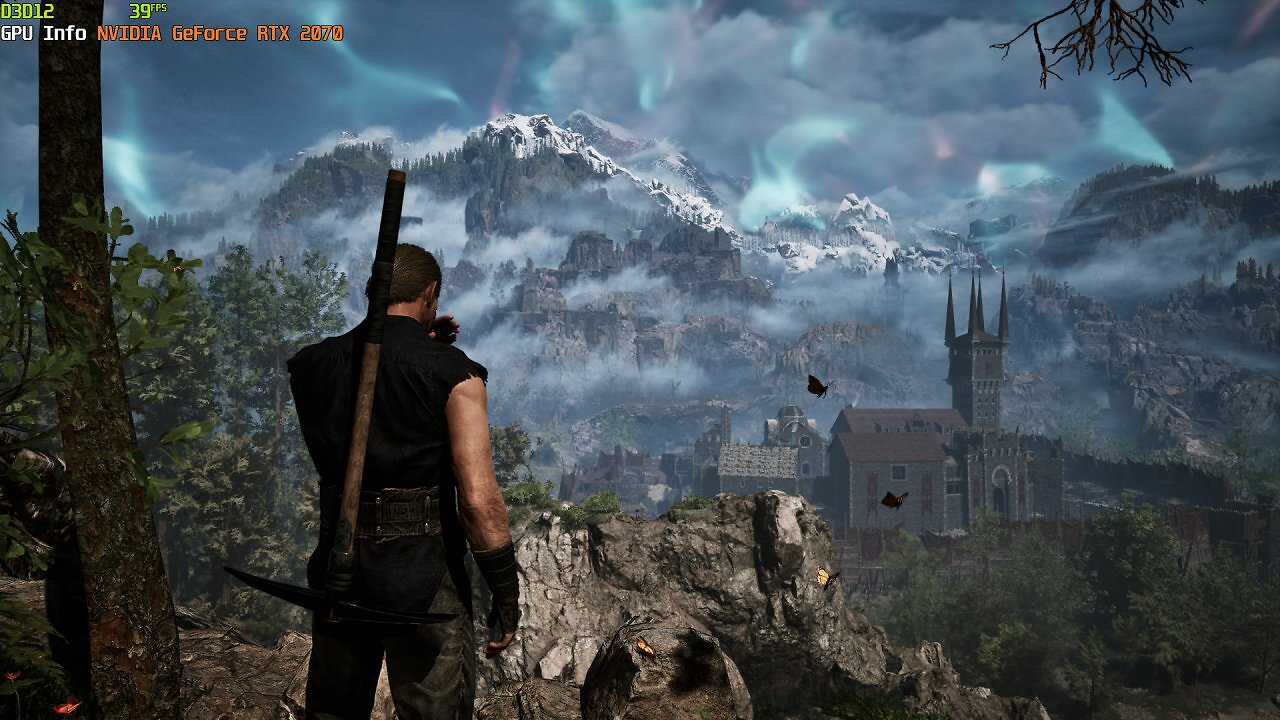
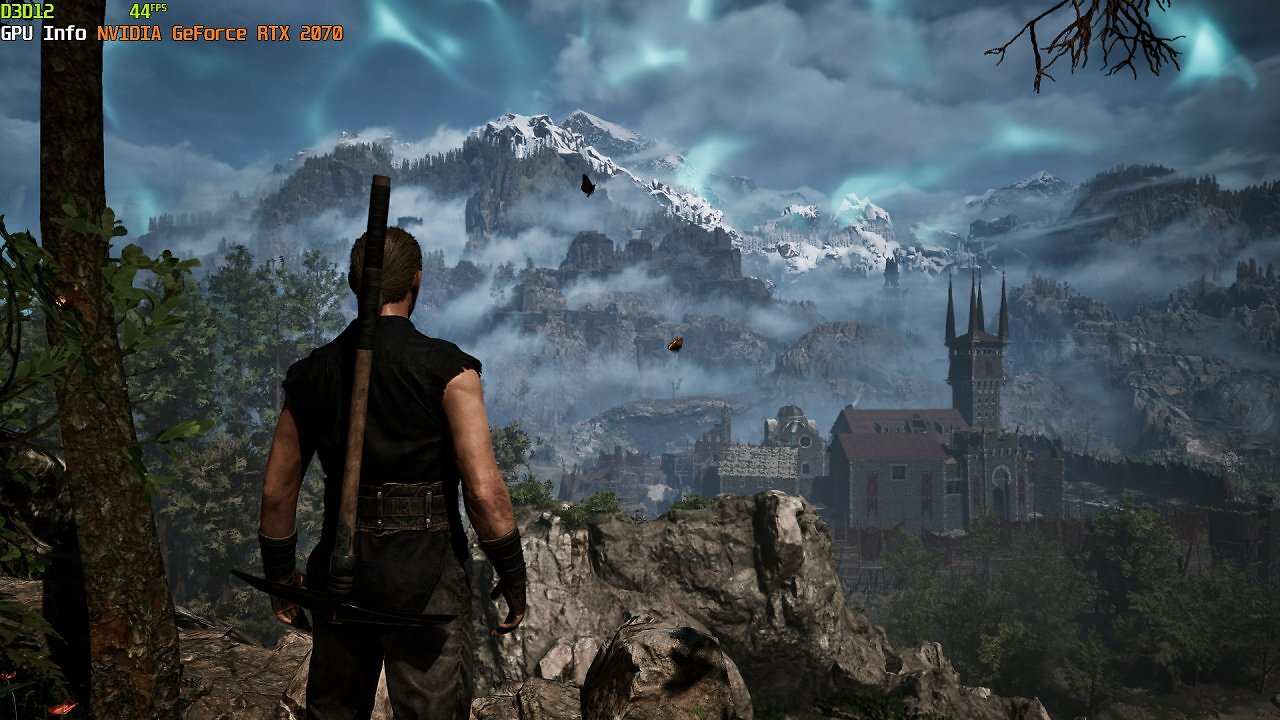
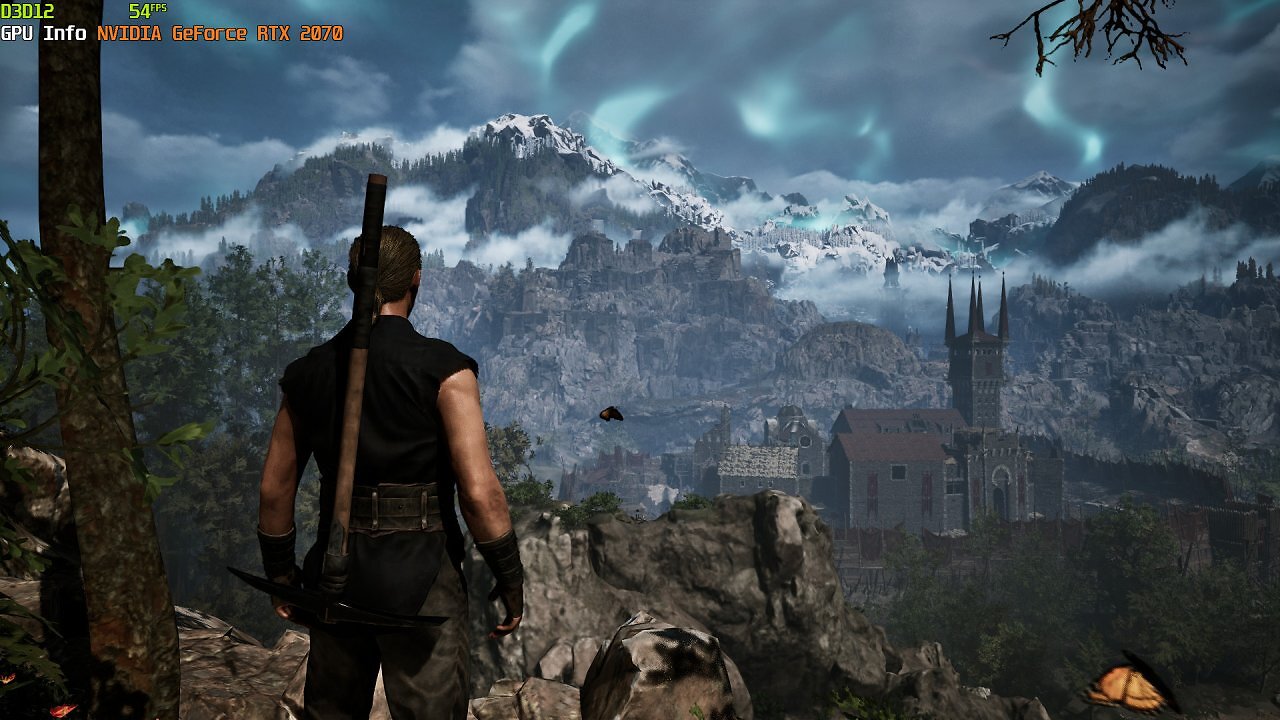
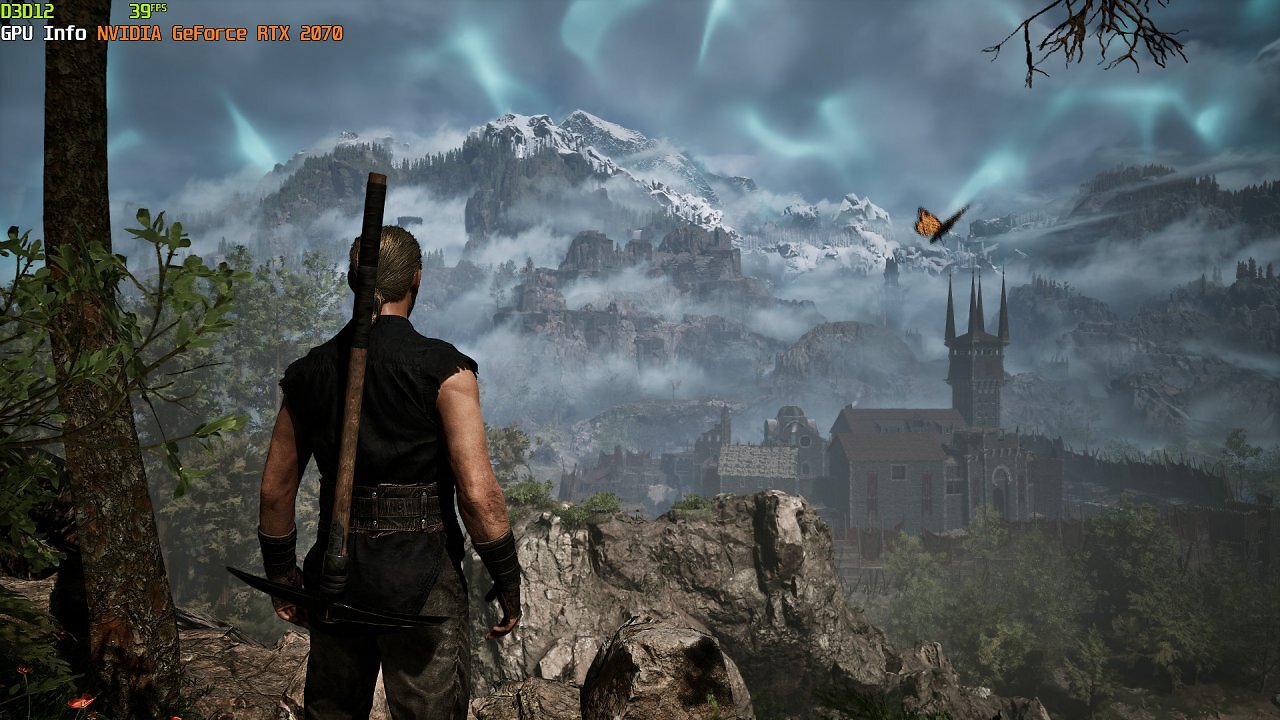
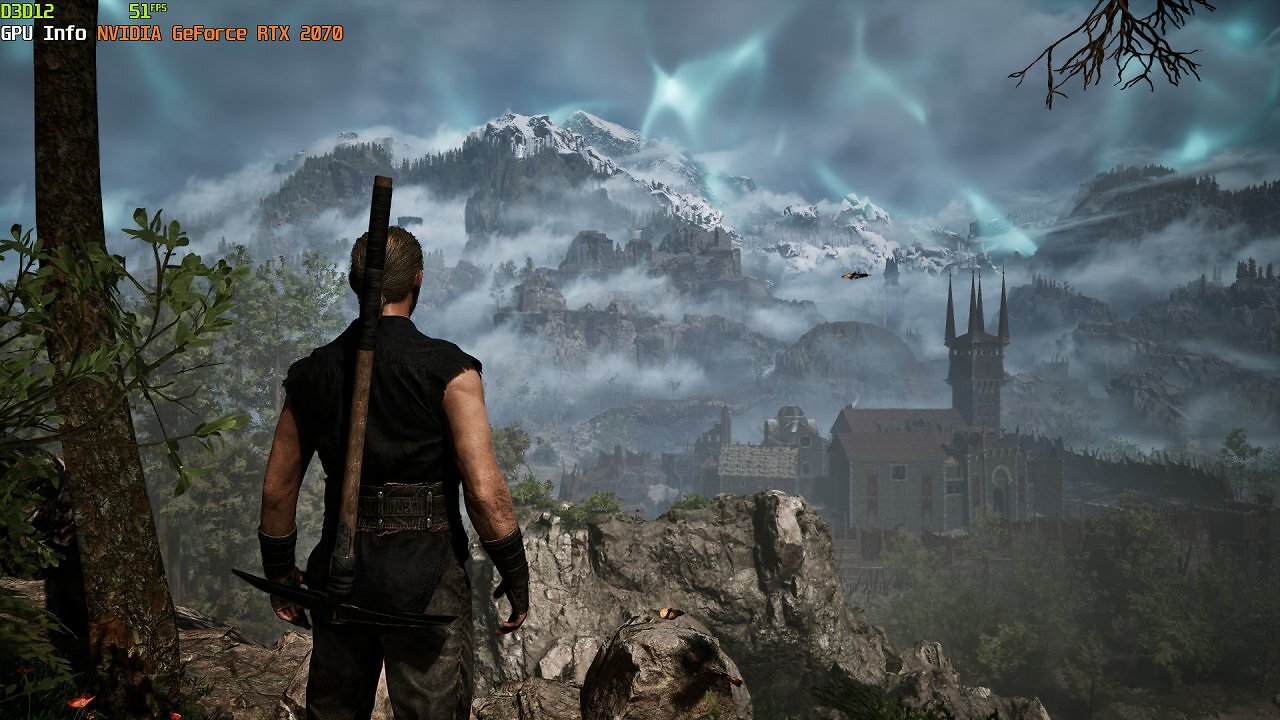
But once again: the more details we sacrifice, the less the GeForce is utilized—there isn't much more to be gained here, except for poorer graphics. With DLSS Balanced, the FPS only increases marginally, but the visuals suffer noticeably, and the GPU utilization continues to drop. Since DLSS 4.5 with Transformer Model 2.0 is very resource-intensive on older RTX graphics cards, we could switch to FSR 3.1.4 or TSR to squeeze out a few more FPS—about 10 percent more. But again: graphics quality suffers, GPU utilization drops—it's hardly worth it. Now let's see how things look with the Radeon RX 6700 XT.