Black Flag Resynced: GPU Benchmarks
How does Black Flag "2.0" perform on common GPUs? We've run numerous benchmarks.
Inhaltsverzeichnis
What is the best graphics card, and which processor is best for Assassin's Creed Black Flag Resynced? On this page, we'll explain which graphics cards can handle the game smoothly. As with all PCGH benchmarks, we use a testing sequence with a significantly above-average graphics load. In the vast majority of environments, frame rates are higher. This means that graphics cards that pass our benchmark with smooth frame rates are well-equipped for the rest of the game—and that's good to know, right?
To kick off our GPU benchmarks, we'd like to set the bar. How does Assassin's Creed Black Flag Resynced perform with all effects maxed out, in Ultra HD, and without upscaling? We put this to the test using the newest and fastest graphics card in the PCGH test lab: a Gigabyte Aorus Geforce RTX 5090 Infinity. We overclocked it to a core clock speed of just over 3 GHz and a memory clock speed of 34 GT/s. In the game, we enabled every setting possible, including DLAA.
How many FPS can a graphics card priced near the 4,000-euro mark achieve, and what's possible with Multi Frame Generation? The heavily overclocked Geforce RTX 5090 gives the impression that Assassin's Creed Black Flag Resynced is a walk in the park for graphics cards, but that's deceptive. Frame Generation (Nvidia's technology shown in the benchmark above) helps increase visual smoothness, though latency increases measurably.
GPU Benchmarks
Now that we've outlined the basic costs, let's move on to the comparative graphics card benchmarks. We're testing 33 models released between 2017 and 2026 at six resolutions, ranging from Full HD to Ultra HD and Dual-QHD (32:9). The super-ultra-wide aspect ratio already has quite a following—which is why we're including this cinematic presentation, provided the game in question offers adequate support for it. Assassin's Creed Black Flag Resynced is one such title, so we're thrilled to present the results in DQHD and 5K2K, aka 5K-Ultra-wide.
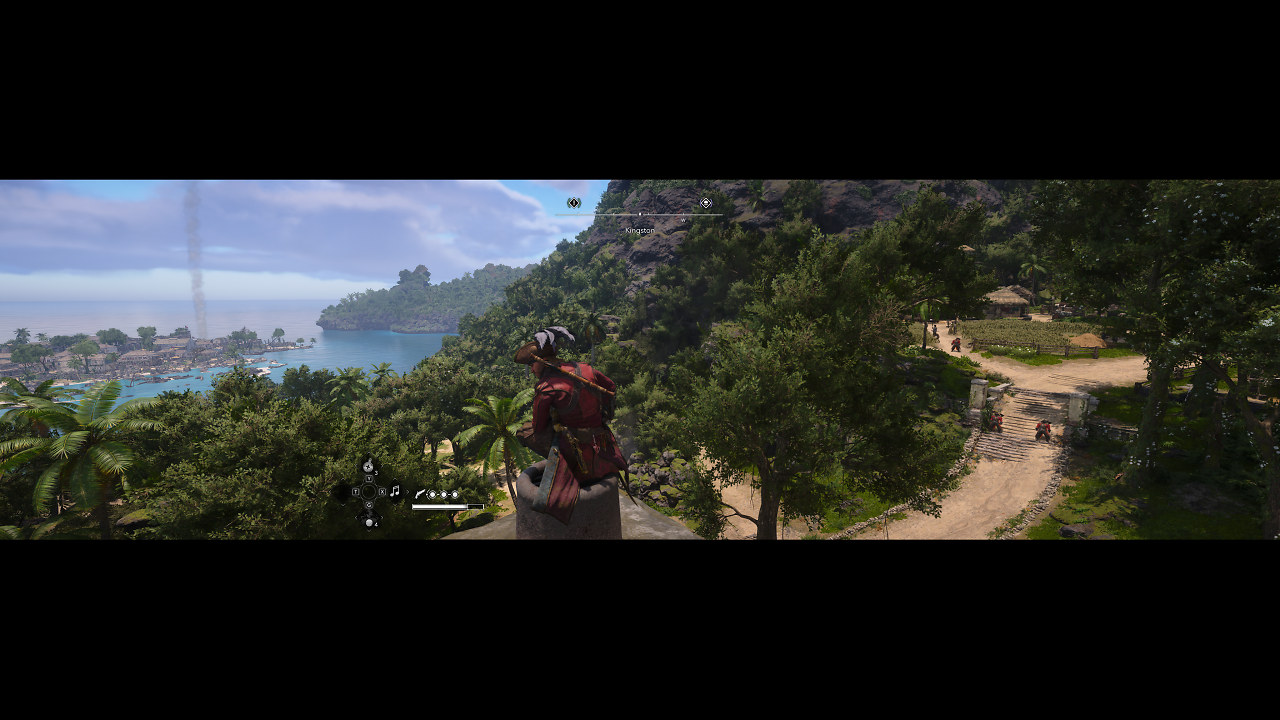
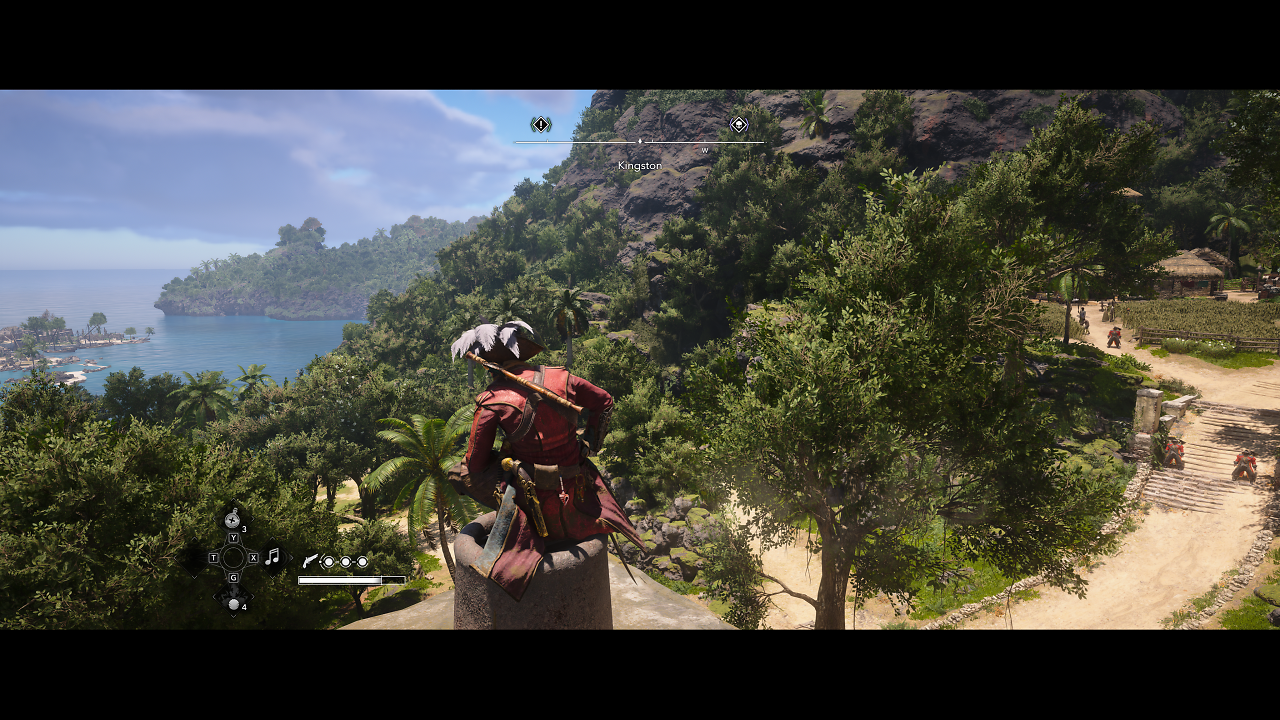
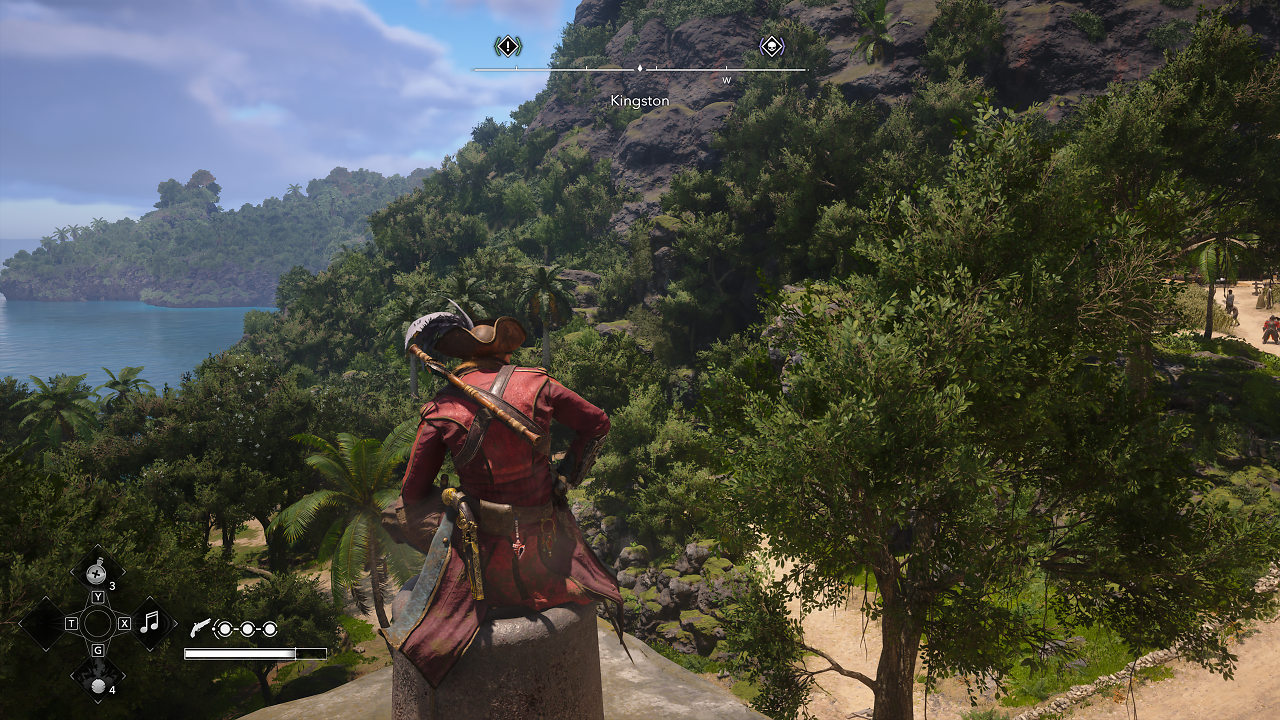
As usual, we measure performance metrics using CapFrameX; for the benchmarks, we calculate the averages of three runs, both for the average FPS and the P1 percentile (the average of the lowest 1 percent of values). To help you better understand the results, we also provide the average clock speeds recorded during the tests and show the benchmark scene in the video (above). If you'd like to replicate our benchmarks on your own computer, you're—as always—more than welcome to do so.
GPU Benchmarks: Rasterizing
We'll start with the frequently requested benchmarks at native resolution. We're using pure rasterization—ray tracing is not used here. In the following benchmarks, all graphics cards render the same image; the workload is identical. The results:
Only one graphics card can achieve three-digit frame rates—at least in Full HD. As was already the case in Assassin's Creed Shadows, resolution comes at a relatively low cost. We suspect that Ubisoft's geometry pipeline is responsible for this—in other words, while the polygons incur relatively high setup and maintenance costs, additional pixels can be efficiently "squeezed in." Radeon graphics cards once again perform exceptionally well; when it comes to price-performance, AMD is unbeatable.
GPU Benchmarks: Ray Tracing
In the following, we'll set the details to the maximum, thereby enabling ray tracing enhancements. To ensure playable frame rates, each GPU may use its own upsampling method, each with an internal resolution of 67 percent. Due to the different methods, neither the computational load nor the quality is identical, but these settings are based on standard practice. The results:
*Geforce RTX: DLSS 4, Radeon RX 9000/7000: FSR 4, Radeon RX Vega-6000, Geforce GTX: FSR 3, Arc: XeSS 3
On most graphics cards, the computational load of ray tracing can be mitigated through quality upsampling. However, the additional data increases memory usage, which is why 8-GiByte graphics cards run into problems. We recommend a model with 12 GiByte to use ray tracing at resolutions up to and including 1440p. For even higher resolutions and (Multi) Frame Gen, 16 GiByte is recommended.