
Assassin's Creed Black Flag Resynced: Technology in Detail
Assassin's Creed Black Flag Resynced is based on Ubisoft's Anvil engine—read all the details here.
Inhaltsverzeichnis
Graphics and Technology
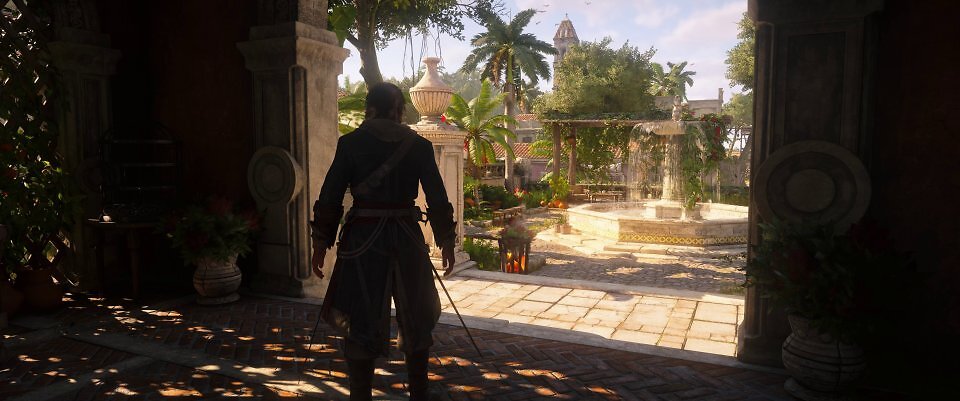
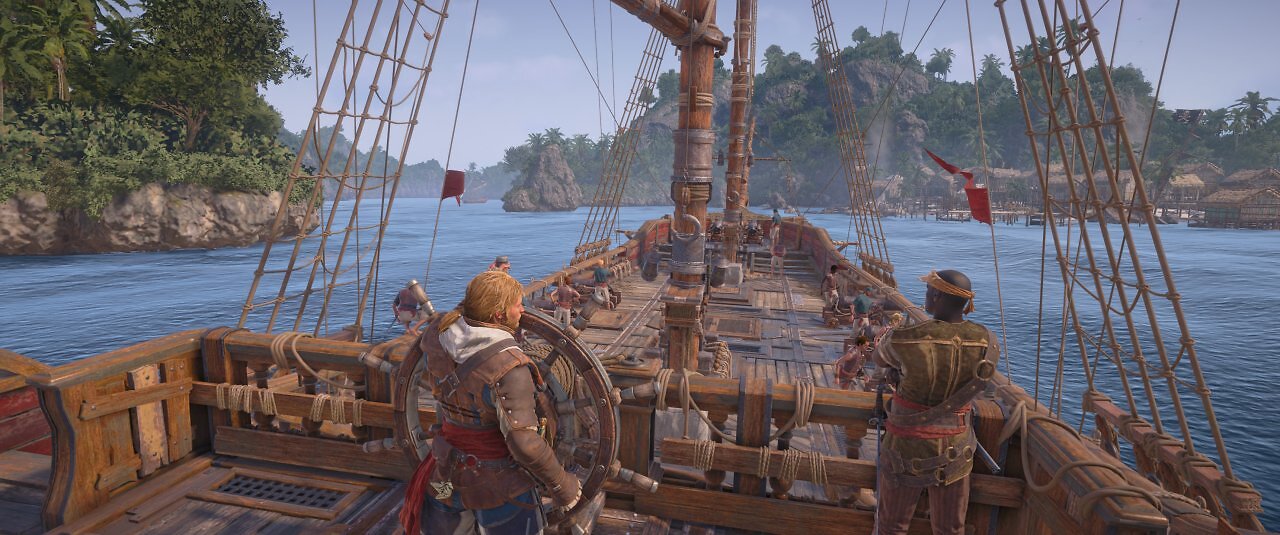
As mentioned at the beginning, Assassin's Creed Black Flag Resynced uses the branch of the Anvil engine developed for Assassin's Creed Shadows. We can put to rest any fears that Ubisoft Singapore might be using the version of the engine employed for Skull & Bones—which, in turn, is based on the Anvil-Next engine originally used in the first Black Flag. Wind and weather effects enliven the familiar environments, and ray tracing also adds to the atmosphere. Primarily thanks to RT-GI, the environments look much more authentic, and the lighting is more refined and dynamic. Ray-tracing-based global illumination is active in the standard ray-tracing setting; in the advanced ray-tracing setting, reflections are also rendered using ray tracing. If you wish, the feature can also be completely disabled in Black Flag Resynced.
 Source: PC Games Hardware
The lighting is very pleasing thanks to the optional RT-GI.
The ray-traced reflections also look great; however, dynamic elements such as characters are not included—they are rendered using screen-space reflections. Furthermore, not all surfaces feature ray-traced reflections. For rough, highly diffuse surfaces such as wet rock, mud, or wood, screen-space reflections are used. These are also supported by cube-map reflections.
Source: PC Games Hardware
The lighting is very pleasing thanks to the optional RT-GI.
The ray-traced reflections also look great; however, dynamic elements such as characters are not included—they are rendered using screen-space reflections. Furthermore, not all surfaces feature ray-traced reflections. For rough, highly diffuse surfaces such as wet rock, mud, or wood, screen-space reflections are used. These are also supported by cube-map reflections.
 Source: PC Games Hardware
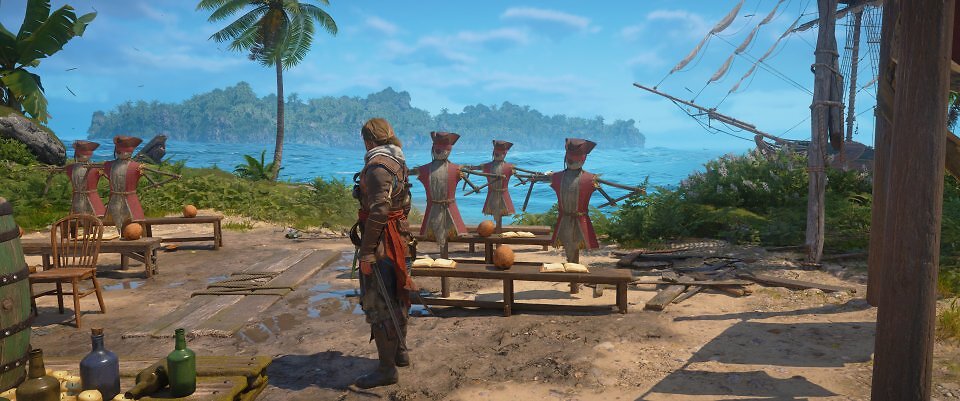
Dynamic elements such as characters are excluded from RT reflections. Reflections of the characters are rendered using screen-space reflections; vegetation swaying in the wind is replaced by static placeholders in the reflections and remains motionless there. However, this is rarely noticeable or distracting while playing.
Other dynamic objects, including vegetation, are replaced in the ray-traced reflections by static, relatively crude placeholders—while the palms sway in the wind, the content of the RT reflections remains motionless, which can seem a bit jarring if you look closely. On the plus side, ray tracing in Black Flag Resynced is relatively lightweight, and the side effects are rarely noticeable during gameplay.
Source: PC Games Hardware
Dynamic elements such as characters are excluded from RT reflections. Reflections of the characters are rendered using screen-space reflections; vegetation swaying in the wind is replaced by static placeholders in the reflections and remains motionless there. However, this is rarely noticeable or distracting while playing.
Other dynamic objects, including vegetation, are replaced in the ray-traced reflections by static, relatively crude placeholders—while the palms sway in the wind, the content of the RT reflections remains motionless, which can seem a bit jarring if you look closely. On the plus side, ray tracing in Black Flag Resynced is relatively lightweight, and the side effects are rarely noticeable during gameplay.
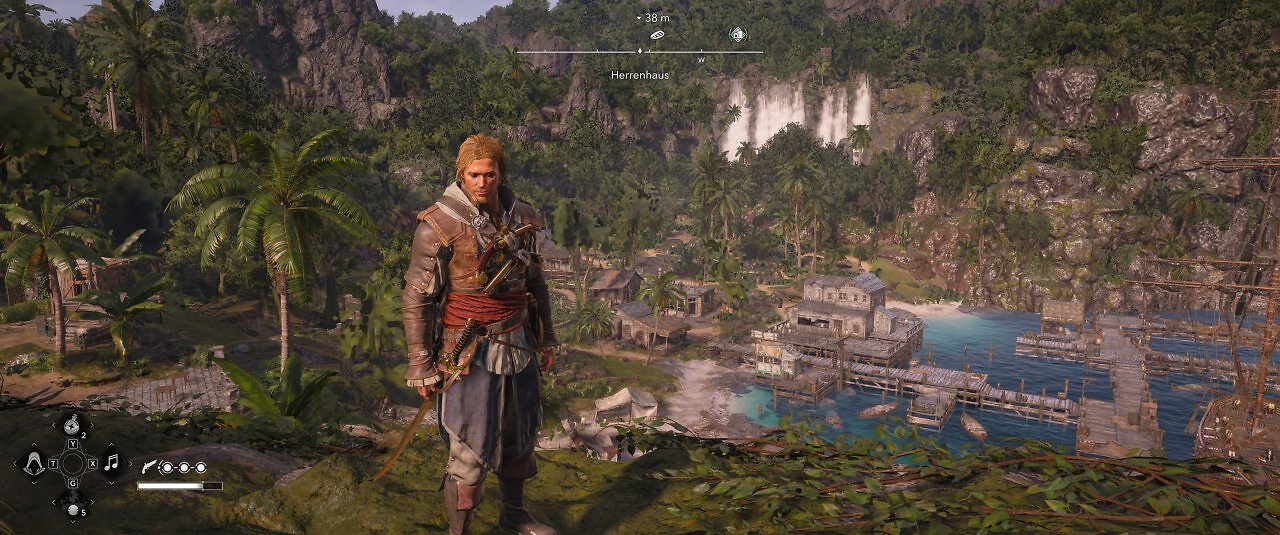
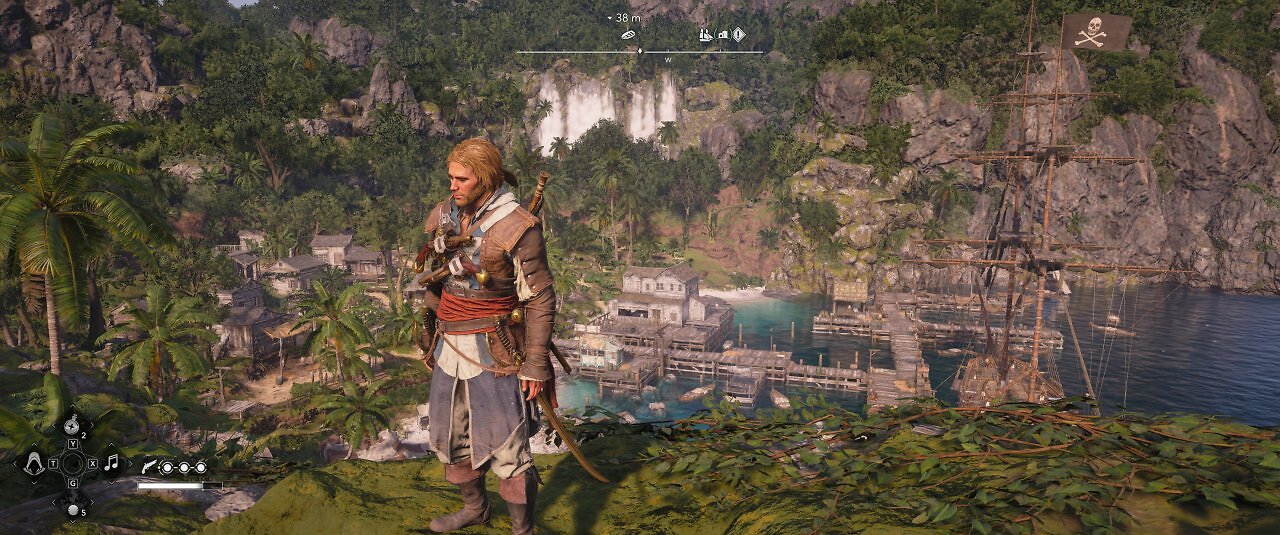
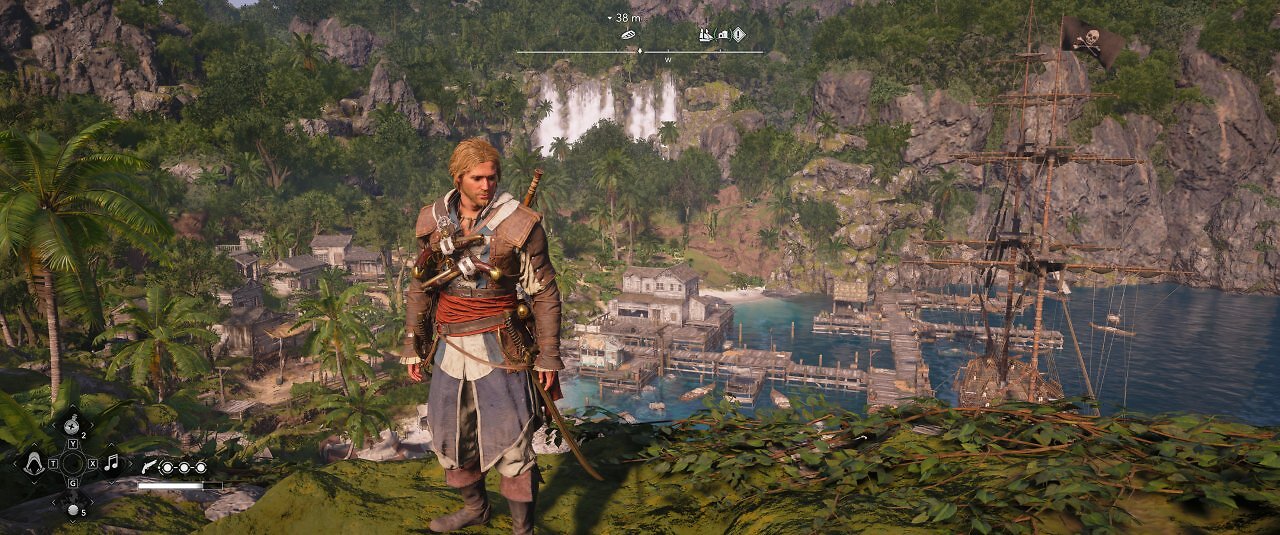
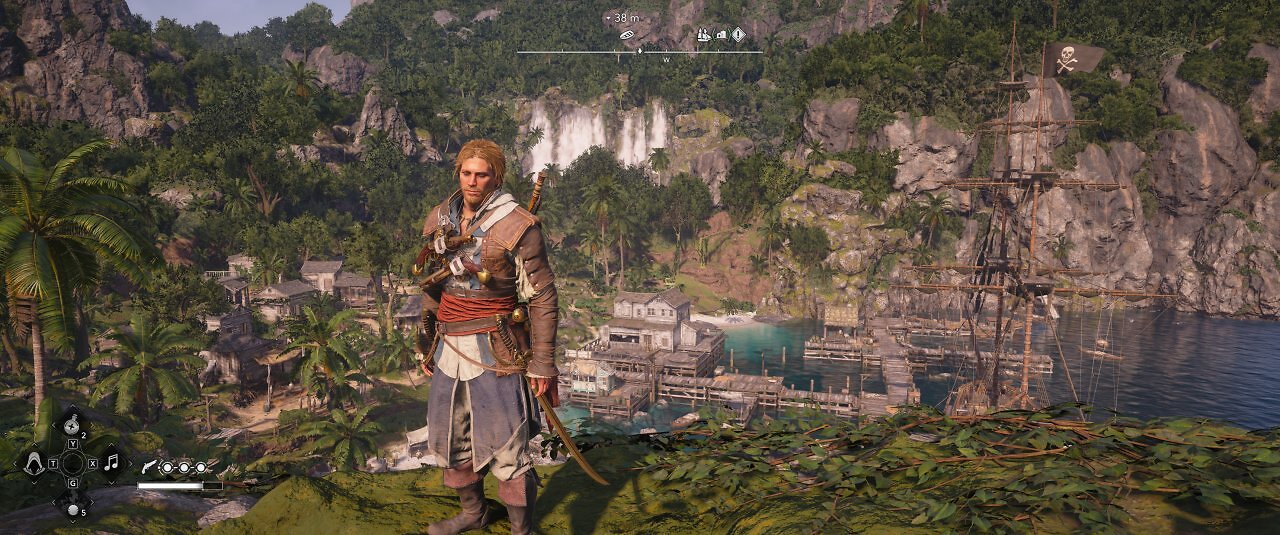
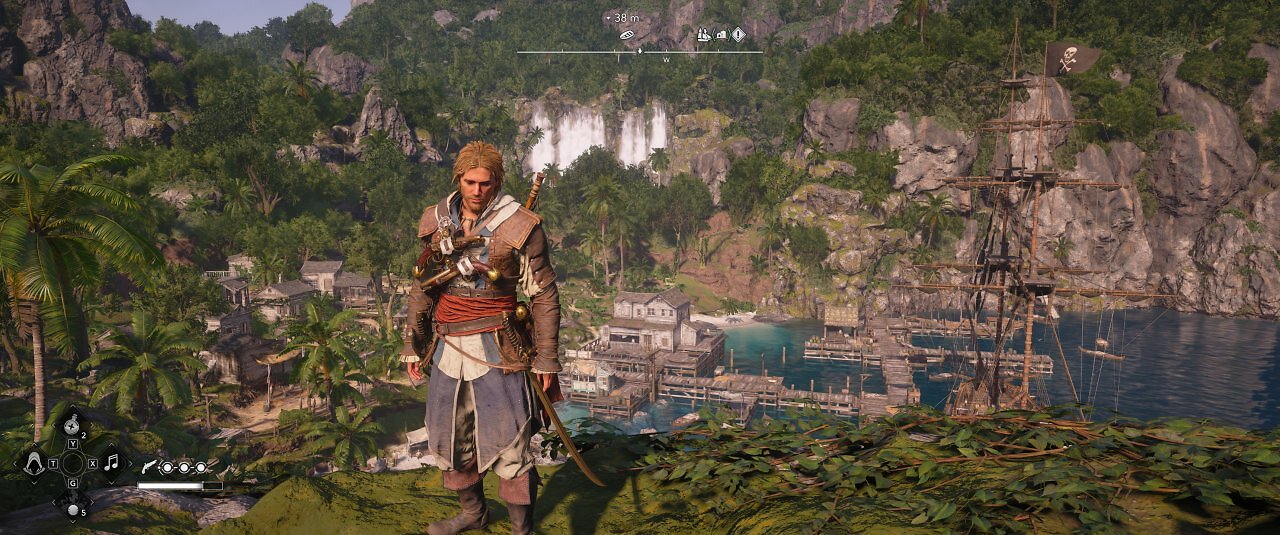
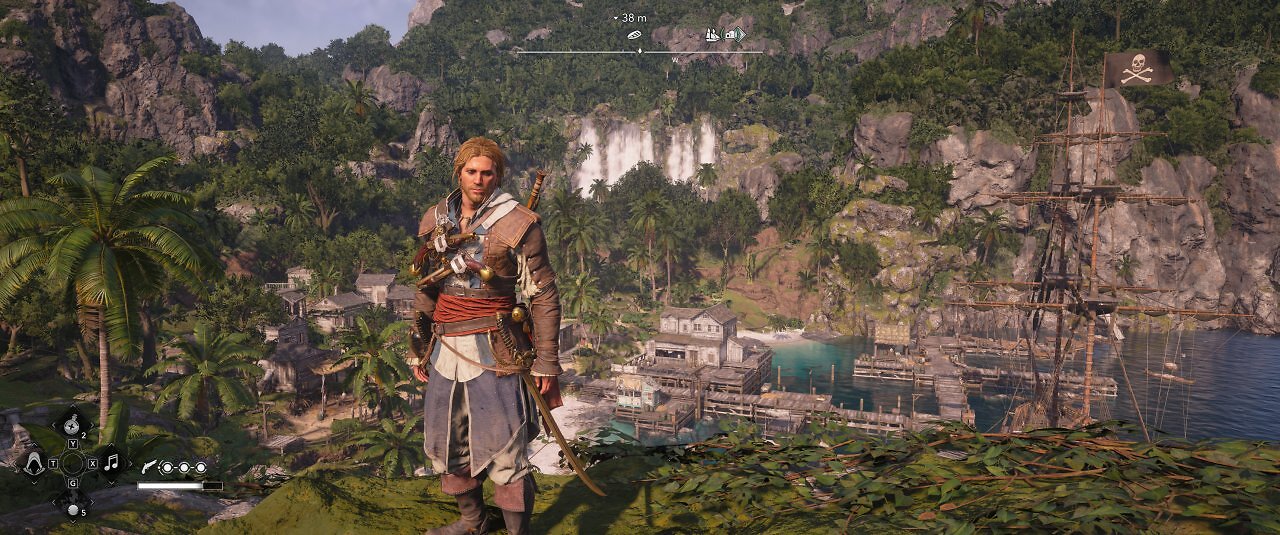
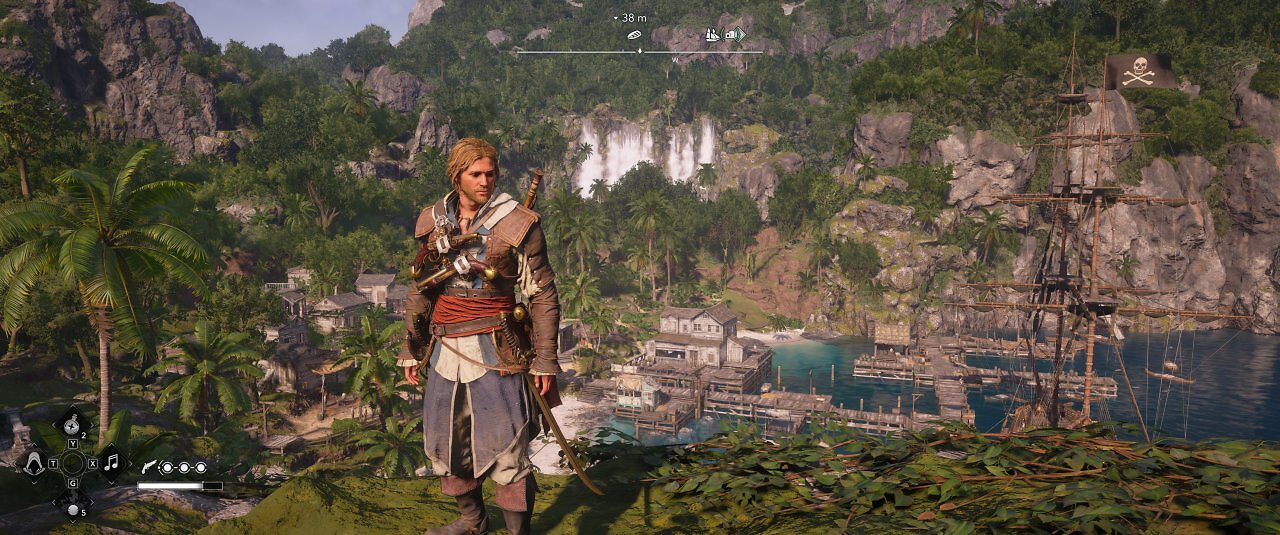
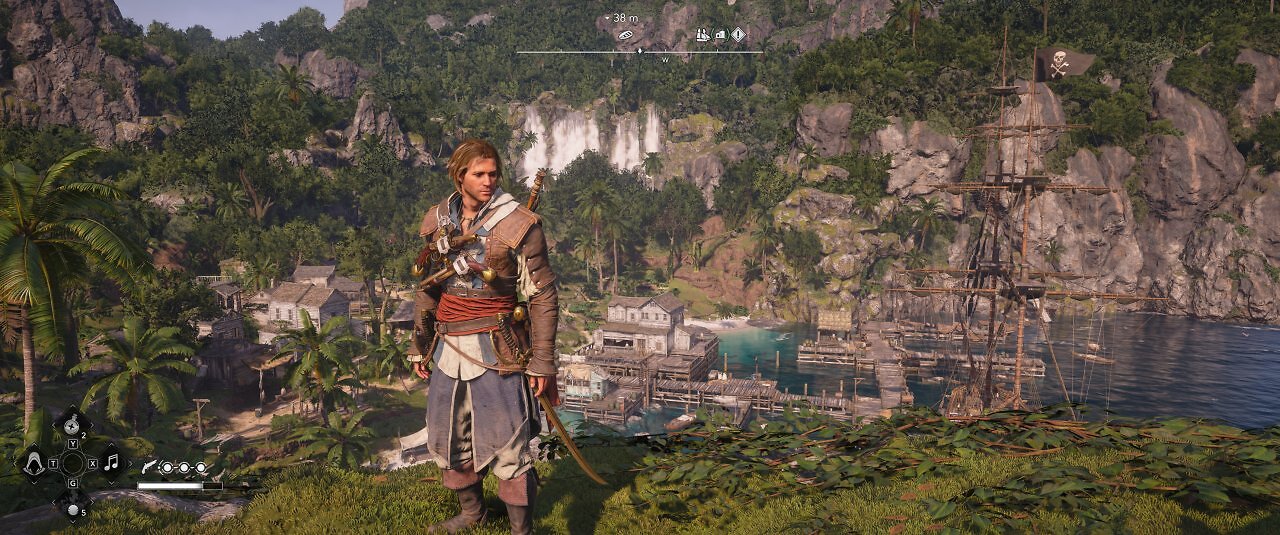
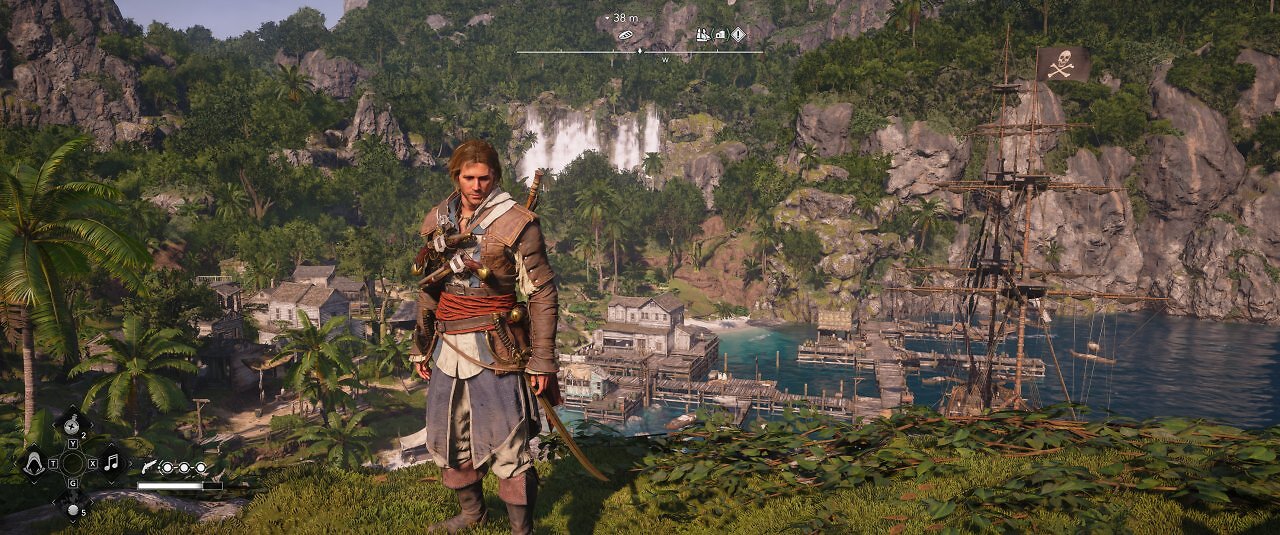
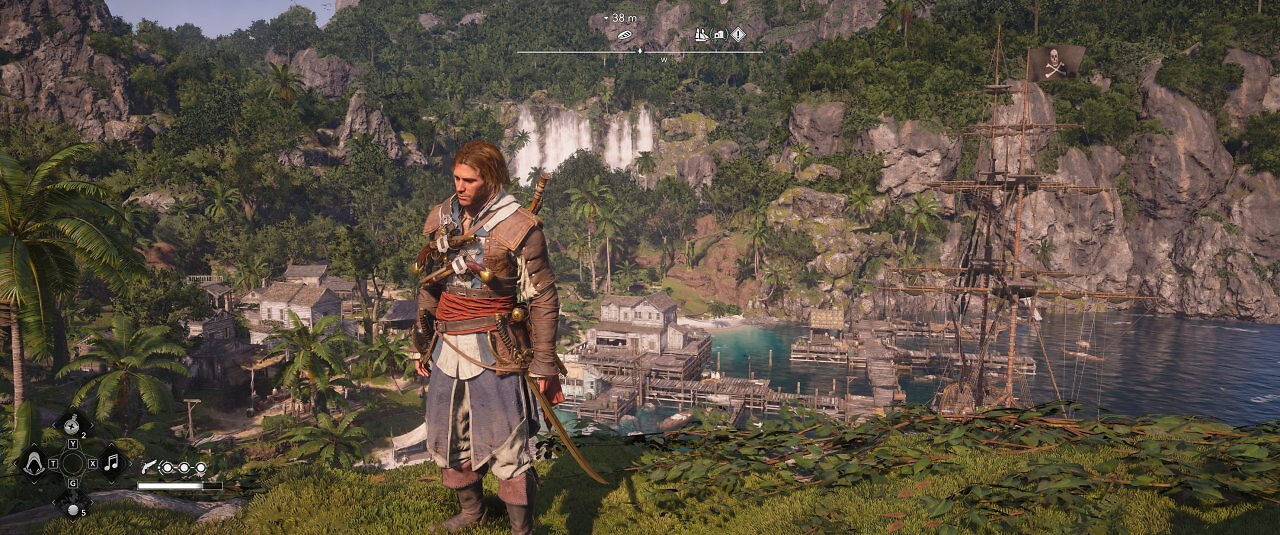
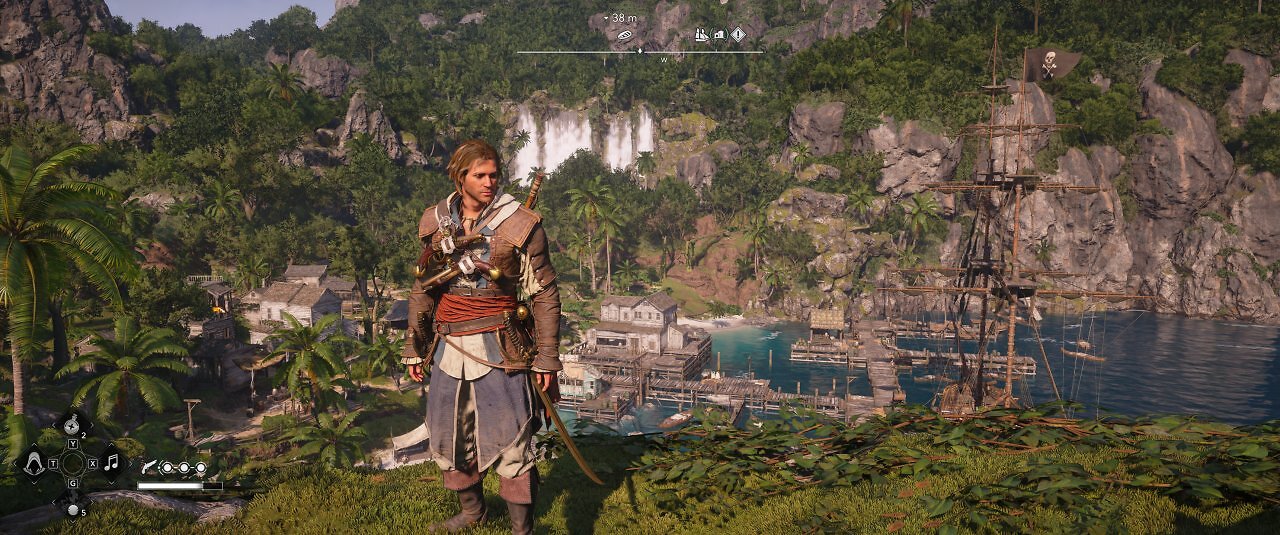
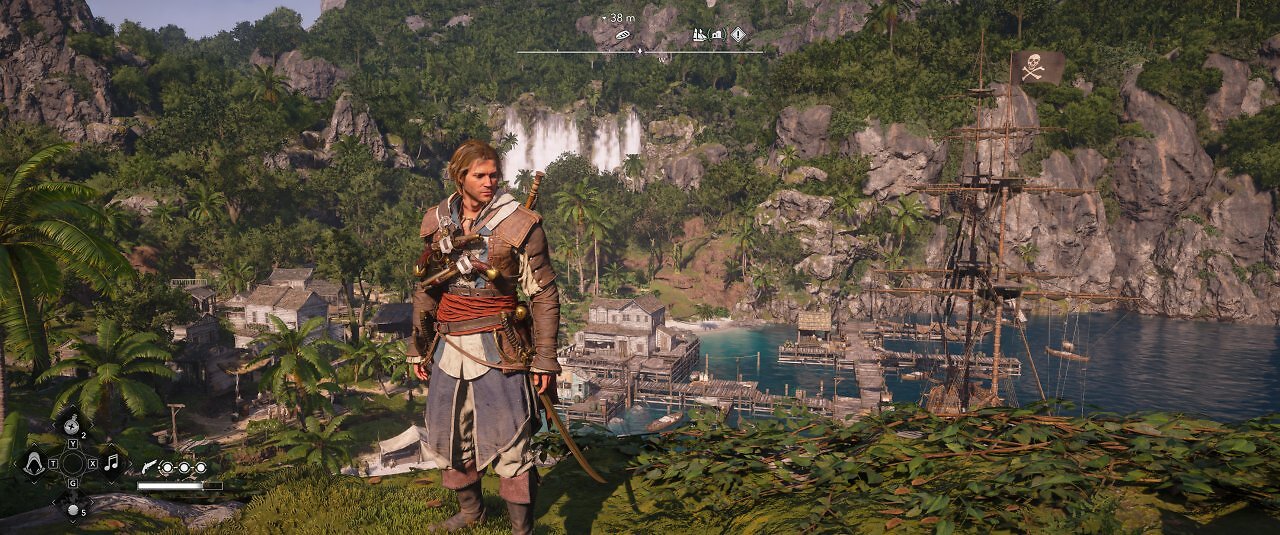
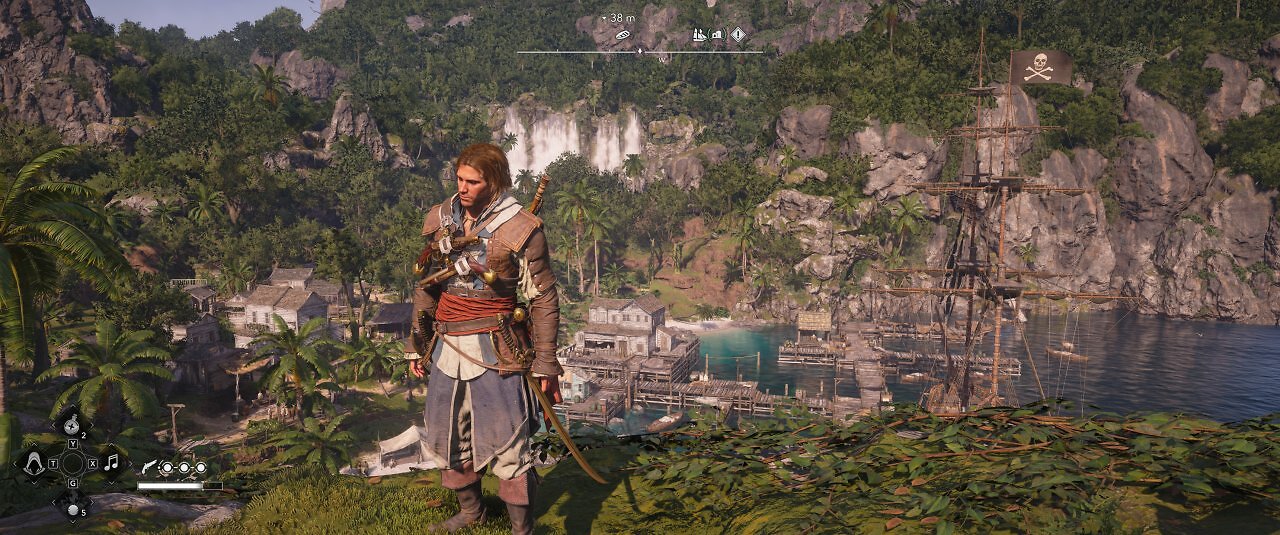
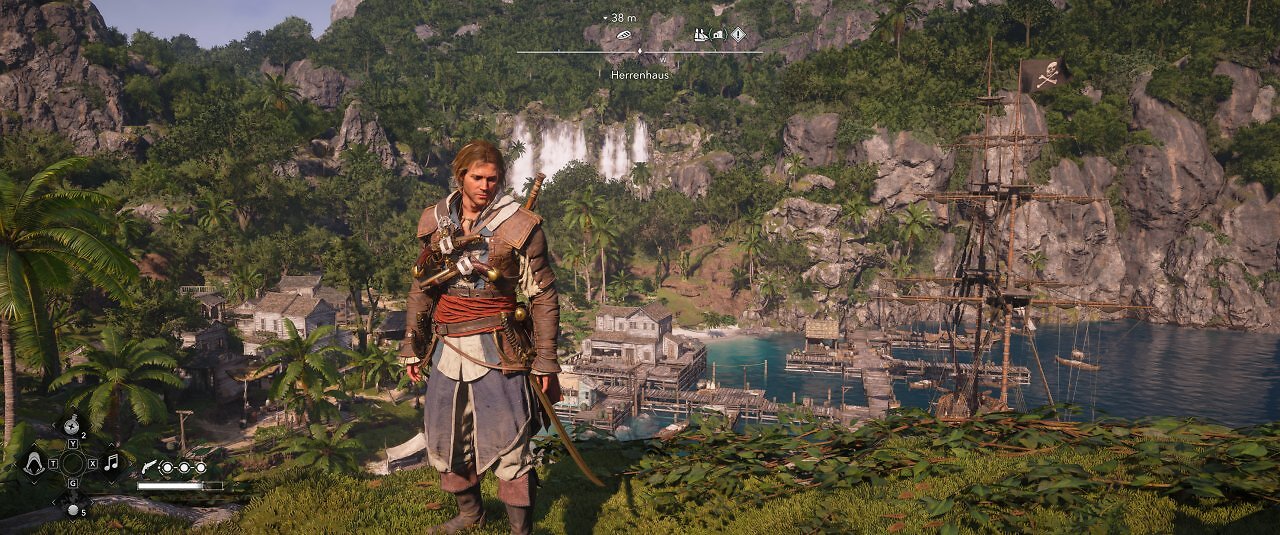
Another major innovation that was introduced to the Anvil Engine with Shadows and is also used in Black Flag Resynced is Virtualized Geometry. This technology breaks the scene down into small, virtual blocks that can be loaded, managed, and adjusted individually in terms of level of detail. Elements that are obscured and not visible to the camera can be hidden by the engine, which saves memory and improves performance. These resources can then be used to render countless small details. Additionally, Virtualized Geometry enables a dynamic, nearly seamless level of detail, which significantly reduces distracting pop-in. The result is highly detailed yet high-performance visuals that do not place a drastic strain on the graphics card, CPU, or memory.
 Source: PC Games Hardware
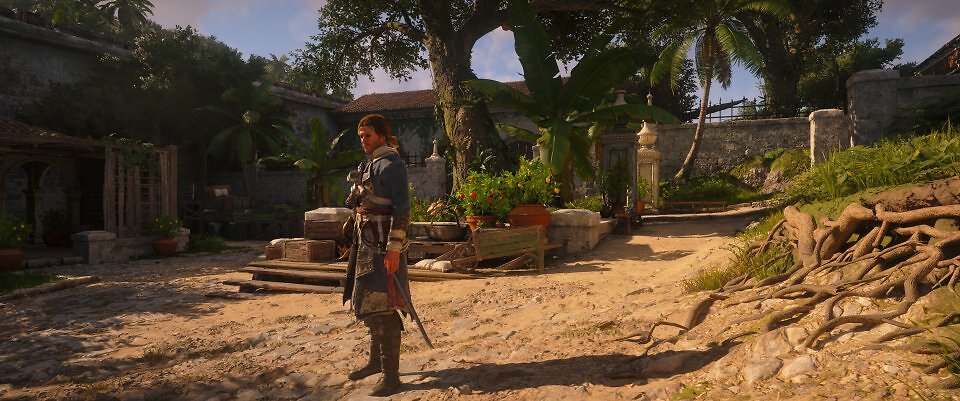
Thanks to Virtualized Geometry and dynamically scalable LoD, environments can be highly detailed and embellished with many small and minute geometric details ("microdetails"). Virtualized Geometry is loosely comparable to UE5's Nanite and was introduced into the Anvil engine with AC: Shadows.
Among the many graphical innovations Ubisoft has incorporated into the Black Flag remake is, of course, the character rendering. The characters' stylish beach hair is particularly striking; it has been animated very convincingly and also interacts with the wind simulation, which is based on a fluid model. The textures and shaders for skin rendering in Resynced are also noticeably finer and more complex, and they reflect ambient light and RT-GI in a more physically plausible way—even though the original Black Flag already used Physically Based Rendering (PBR) and was among the early adopters of PBR rendering back in 2013. But it's hard to overlook the fact that there have been tremendous technical advances in lighting and material rendering in the meantime. Visually, Assassin's Creed Black Flag Resynced is a stunner. Let's move on to performance.
Source: PC Games Hardware
Thanks to Virtualized Geometry and dynamically scalable LoD, environments can be highly detailed and embellished with many small and minute geometric details ("microdetails"). Virtualized Geometry is loosely comparable to UE5's Nanite and was introduced into the Anvil engine with AC: Shadows.
Among the many graphical innovations Ubisoft has incorporated into the Black Flag remake is, of course, the character rendering. The characters' stylish beach hair is particularly striking; it has been animated very convincingly and also interacts with the wind simulation, which is based on a fluid model. The textures and shaders for skin rendering in Resynced are also noticeably finer and more complex, and they reflect ambient light and RT-GI in a more physically plausible way—even though the original Black Flag already used Physically Based Rendering (PBR) and was among the early adopters of PBR rendering back in 2013. But it's hard to overlook the fact that there have been tremendous technical advances in lighting and material rendering in the meantime. Visually, Assassin's Creed Black Flag Resynced is a stunner. Let's move on to performance.
 Source: PC Games Hardware
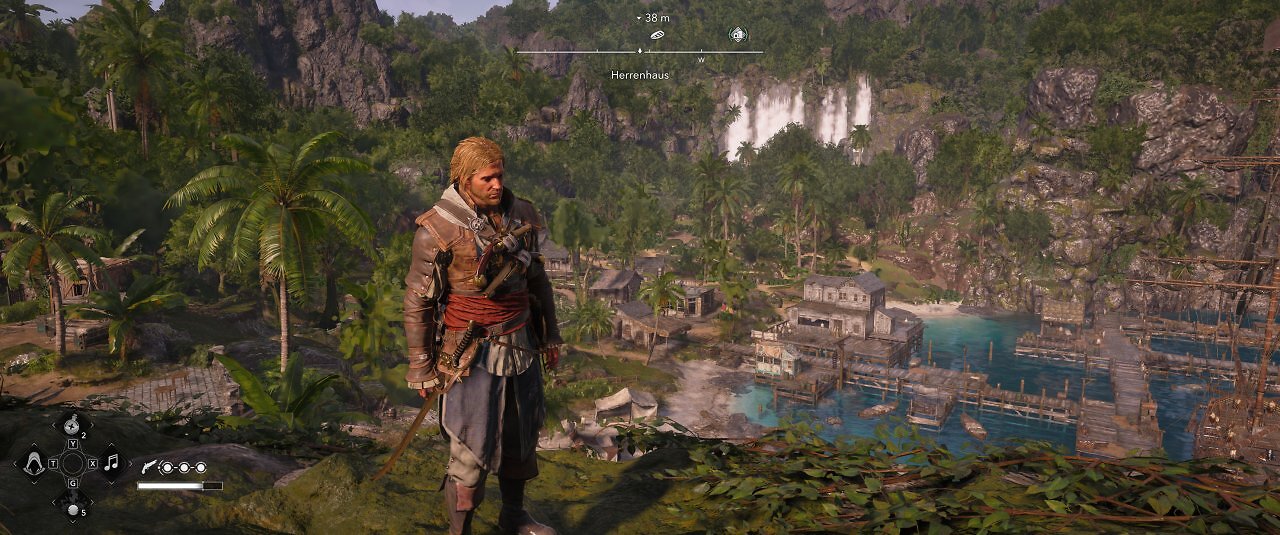
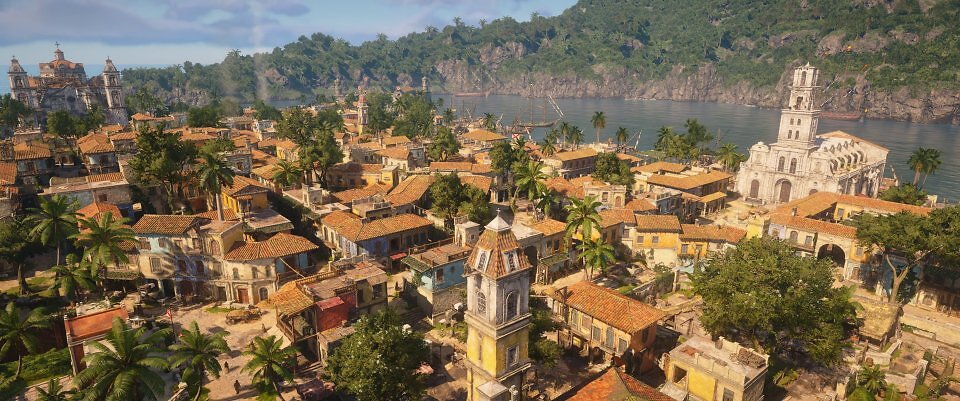
The field of view and level of detail in the game world remain impressively high even in the macro view. At a distance, RT reflections are replaced by screen-space reflections, and shadows are replaced by distance fields—also screen-space. Occlusion culling is visible, but it's usually quite subtle and rarely distracting.
Source: PC Games Hardware
The field of view and level of detail in the game world remain impressively high even in the macro view. At a distance, RT reflections are replaced by screen-space reflections, and shadows are replaced by distance fields—also screen-space. Occlusion culling is visible, but it's usually quite subtle and rarely distracting.
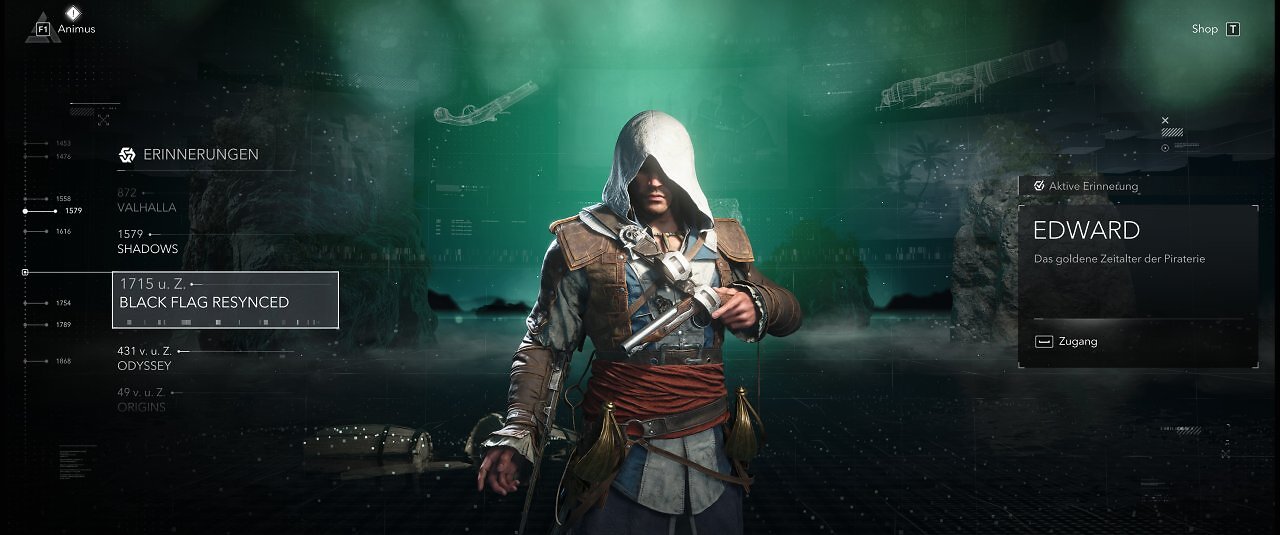
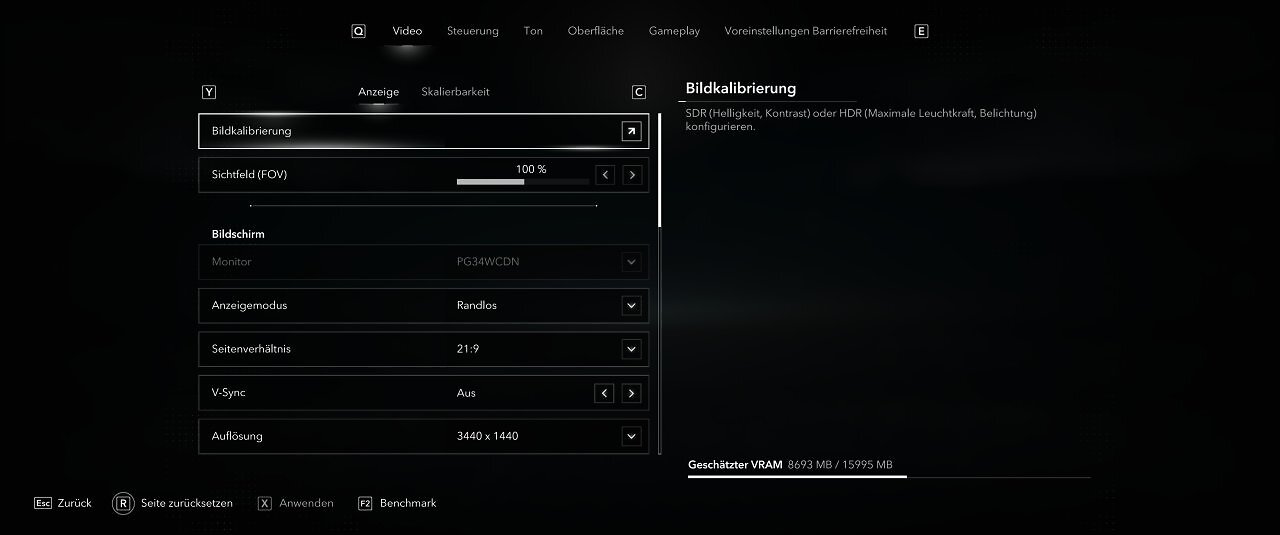
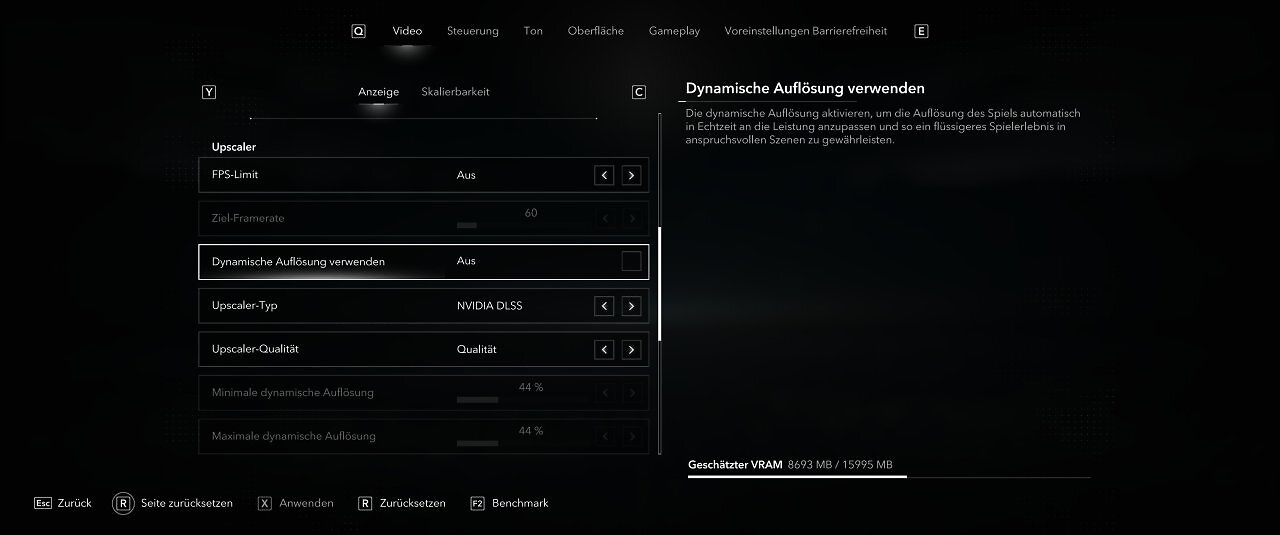
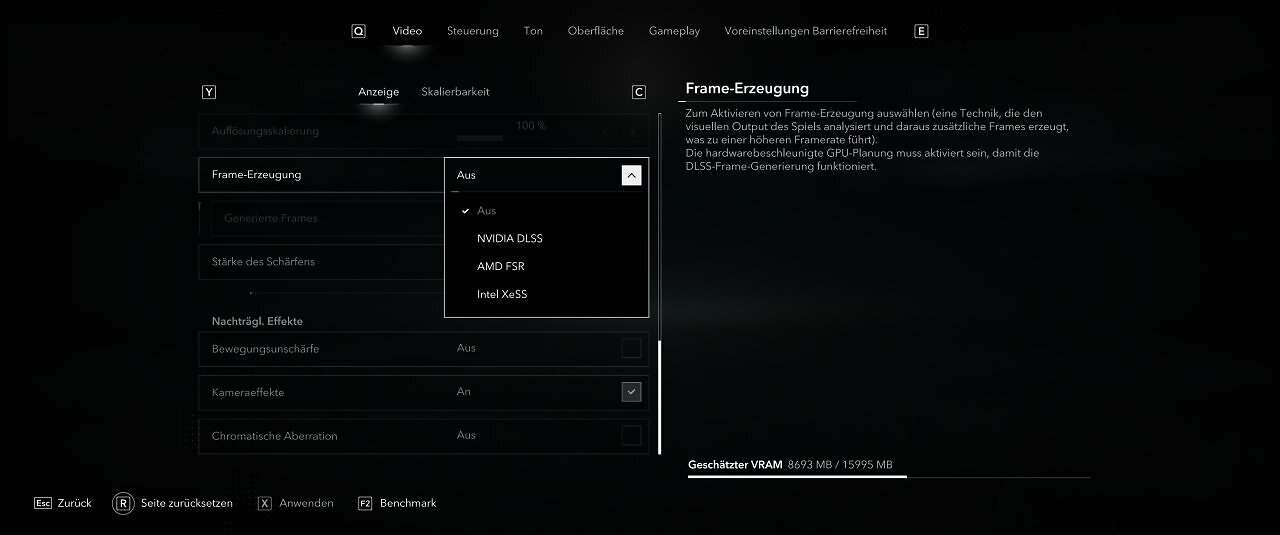
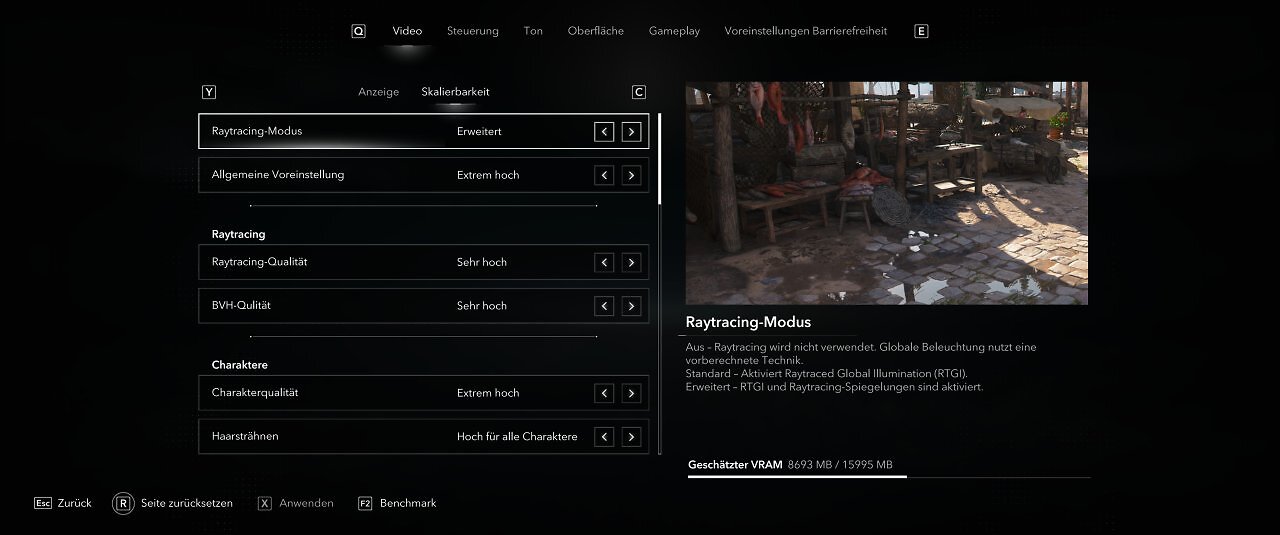
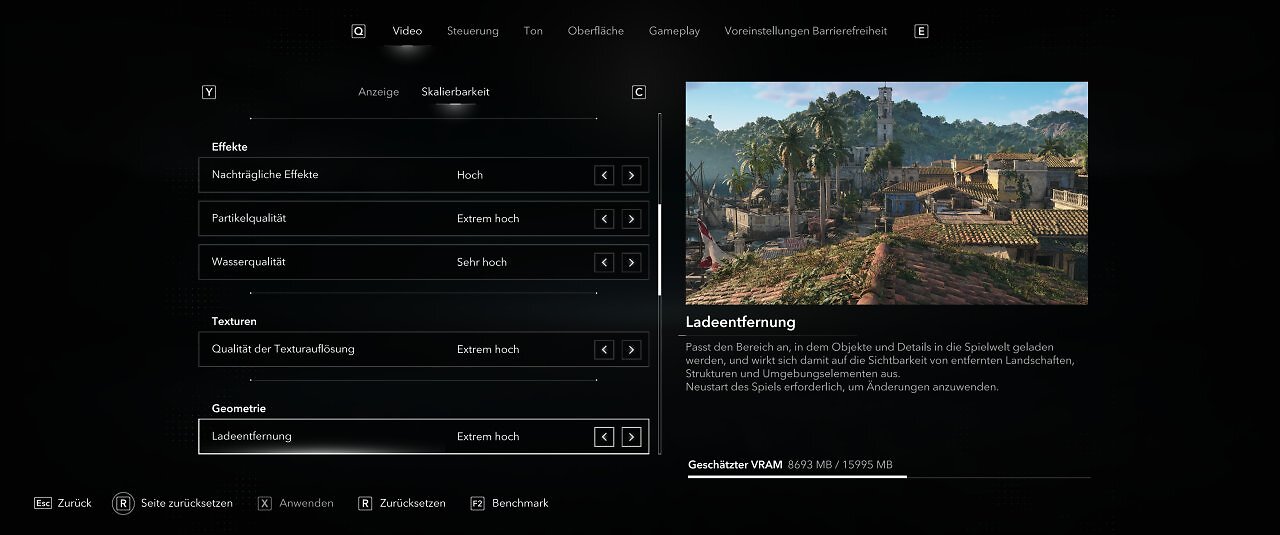
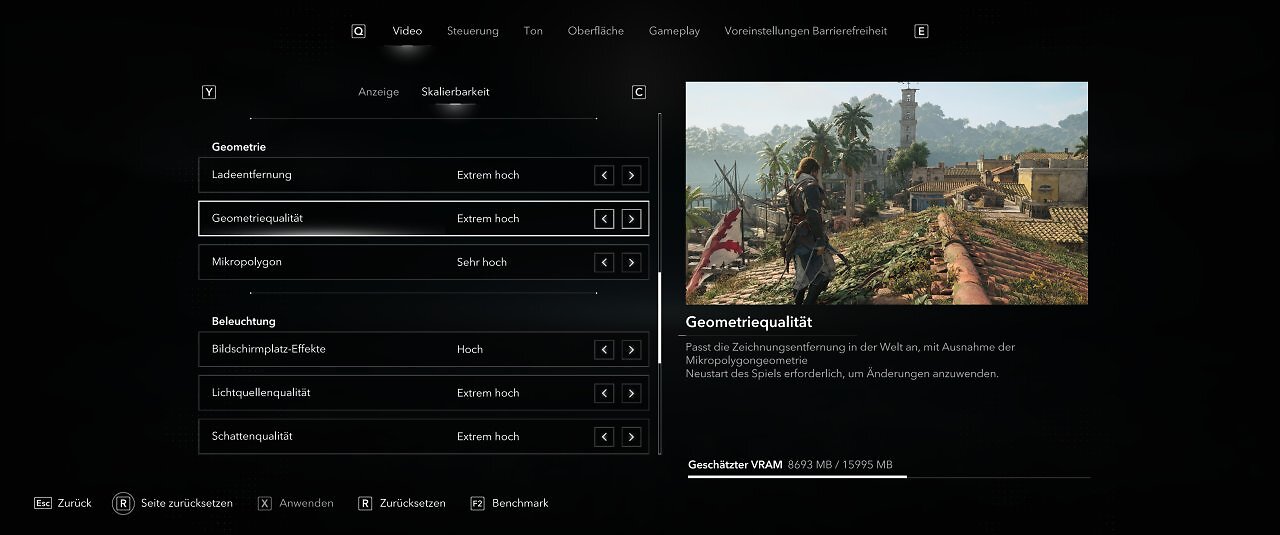
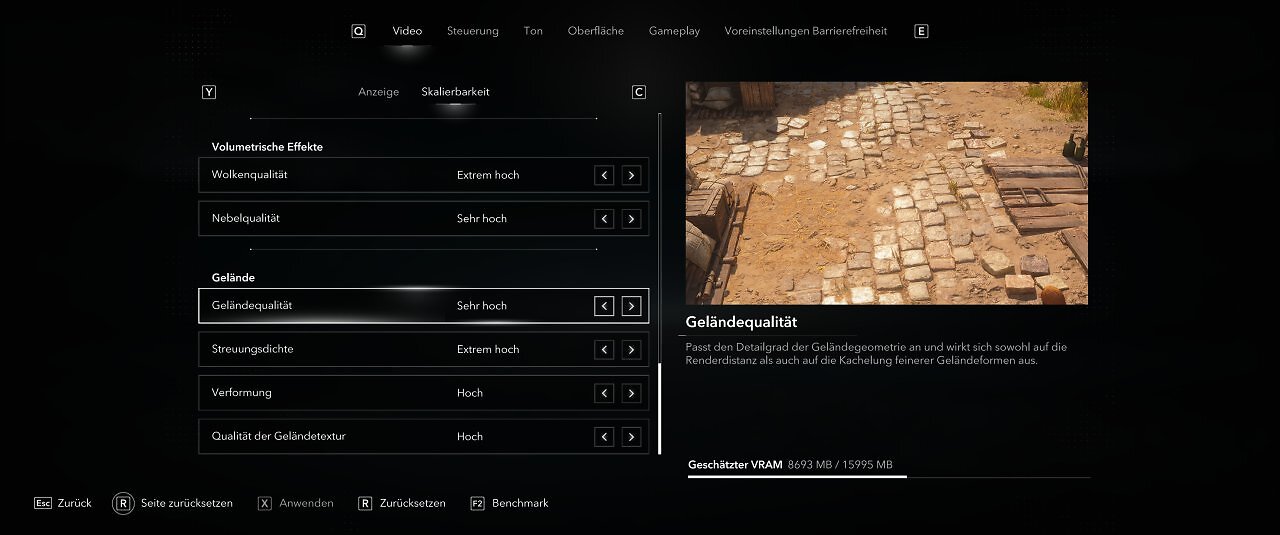
The graphics menu is impressively comprehensive and offers not only a wide range of options and toggles—complete with descriptions and sample images—but also an above-average number of graphics presets. In addition to detail levels for PCs, there are also options available for PC-based handhelds. Furthermore, the upscaling methods DLSS, FSR, and XeSS, as well as the manufacturers' respective frame generation technologies, can be enabled. Language, subtitles, controls, and the user interface can also be customized and adjusted in various ways.
Detail Scaling with Mid-range GPUs
We conducted several performance tests using current mid-range GPUs and examined the performance costs of the individual detail levels as well as ray tracing. The GPUs used were the AMD Radeon RX 9060 XT 16GB, the Nvidia Geforce RTX 5060 Ti 16GB, and the Intel Arc B580 12GB. We measure at native Full HD resolution without upsampling or frame generation; all three GPUs must handle the same computational load.
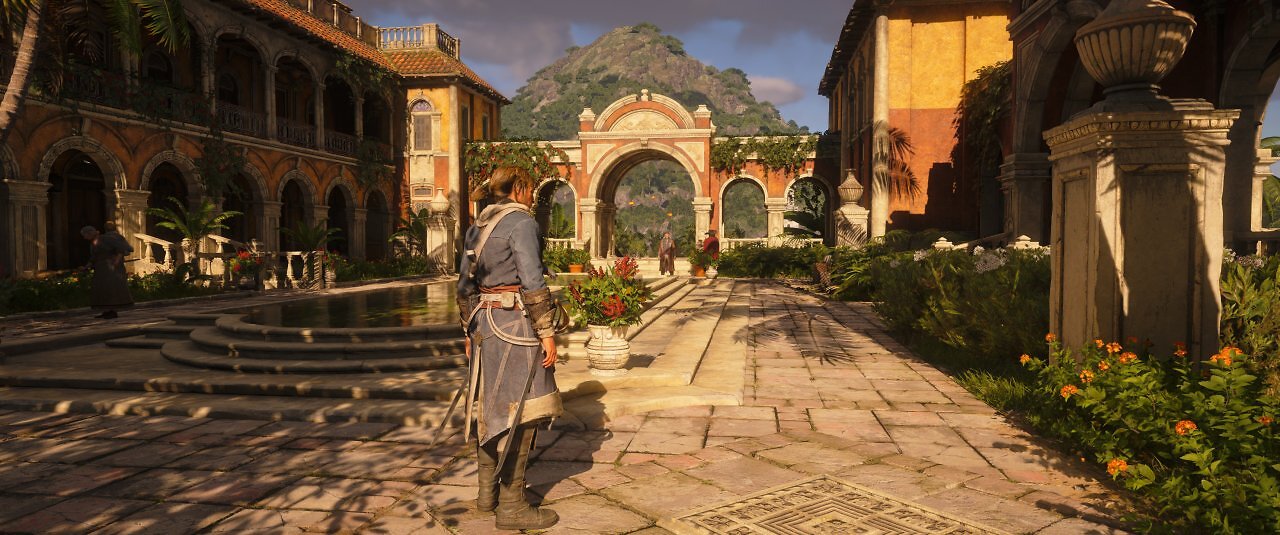
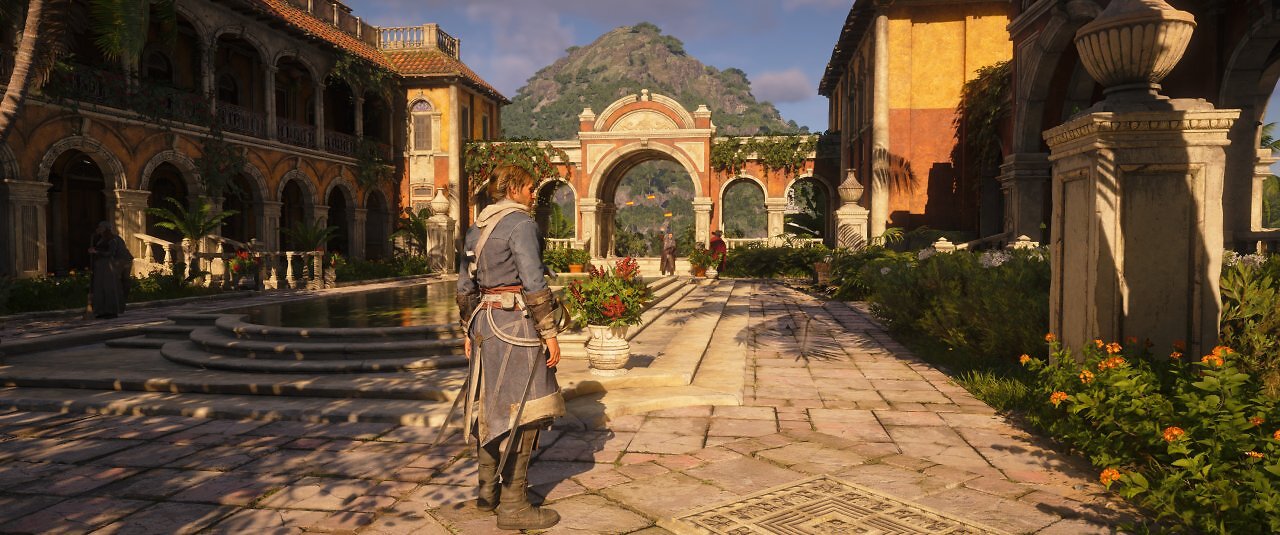
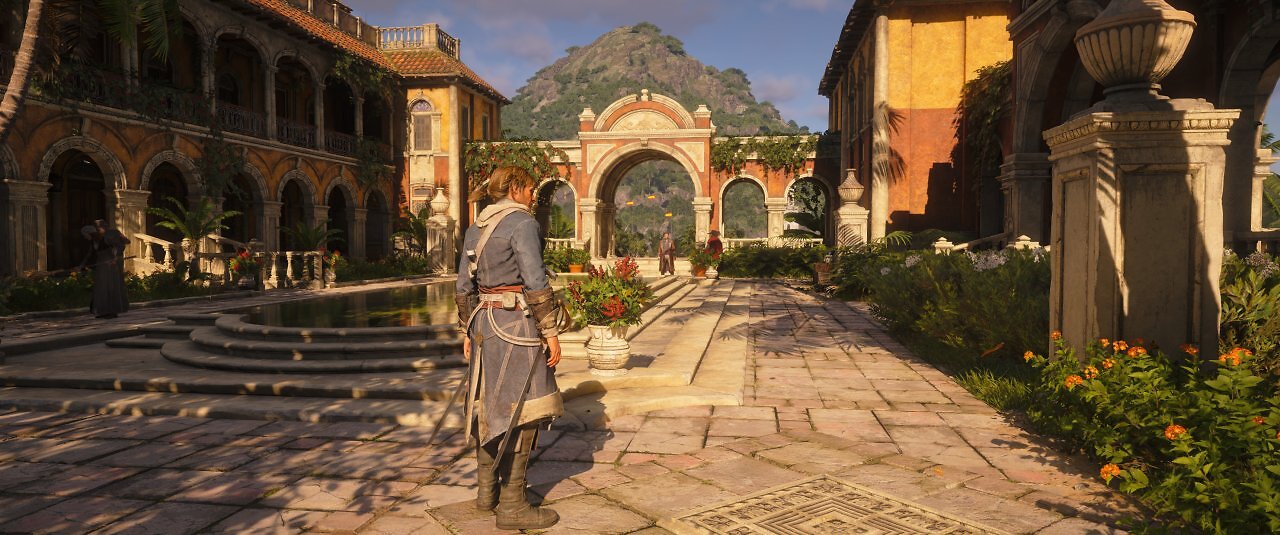
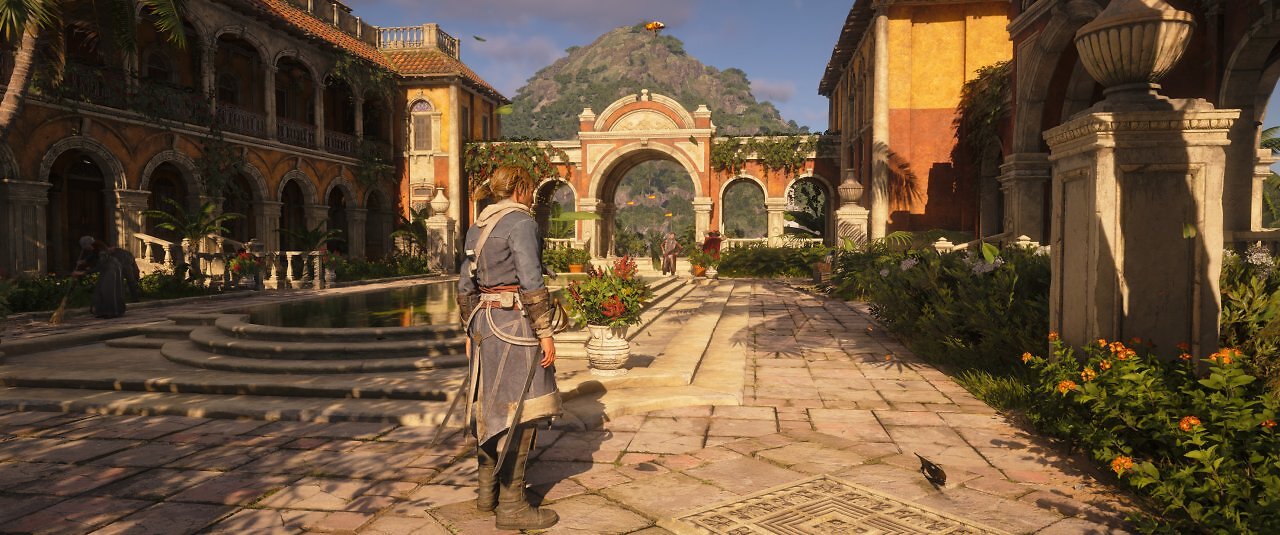
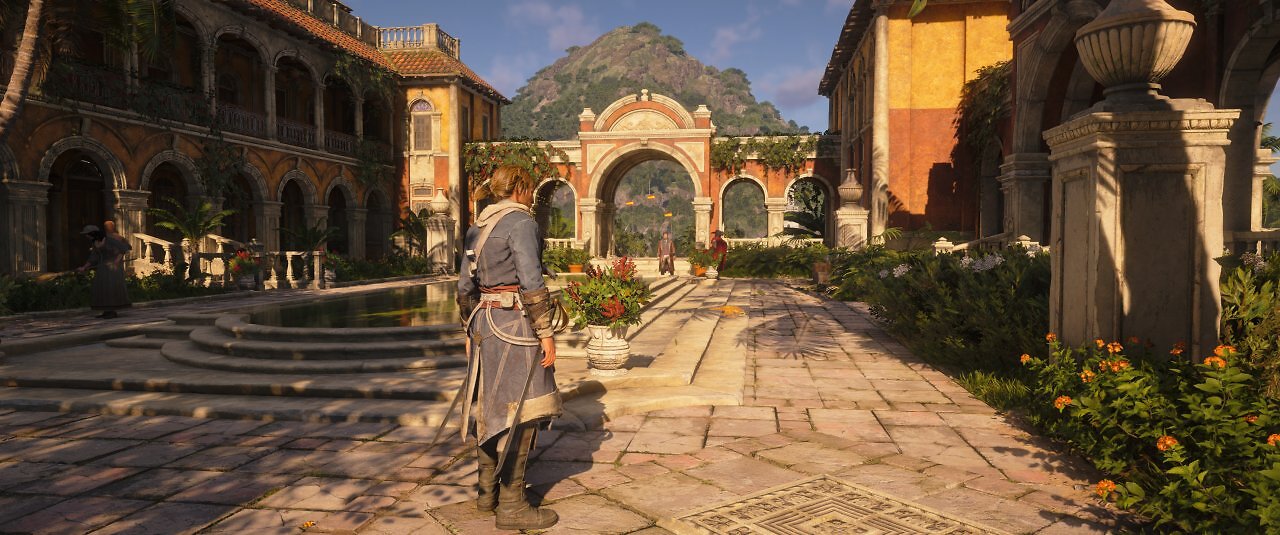
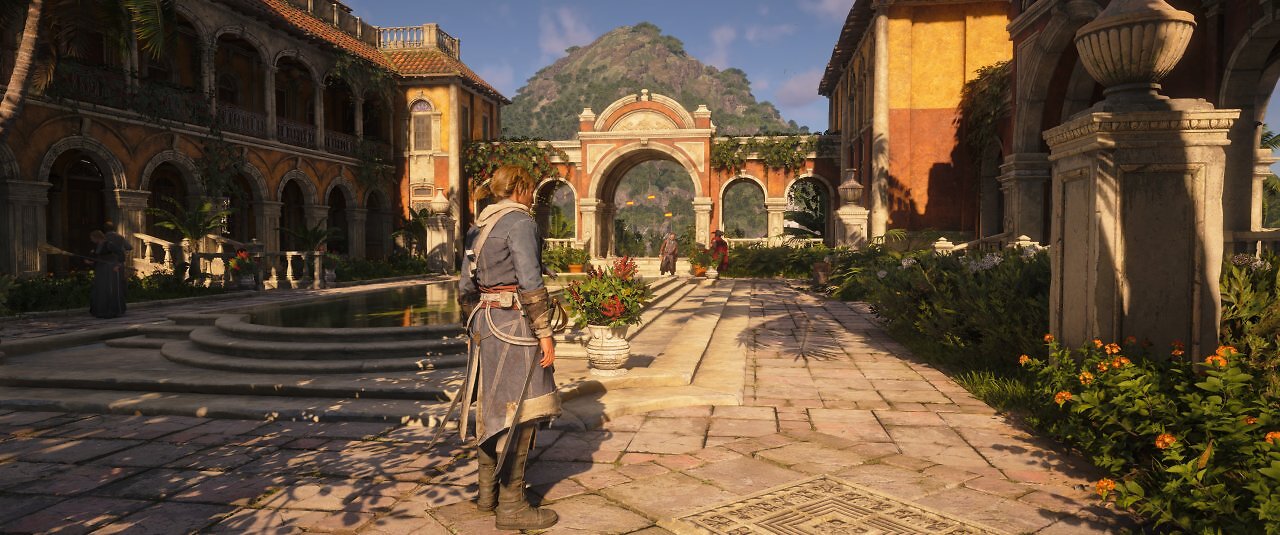
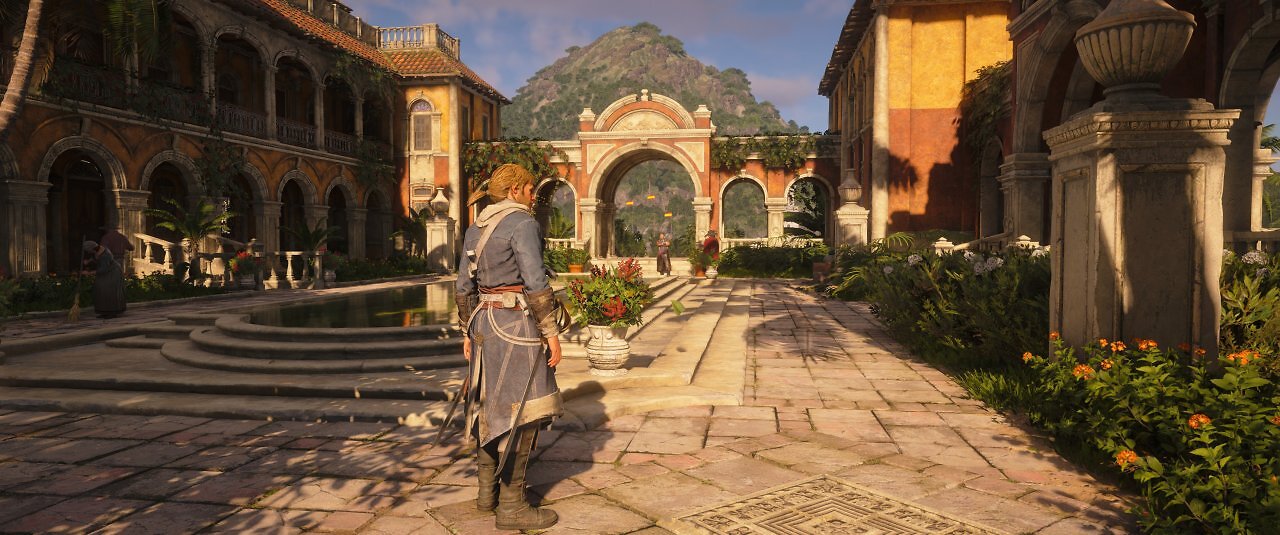
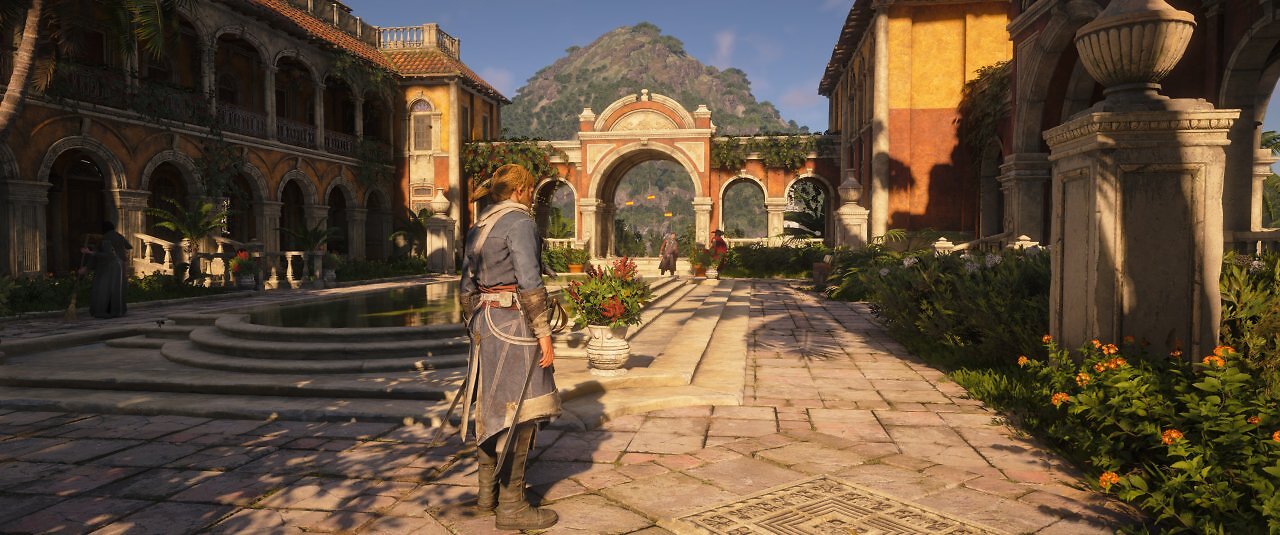
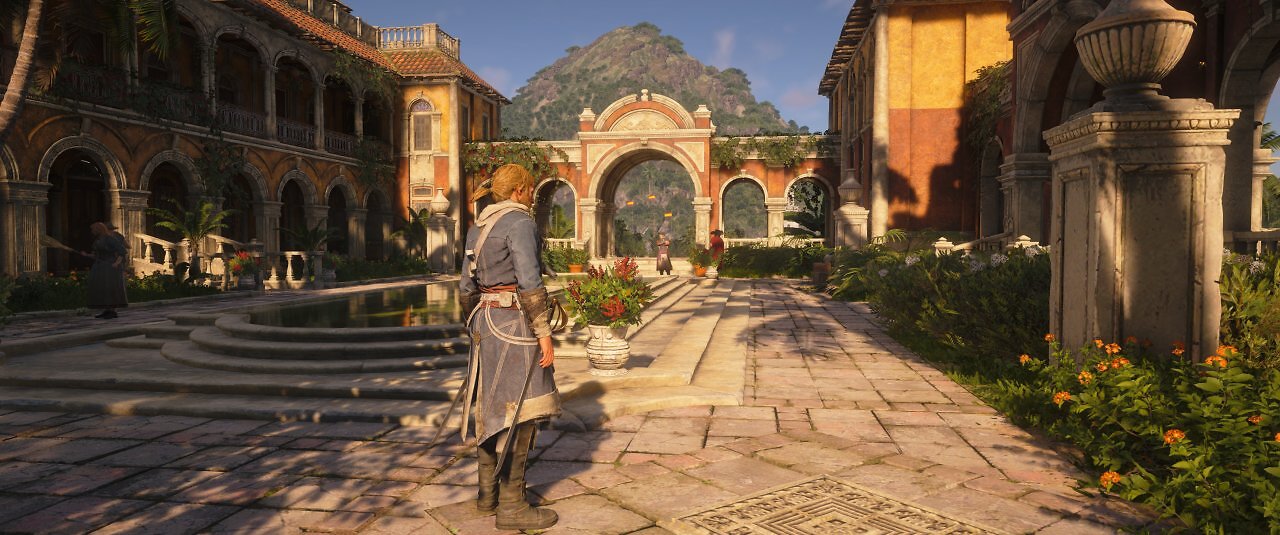
It's important to note that Intel's Arc B580 isn't in the same performance class as the RX 9060 XT and RTX 5060 Ti; rather, it generally falls slightly below them. Moreover, the B580 is equipped with only 12 GiByte VRAM, while the RTX 5060 Ti and RX 9060 XT models reviewed here feature 16 GiB. However, Intel's B580 (starting at approx. 260 euros) is also in a different price range than the Radeon RX 9060 XT 16GB (starting at approx. 380 euros) and the RTX 5060 Ti 16GB (starting at approx. 530 euros), which is once again significantly more expensive.
In our GPU Performance Index, the Arc B580 scores 29.3 percentage points in Full HD, the RX 9060 XT/16G scores 40.1, and the RTX 5060 Ti scores 41.6. Compared to the RTX 5060 Ti/16G, the Arc B580 is generally about 40 percent slower—in raster graphics. In our ray tracing index, however, the Arc B580 and RTX 5060 Ti are separated by 67 percent. In *Assassin's Creed Black Flag Resynced* with maximum details and maximum ray tracing, there is a performance gap of around 50 percent between the Arc B580 and the RTX 5060 Ti/16G. The RTX 5060 Ti and RX 9060 XT perform very similarly and scale almost identically across the detail levels; Intel's Arc B580 lags slightly behind in some areas—perhaps a driver update could squeeze a bit more performance out of Intel GPUs here; neither the currently available GeForce nor Intel drivers are "Game Ready" yet.
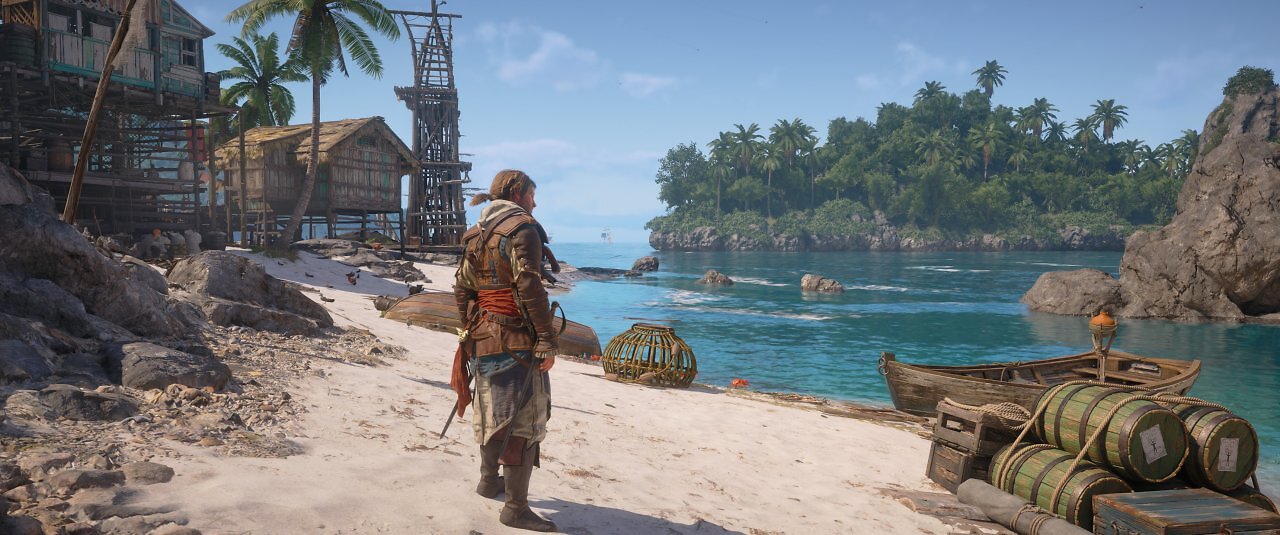
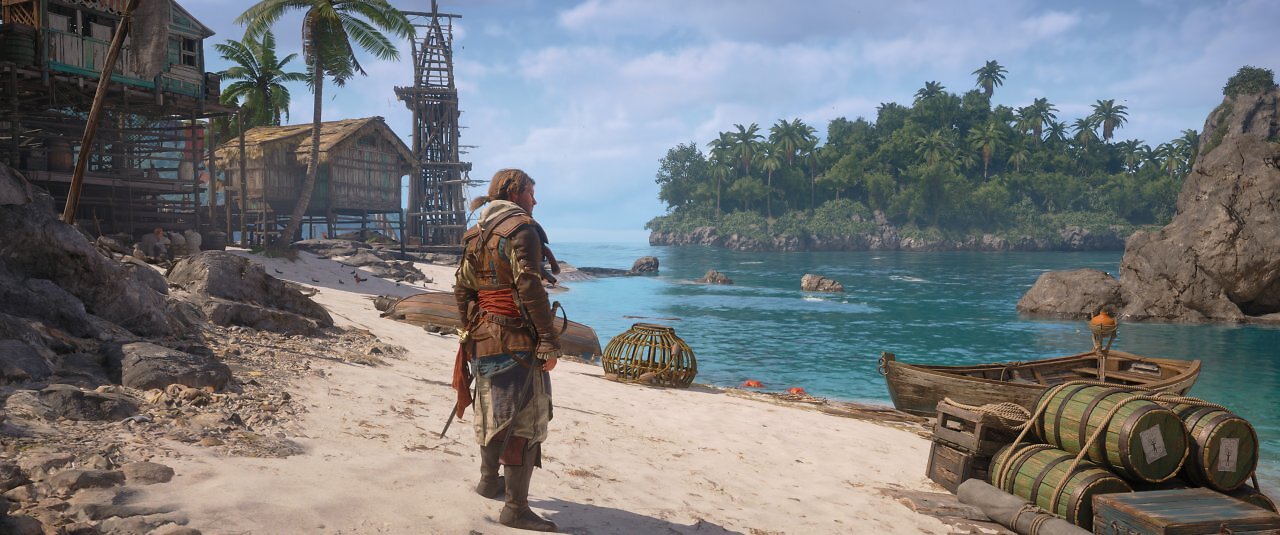
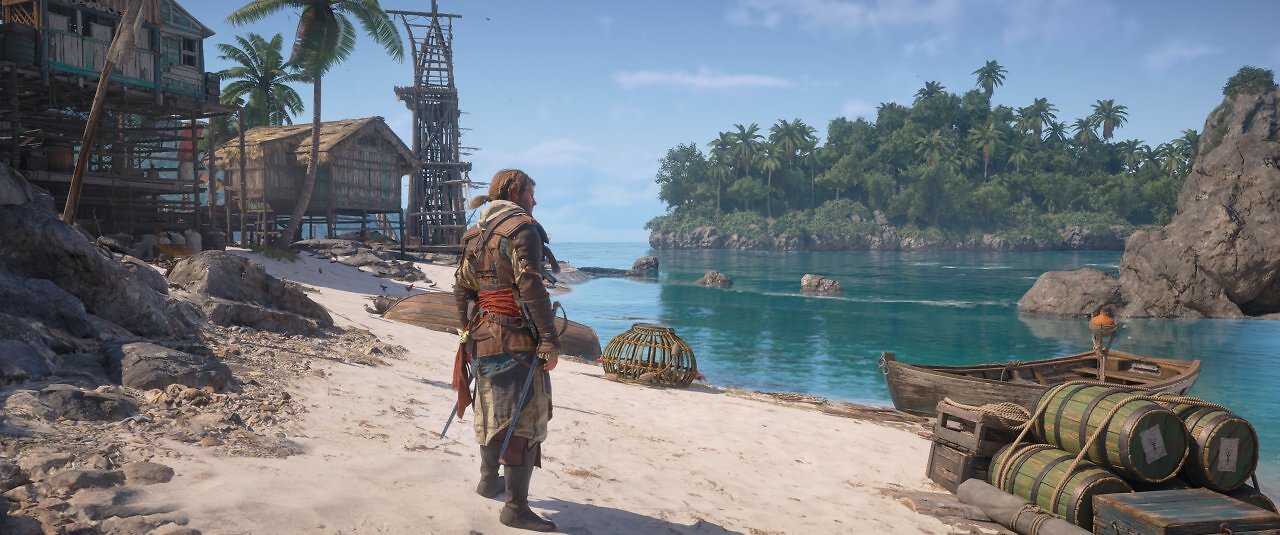
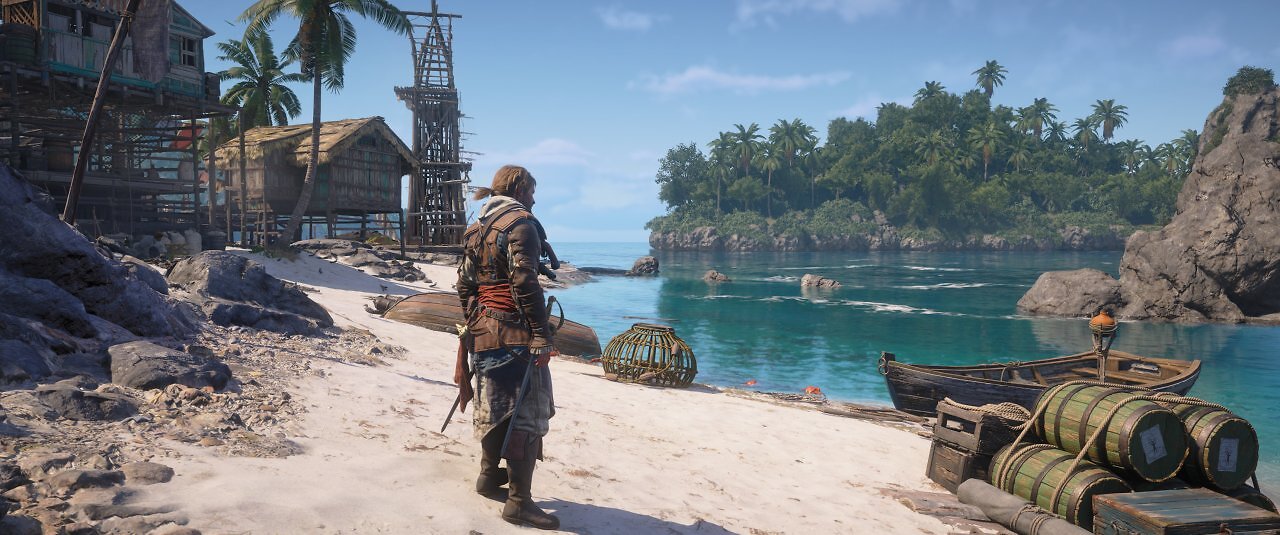
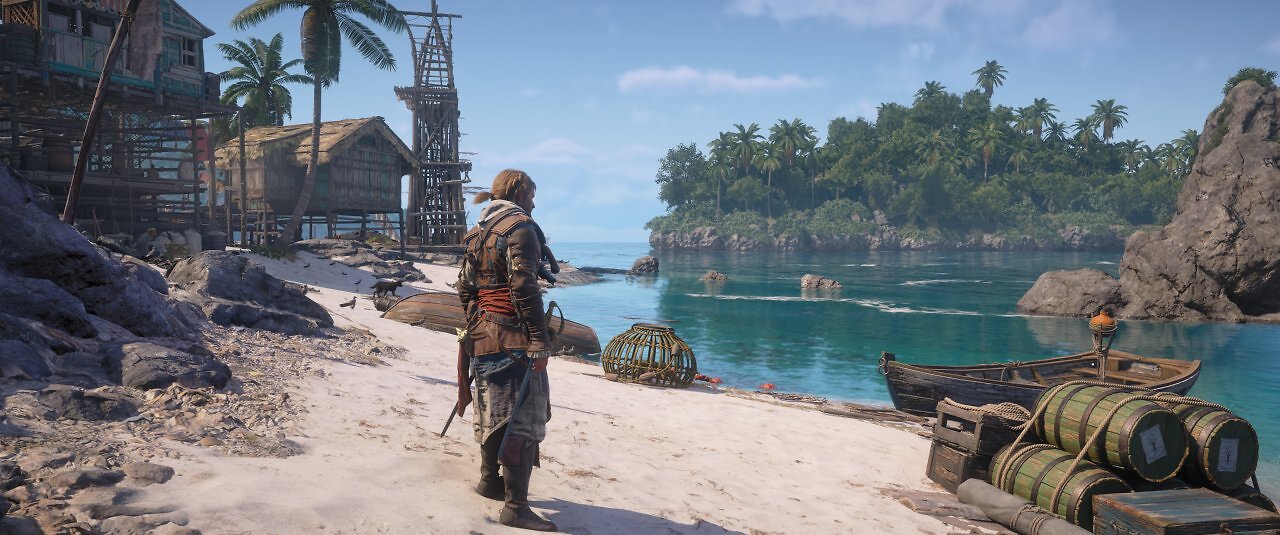
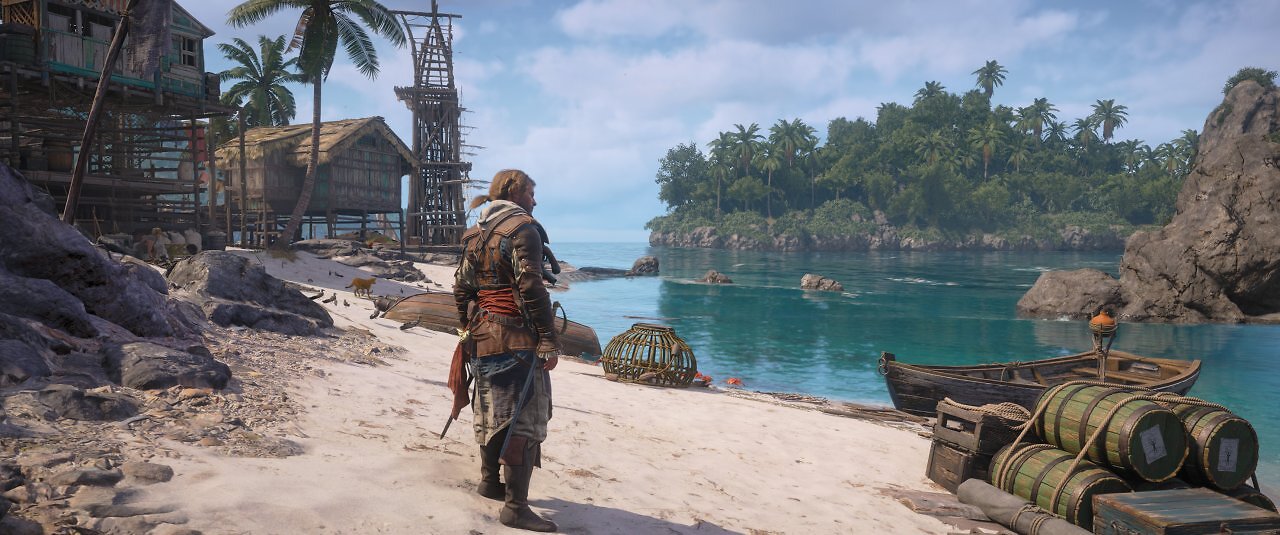
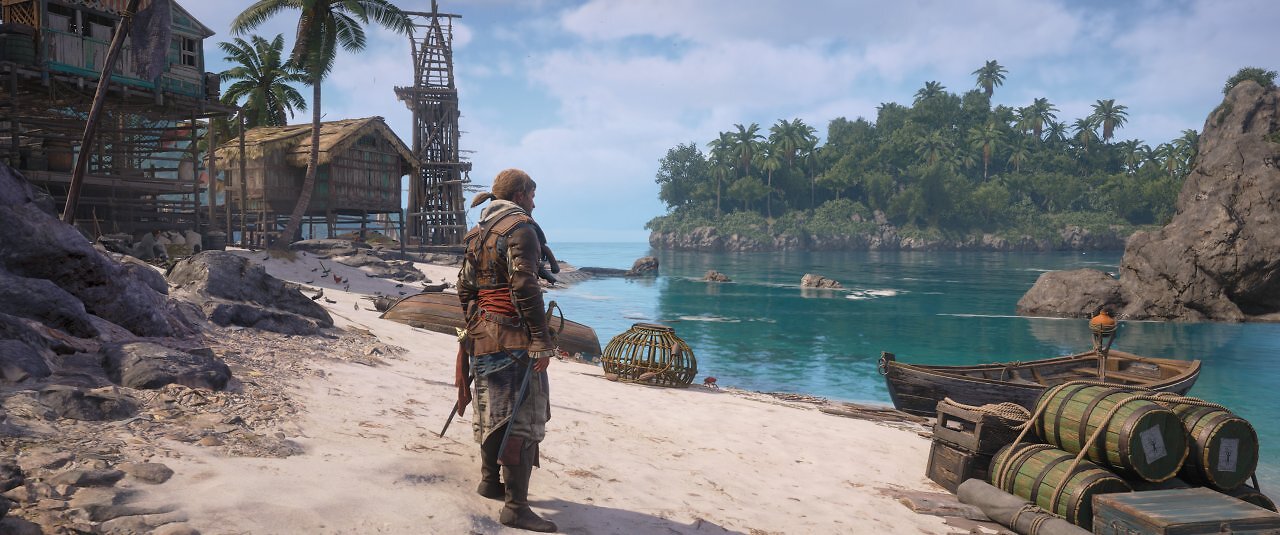
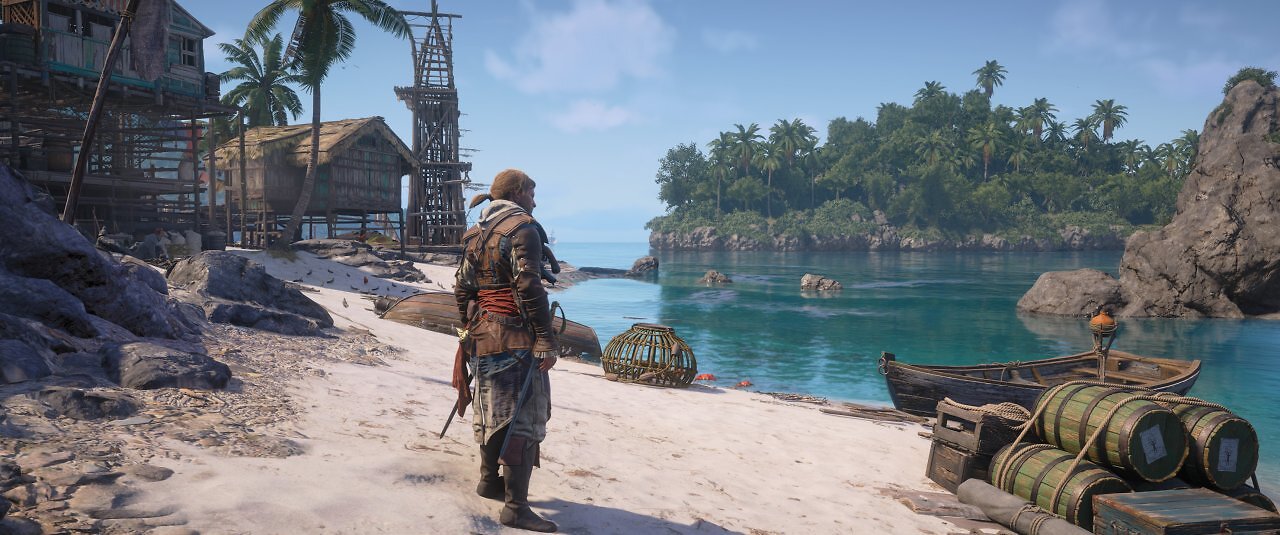
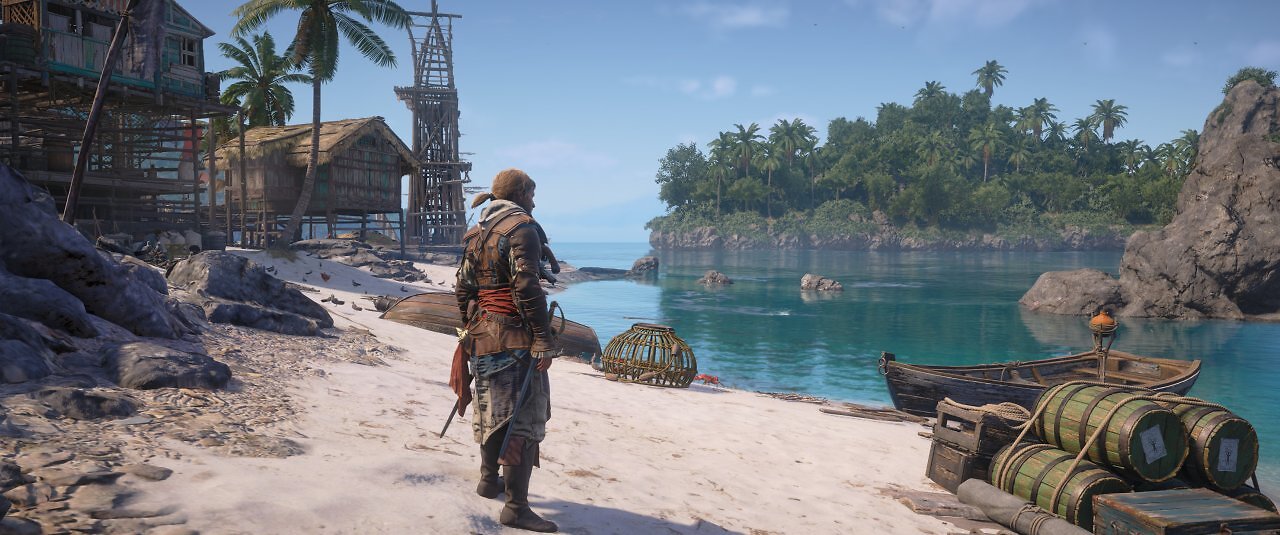
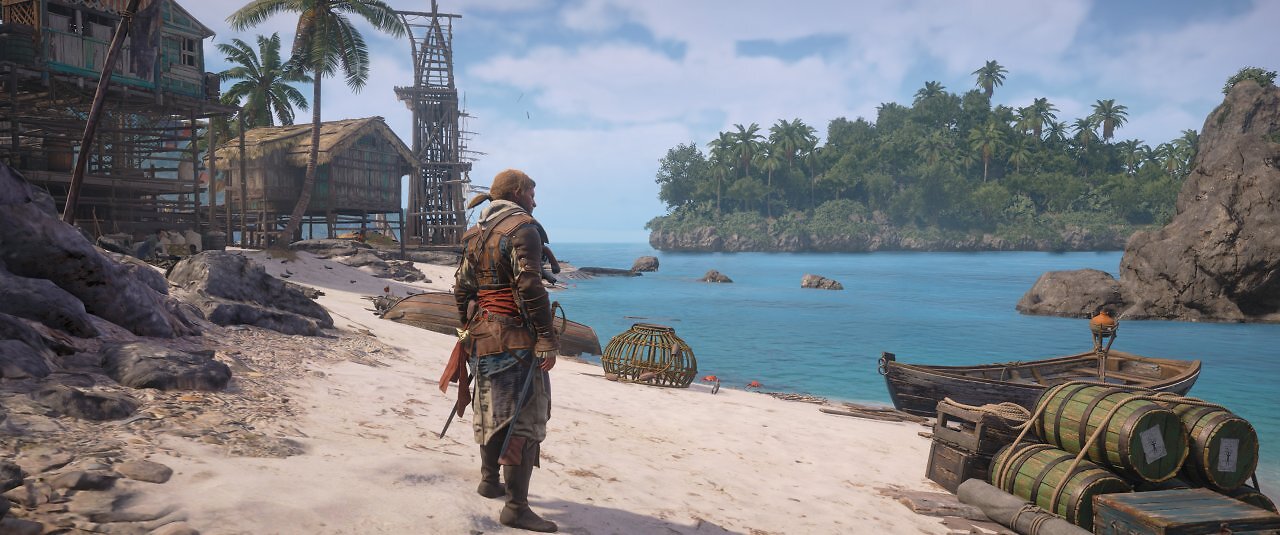
The highest detail levels—the terrain quality can be further improved as a separate option by selecting the "Ultra High" preset—along with enhanced ray tracing at the highest quality setting, consume only slightly more performance than the highest "Ultra High" preset. However, the differences in quality are also not significant. The differences between enhanced ray tracing (GI plus reflections), standard ray tracing (GI only), and no ray tracing, on the other hand, are quite noticeable. GI, in particular, makes the environments appear much more realistic and dynamic than the legacy pre-baked lighting. Since ray tracing is quite efficient, we recommend enabling at least the standard level, as long as performance and memory allow.
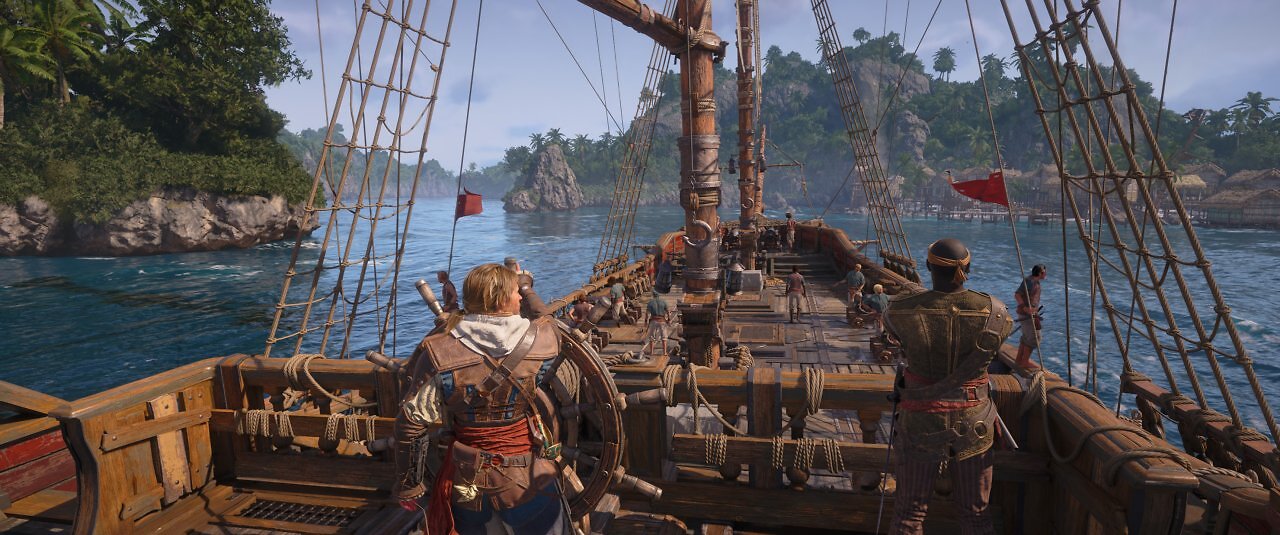
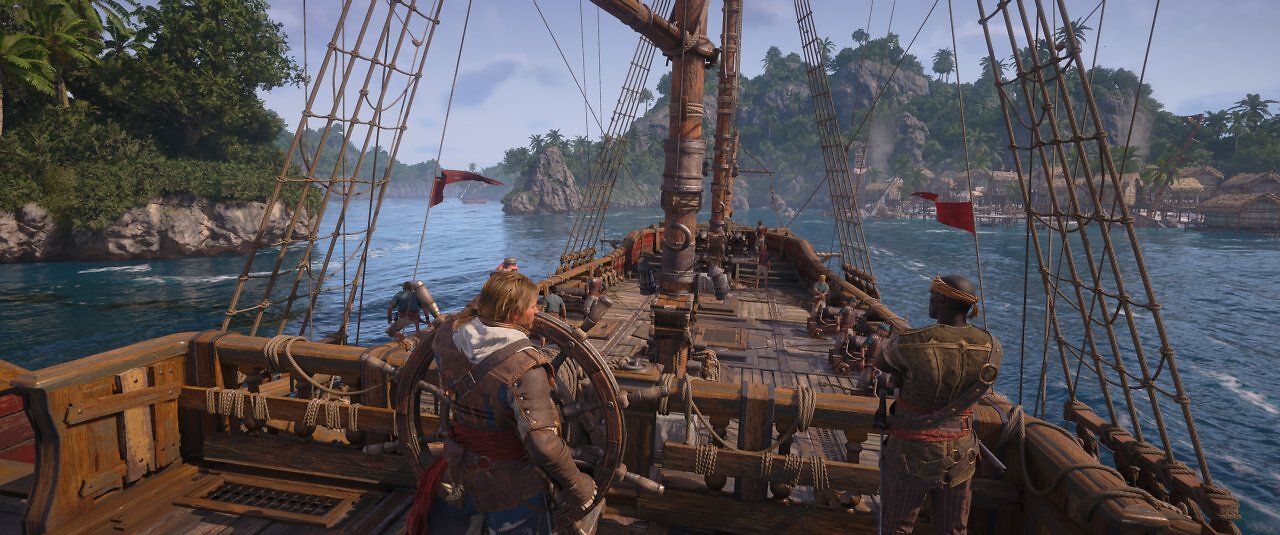
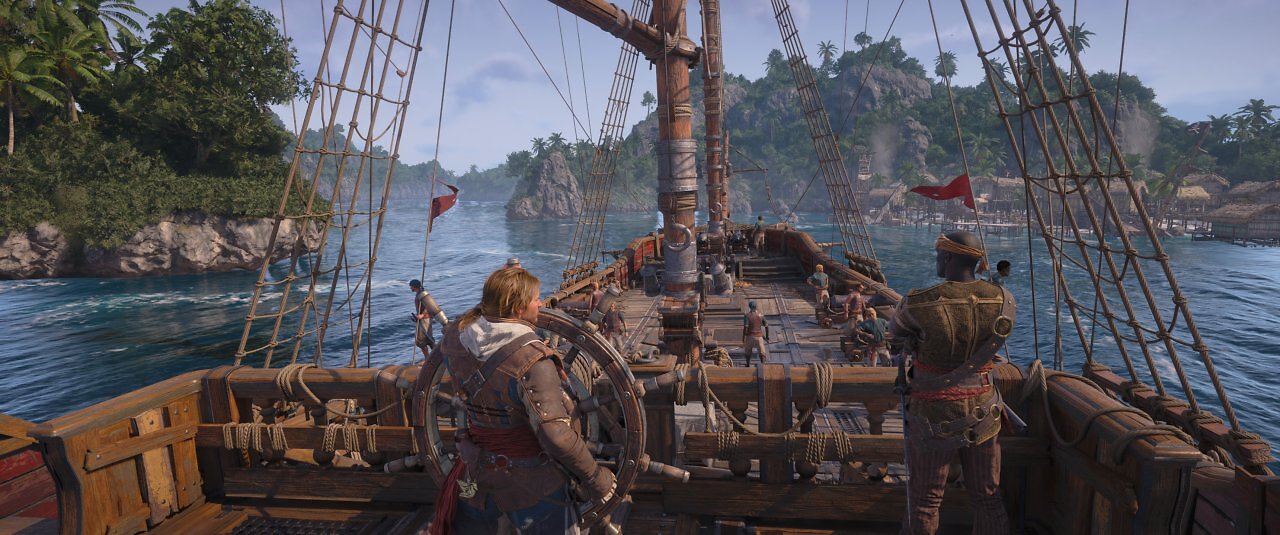
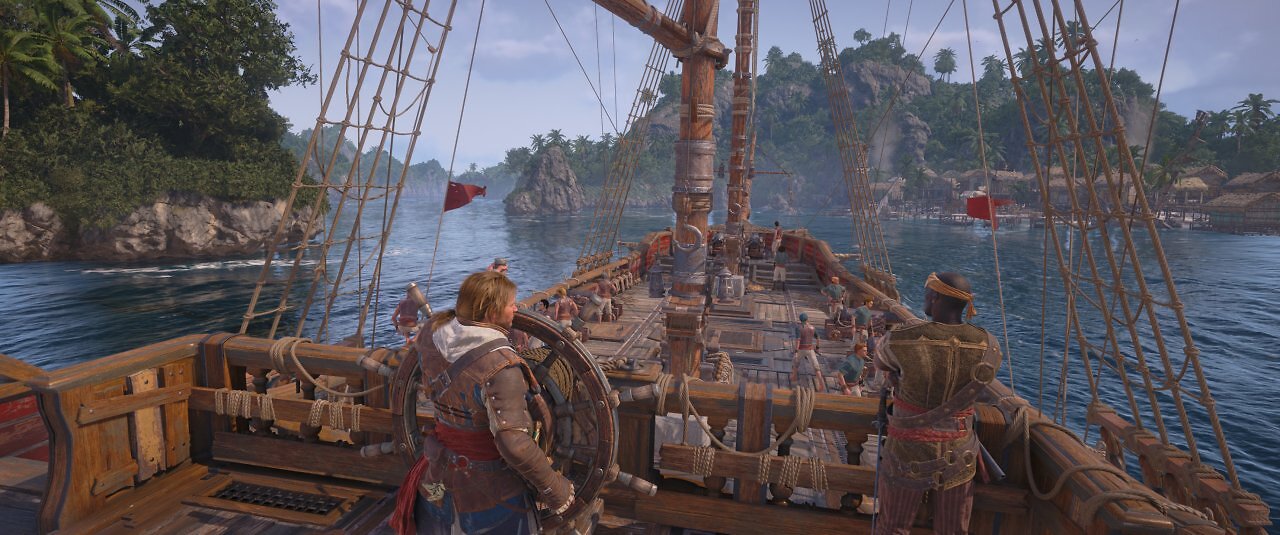
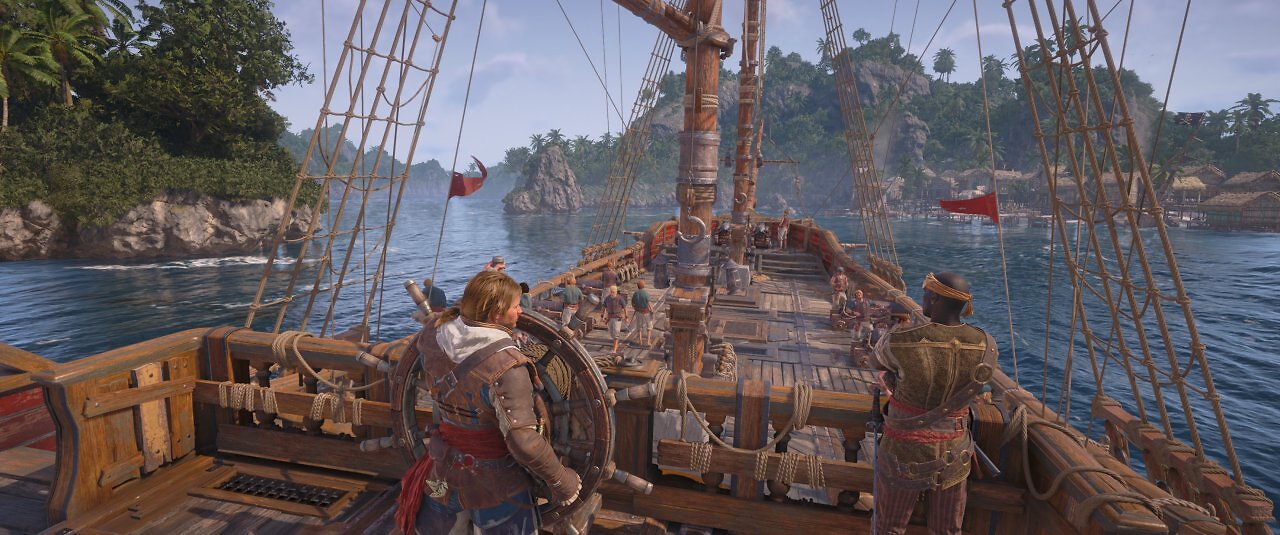
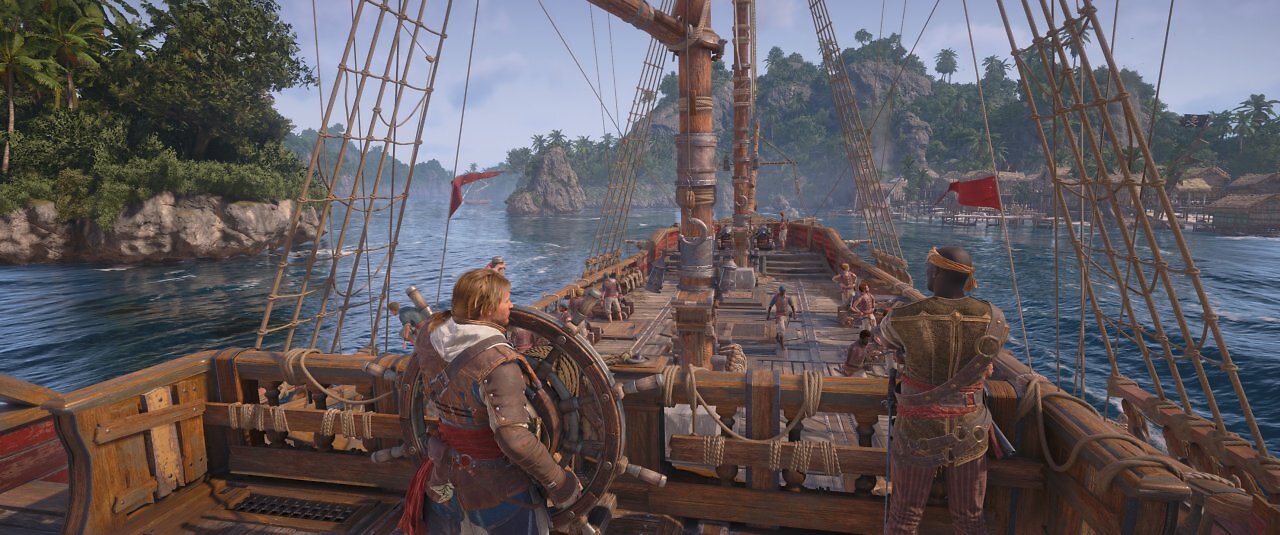
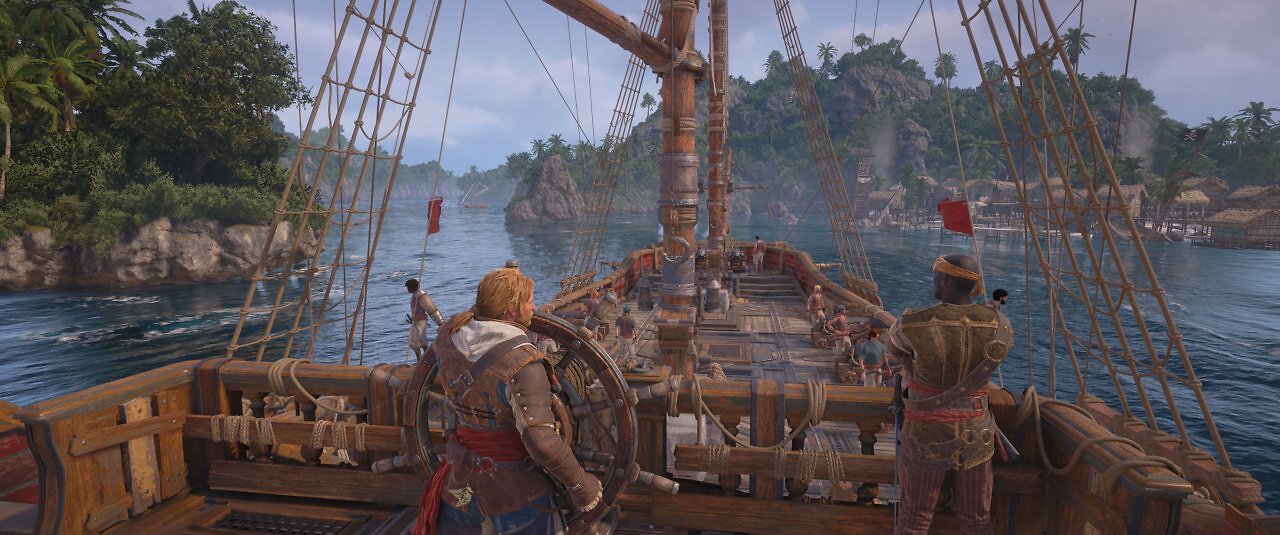
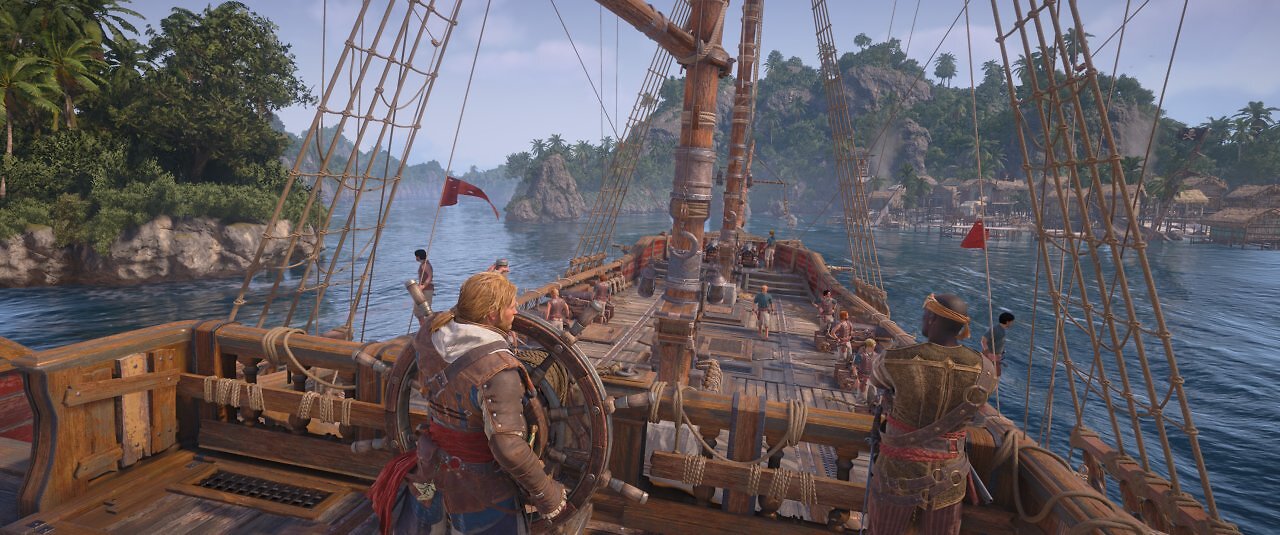
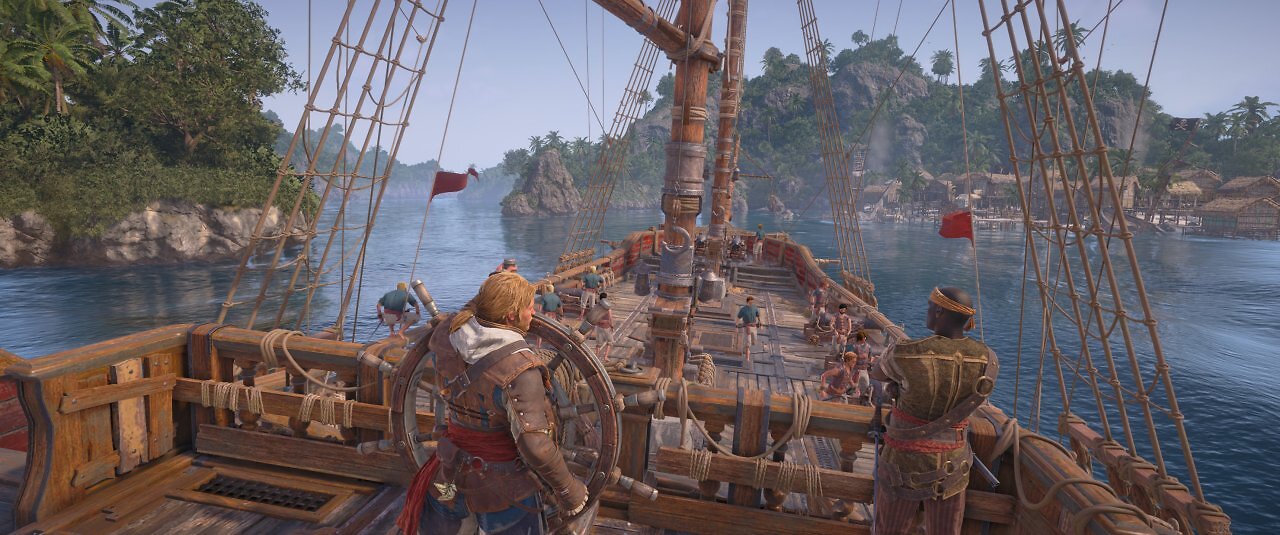
However, ray tracing and the highest detail settings require additional memory. With 12 GiByte, there are no issues yet in Full HD, but with 10 GiByte, it gets tight. Memory requirements increase at higher resolutions, though not to the same extent as with some other titles. In Full HD, the RTX 5060 Ti/16G averages 8.4 GiB of memory usage in the complex environment of Havana at maximum detail and the highest ray tracing setting. Without RT and using the "Ultra High" preset, it averages 7.6 GiB. The medium detail setting uses 5.3 GiB, and the lowest preset uses 4.5 GiB. Now let's move on to our regular GPU and CPU benchmarks.