Auto Dark/Light Mode
Per E-Mail versenden
[10/09/2015] Workstation Player Schritt 7: Im folgenden Dialog legen Sie das ISO als Installationsquelle fest. Zudem können Sie noch den Arbeitsspeicher anpassen.
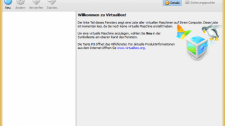
![[10/09/2015] Workstation Player Schritt 7: Im folgenden Dialog legen Sie das ISO als Installationsquelle fest. Zudem können Sie noch den Arbeitsspeicher anpassen.](/screenshots/1280x1024/2015/09/wp6-pcgh.png)